A new year is here. And it’s time for new adventures and new experiences.
But, first, I need to lay out my plans. As always, my goals are never entirely set in stone. Circumstances and events—basically, just life itself—will always change how the year unfolds. Because I cannot see into the future, I have no clue what 2024 truly holds in store for me.
But that doesn’t mean that I’m not nailing down any guideposts along the path ahead. So let’s just start stepping forward.
Health and Fitness
In the latter half of 2023, I got a bit of a health wakeup call. I’ve been putting in the work toward getting myself in good health. But there is so much more to be done. That’s why this goal is front and center this year.
Some of my specific goals are:
- Get to and maintain a bodyweight below 210 lbs. (I’m tall with a large frame, so this is a “skinny” weight for me).
- Keep my blood pressure, blood sugar, and cholesterol in normal ranges.
- Move down to an extra-large t-shirt size (or large-tall).
- Boost my fitness regimen (currently walking at least 30+ minutes/day).
- Get to the point where I can reduce/eliminate some of my meds.
The biggest thing for me is finding balance. I’m not going to immediately jump into full powerlifting mode or begin running 5K races. I need to gradually build up to a fitness routine that is actually maintainable for me and for the long haul.
I will also continue to work on finding new and exciting recipes. I love all kinds of food, but I still need to find more variety with my current diet. Again, this is all about building a health framework that I can maintain. I’m certain there’ll be some challenges along the way, but I’m motivated to meet and overcome them. Don’t be surprised if I publish a health cookbook in a few years. 🥗 🫘 🍌 🥩
Reading
I’ve already set my 2024 Goodreads Reading Challenge: 50 books.
In the past, when I’ve set huge reading challenges, I’ve always failed. Well, can reading in any form be considered a failure? At the very least, I didn’t always hit my numbers.
It could be a tough year to wrap up 50 books, considering that I’m planning to re-read all four of the existing Stormlight Archive books before Wind and Truth’s release in late 2024.
Regardless, this is a challenge that’s more about the journey. It never hurts to have a destination in mind, though.
Creative Pursuits
I will refocus on my art this year. Over the past week, I’ve already begun my latest painting. I don’t know when it’ll be finished, but it’s coming along. And I am looking forward to unveiling the finished project to the world.
I have a fluid/pour painting idea that I want to experiment with. Outside of that, I don’t have any specific plans—not so great for a “plans/goals” post, Justin.
In 2023, I wasn’t in the right headspace for most of the year. I truly believe that I’m getting back on track now. And I don’t want to look back on 2024 and regret those missed opportunities to create something meaningful.
Learning Spanish
Well, learning whatever they teach me via the Duolingo app.
I took two years of Spanish in high school, but I’m afraid most of that hasn’t stuck with me. Honestly, I think it’d be cool just to have a conversation with my team lead in his native language by the end of the year.
I’m currently on a 23-day streak of doing my lessons, so this has already started forming into a habit. My goal is to extend this streak for an entire year.
Personal Finance
Should I go big and shoot for $300K in net worth this year? Of course, I cannot control every aspect of this because I do not control the stock market. I’m fairly certain I’ll hit $200K in the next month or so, at least.
My biggest goals are things that I can control:
- Max out my 401K, HSA, and IRA.
- Pay off the remaining ~$10K of my student loans.
- Continue to pay down my other debts monthly: mortgage and lawn mower.
- Save 1% of my property’s value for future repairs (I do this yearly).
- Build up a few remaining savings goals.
- Don’t fall prey to lifestyle creep.
All of those things combined—along with a good year in the market—could get me close to that $300K mark. Even if I don’t hit it, I have some clear milestones that are very much achievable.
Garden and Food Forest
I haven’t really started planning much for the garden and food forest this year. Mostly, I have some vague, general plans. But it will be a priority that fits alongside my health and fitness journey.
For the garden, I will grow tomatoes. That’s a given. My big focus this year is going to be on peas since they would be an integral part of my diet. But I’d also like to get various greens in the ground early this year to help cut the costs of my daily salad.
I honestly haven’t figured out which trees, bushes, and other plants to add to the food forest this year. I’ll have $400 saved for this project by February (a good time to plant new trees in Alabama). The funding is there. I just need to figure out what I’ll try to find.
I have a running list of things that I either want to get or need to research for my climate, broken down by category:
Fruit Trees
- Pawpaw
- Loquat
- Nectarine
- Apricot
- Mulberry
- Juneberry
- Mayhaw tree
- Pomegranate
- Kousa dogwood
- Pineapple guava (Feijoa)
- Serviceberry
- Quince
- Sugarberry (Southern hackberry)
- Jujube
- Aprium
- Nectaplum
Nut Trees
- Pecan
- Chestnut
- Black Walnut
- Hazelnut
Fruit Bushes/Shrubs/Vines/Other
- Raspberry
- Blueberry
- Strawberry
- Huckleberry
- American beautyberry
- Black currants
- Maypop (American passion fruit)
Previous years: 2023, 2022, 2021, 2020, 2019, 2018, 2013, 2009, 2008
]]>2023 has most definitely been a challenging year. So challenging that I failed to write about most of the ups and downs as they happened. I’m going to try my darndest to rectify this now. In a way, this year-in-review post is really multiple posts, wrangling some of the big events over these last 365 days.
So hunker down—maybe grab a snack—if you’re coming along for this ride. It’s a bit of a long one.
Table of Contents
Travel
I traveled to more places in 2023 than I ever have in a single year. That’s not saying much because I am a novice traveler.
In total, I hit three locations—two for work and one for fun. Unfortunately, I missed out on a trip to Spain, but it was still a big year for me. And it’s definitely taking some time for this homebody to get used to being on the move.
Bristol, England
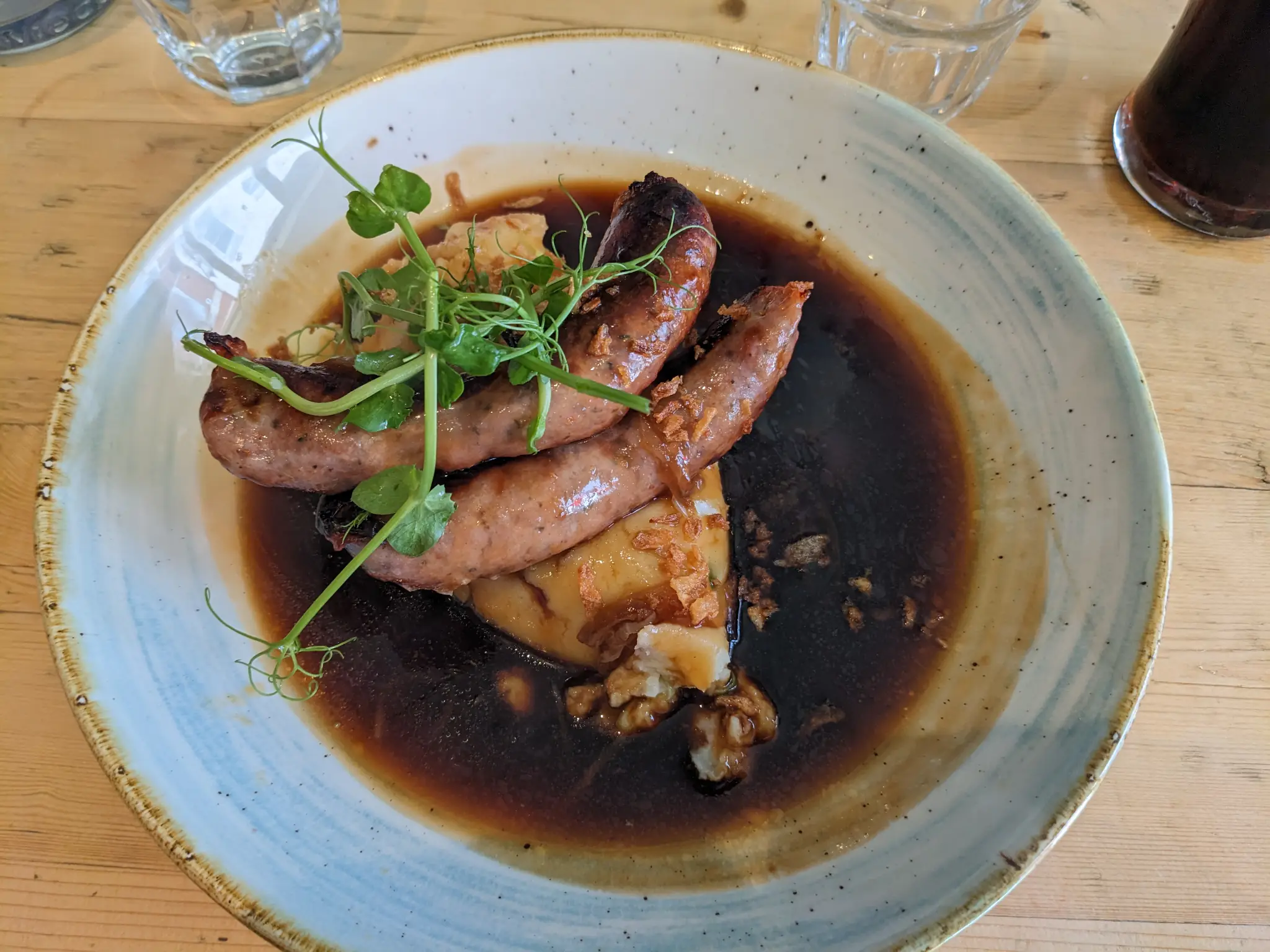
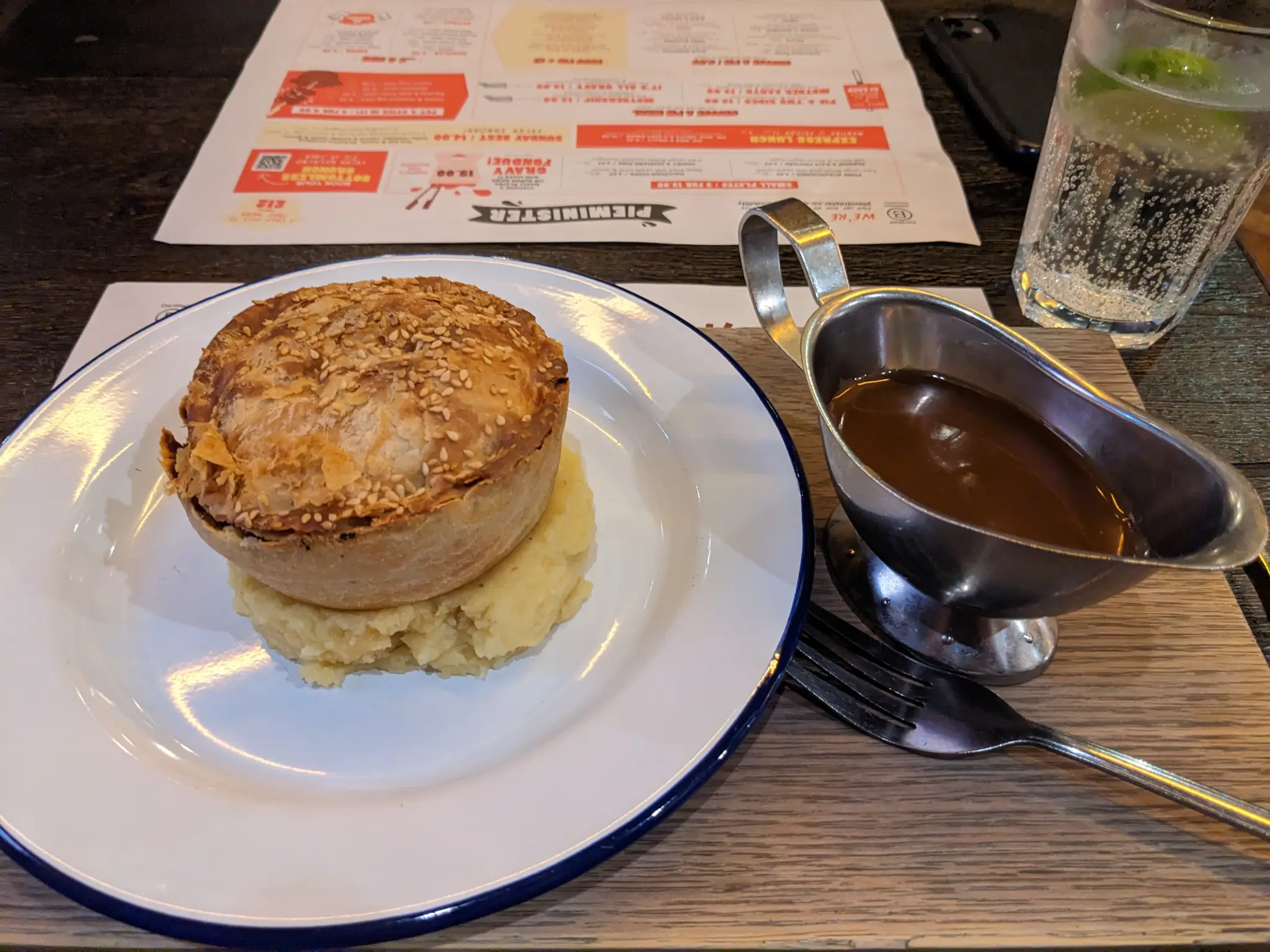
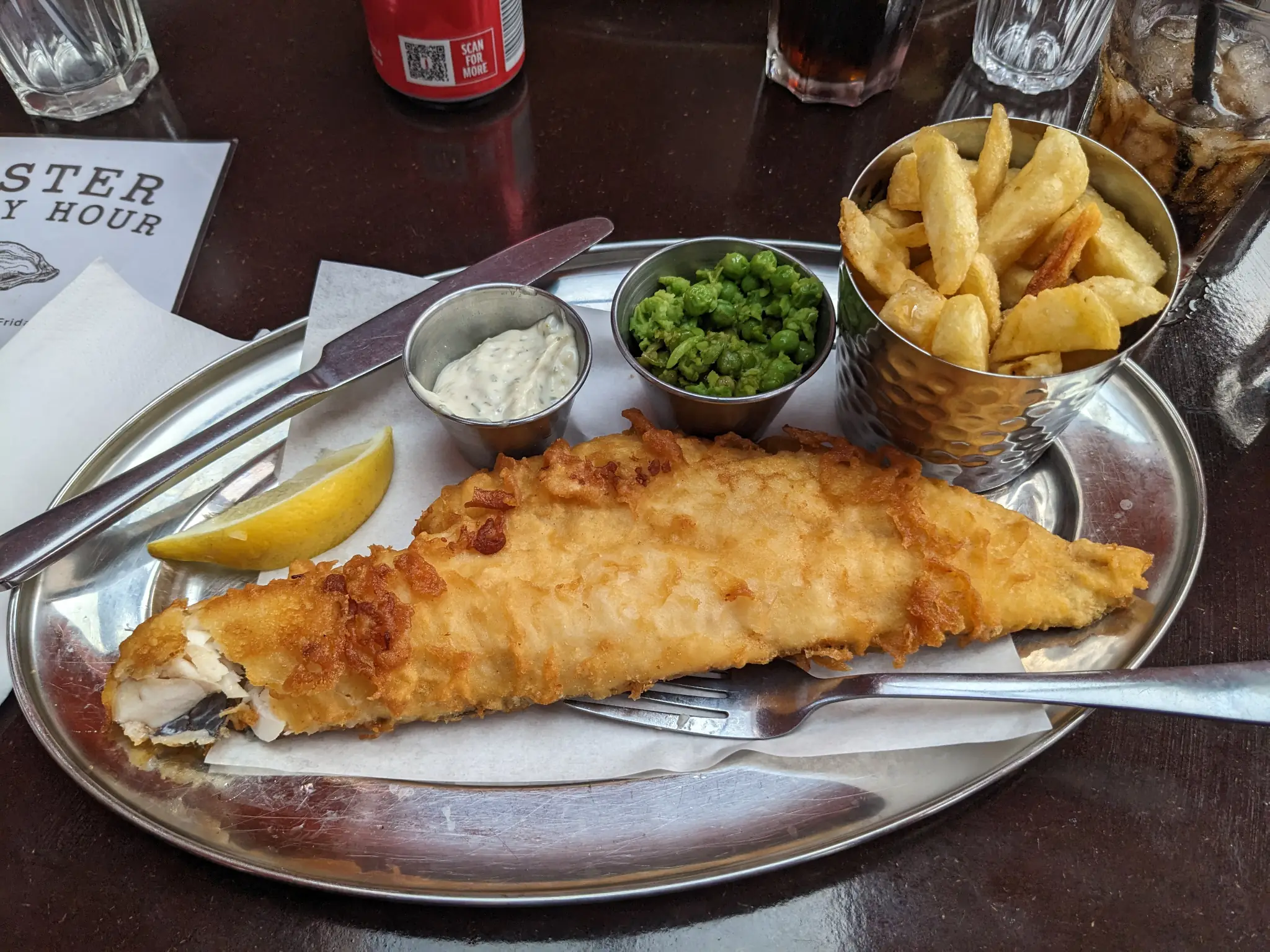
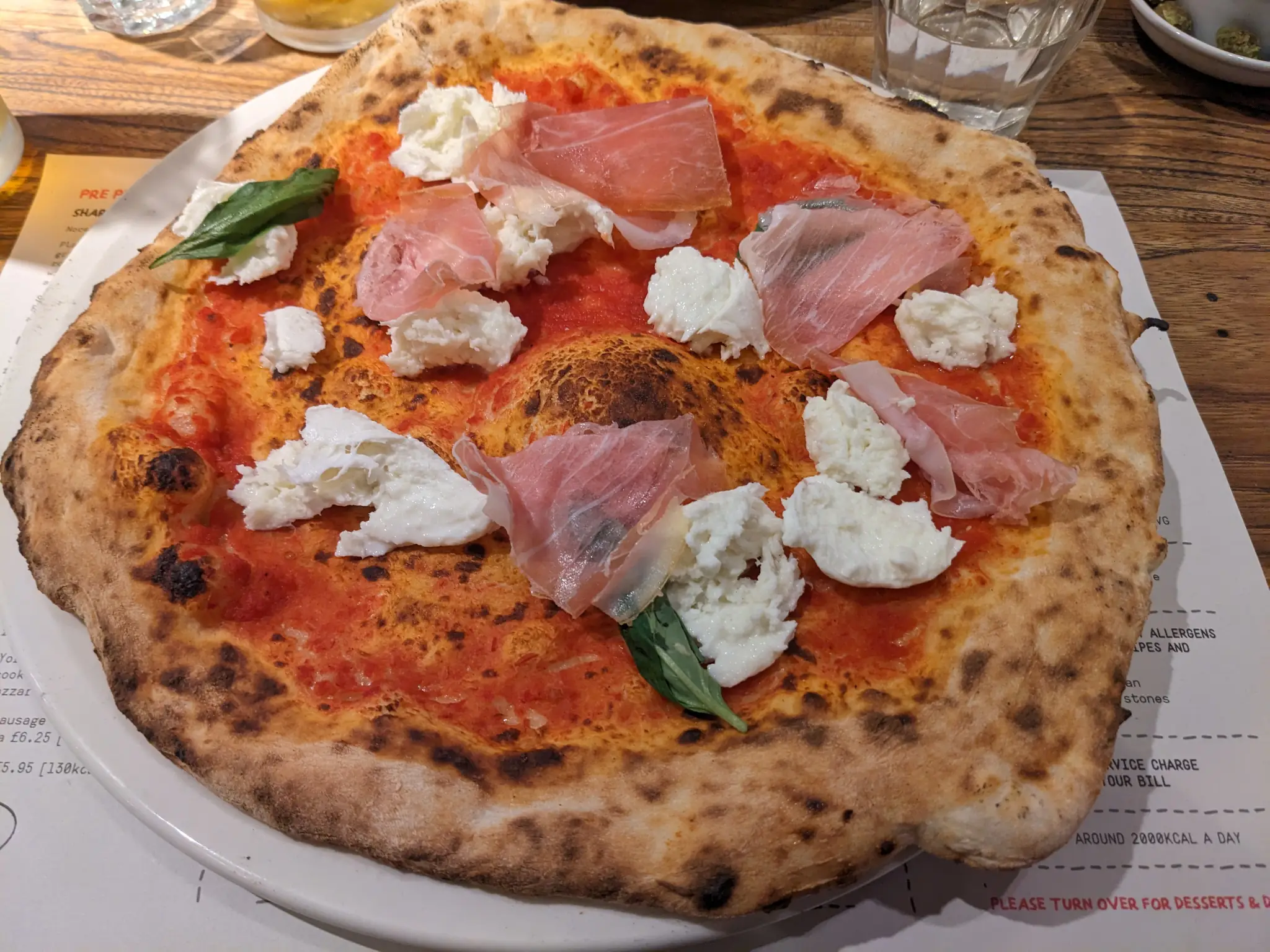
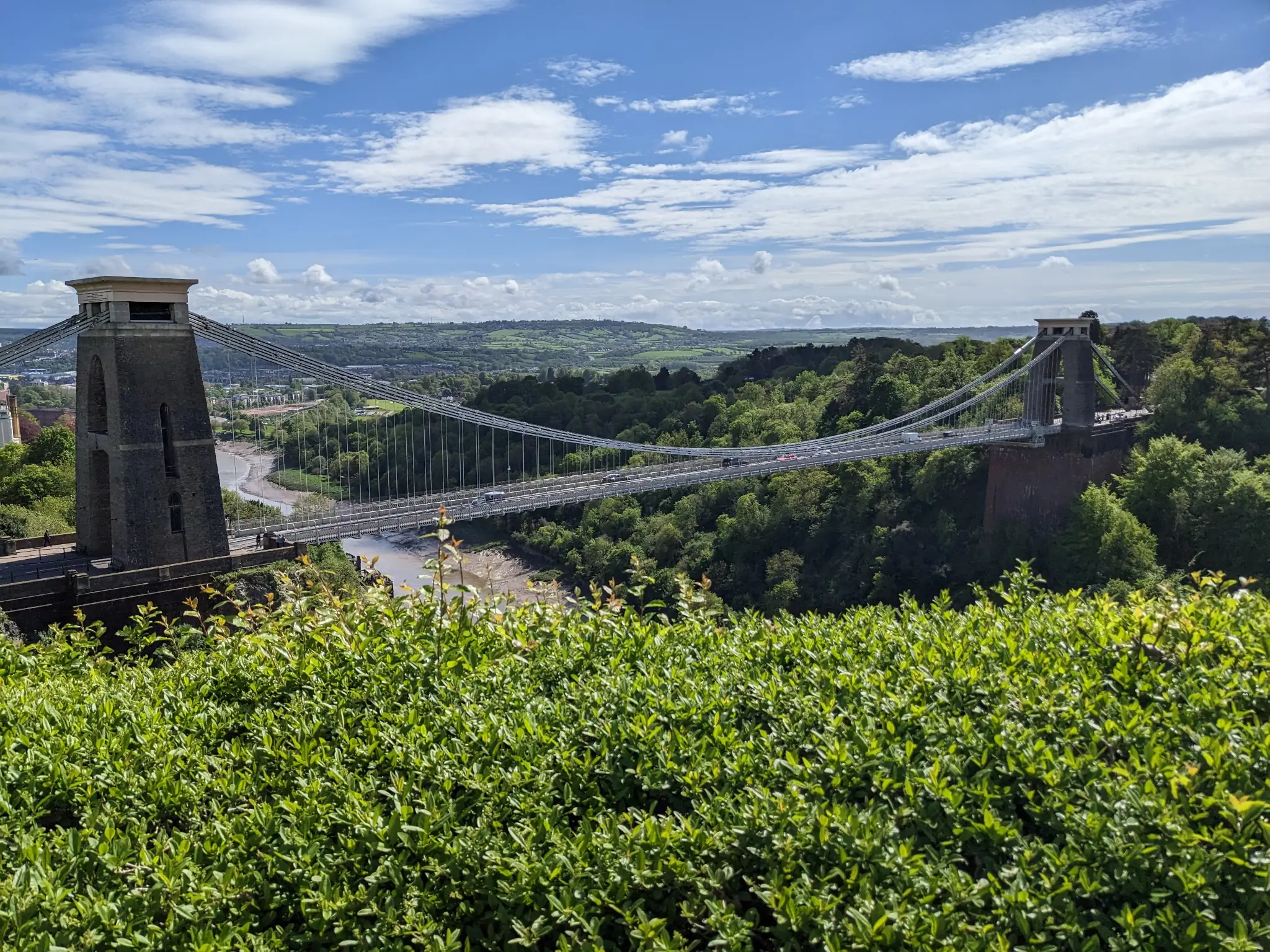
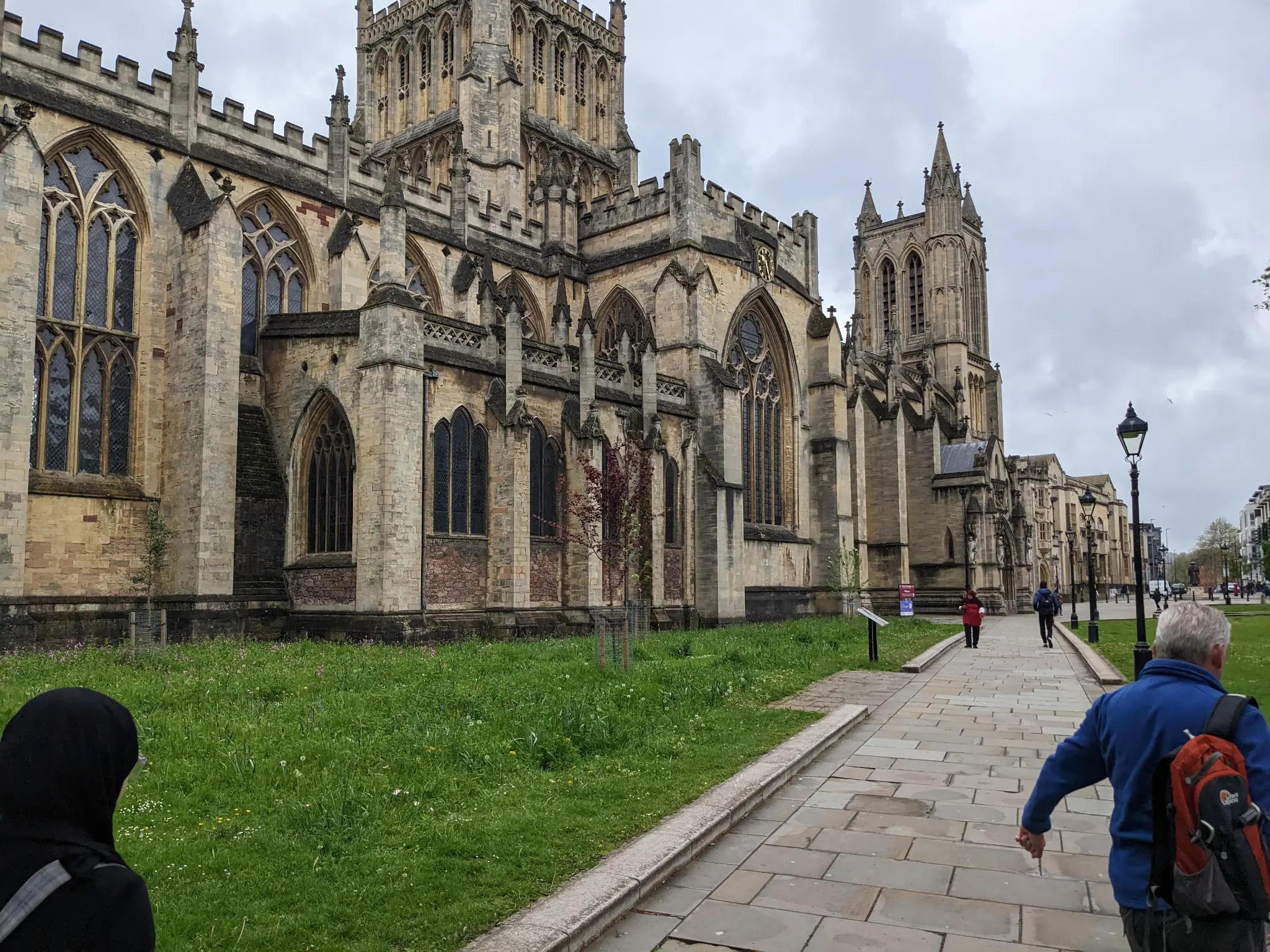
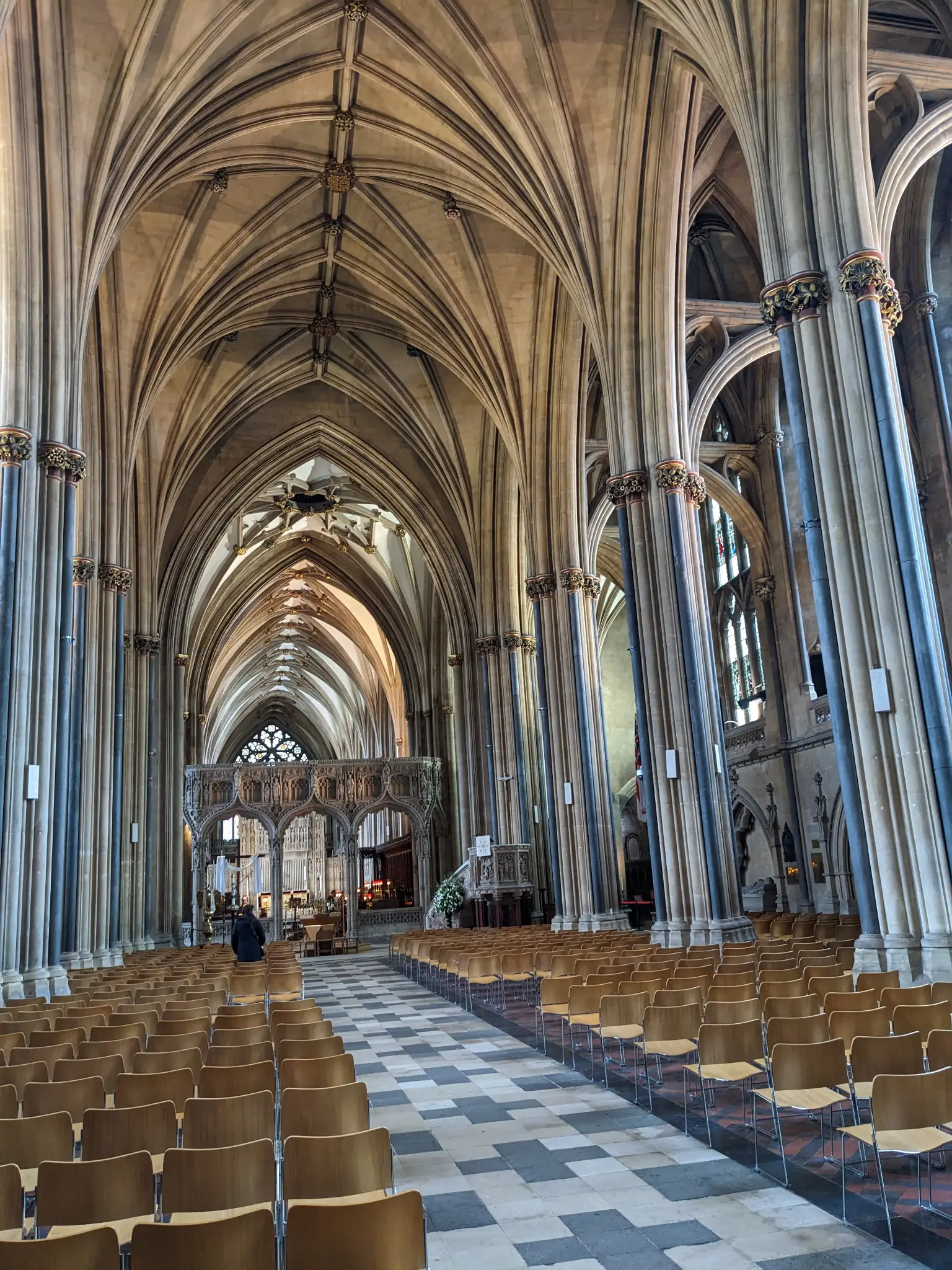
For the first work trip in May, I was able to see a (now-former) colleague’s hometown of Bristol. It was a beautiful place with tons of history.
I could’ve spent months there immersing myself in the sights and food. While the Brits aren’t known for their cuisine, it was right in my wheelhouse. Bangers and mash. Meat pies. Fish and chips. I could live off the stuff (my doctor might have a different opinion, though).
-
Bangers and Mash -
Pie -
Fish and Chips -
Pizza -
Clifton Suspension Bridge -
Bristol Cathedral
-
Bristol Cathedral (Inside) -
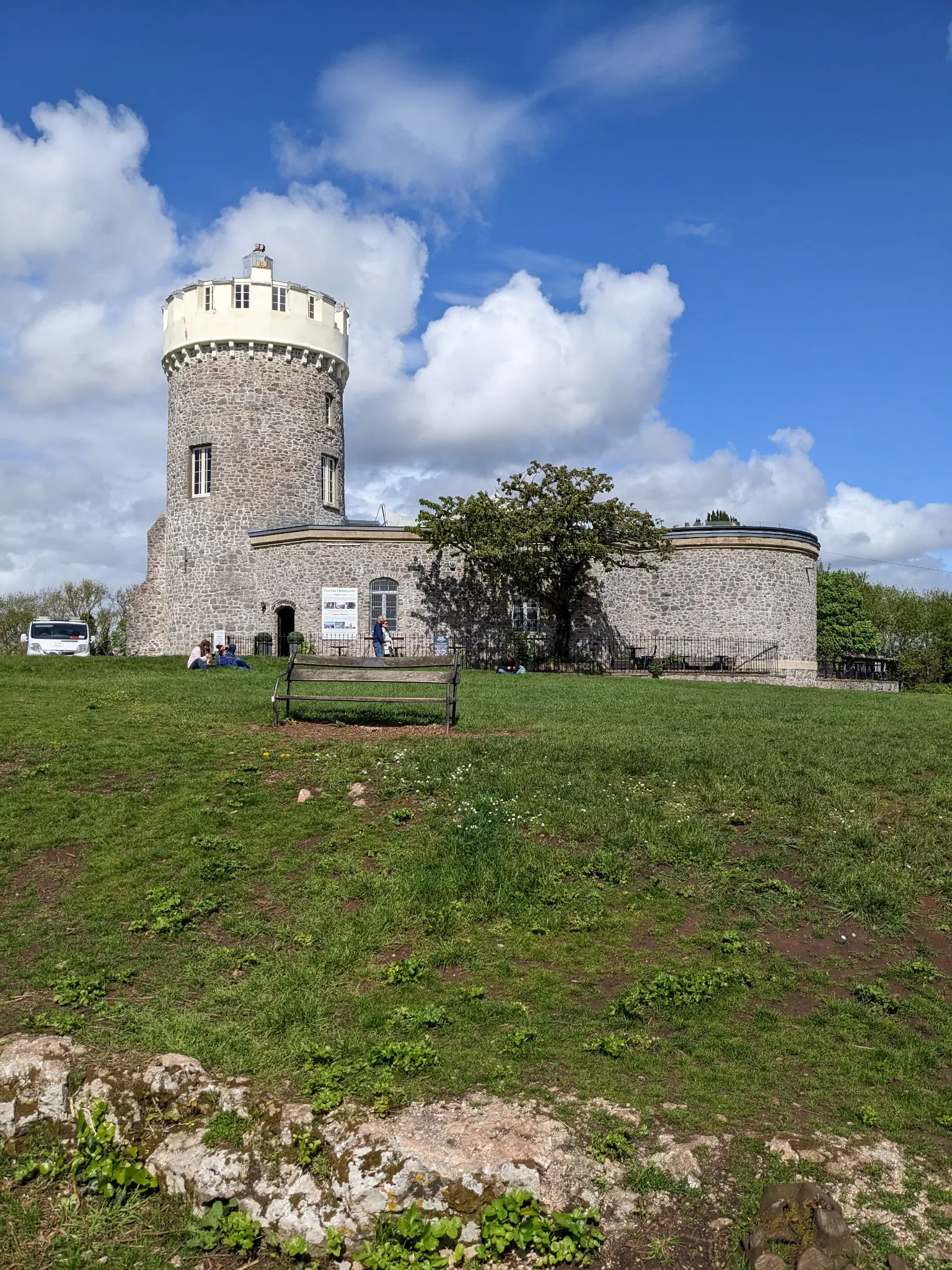
Clifton Observatory -
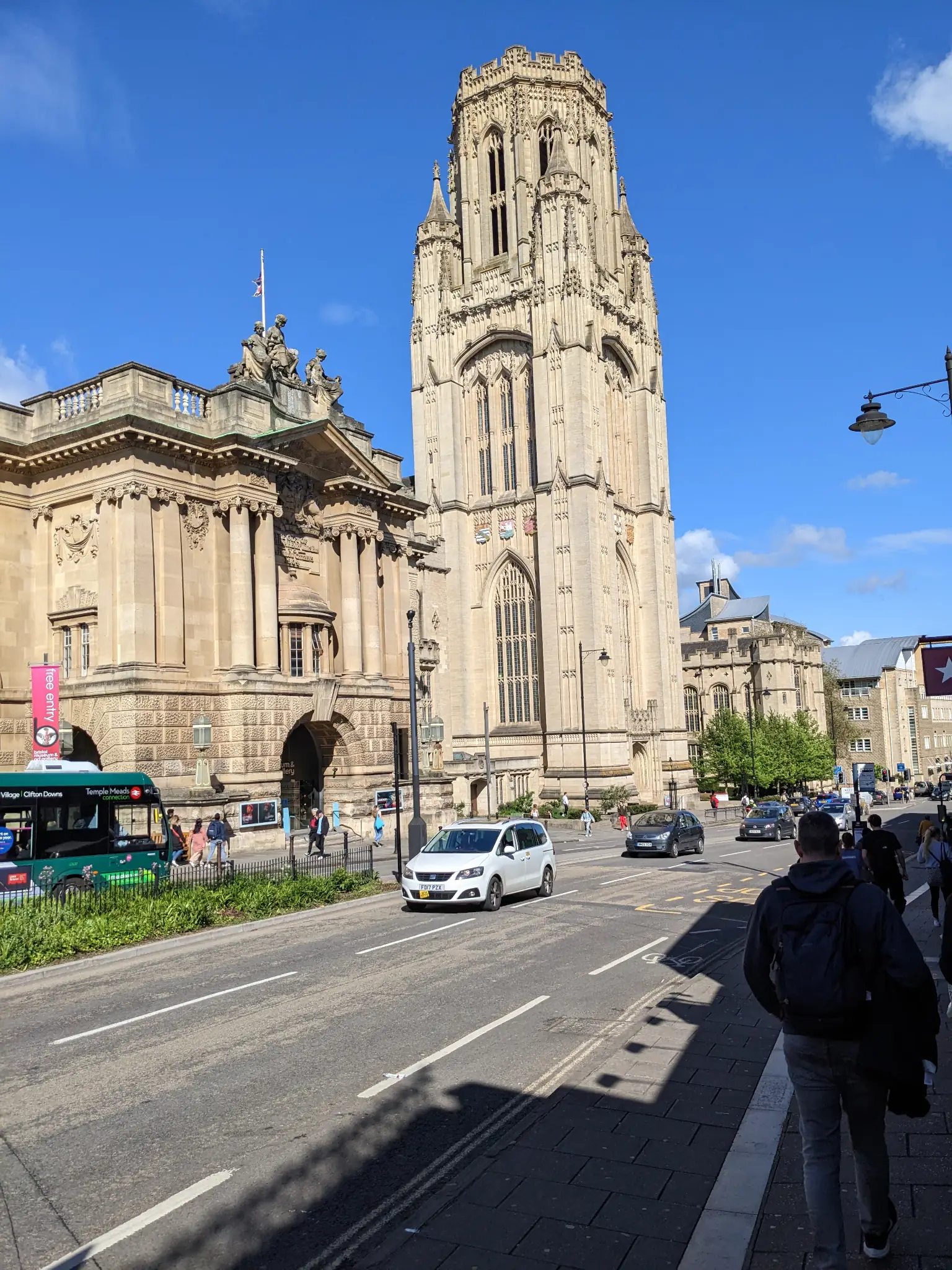
University of Bristol
OWA Parks & Resort, Foley, Alabama
My original plan was to travel to Tennessee this year, hitting up some of the old spots from summer vacations as a kid. But my traveling group fell apart before everything was finalized. This made for a quick change of plans, and I decided to visit a new place in my home state with my brother.
OWA was a fun four-day trip of just relaxing around the resort. It doesn’t have all the magic (I’m assuming) of larger resorts since it’s fairly new. That meant that it was a quiet and peaceful place in the downtown area. The water park itself was crazy busy.
-
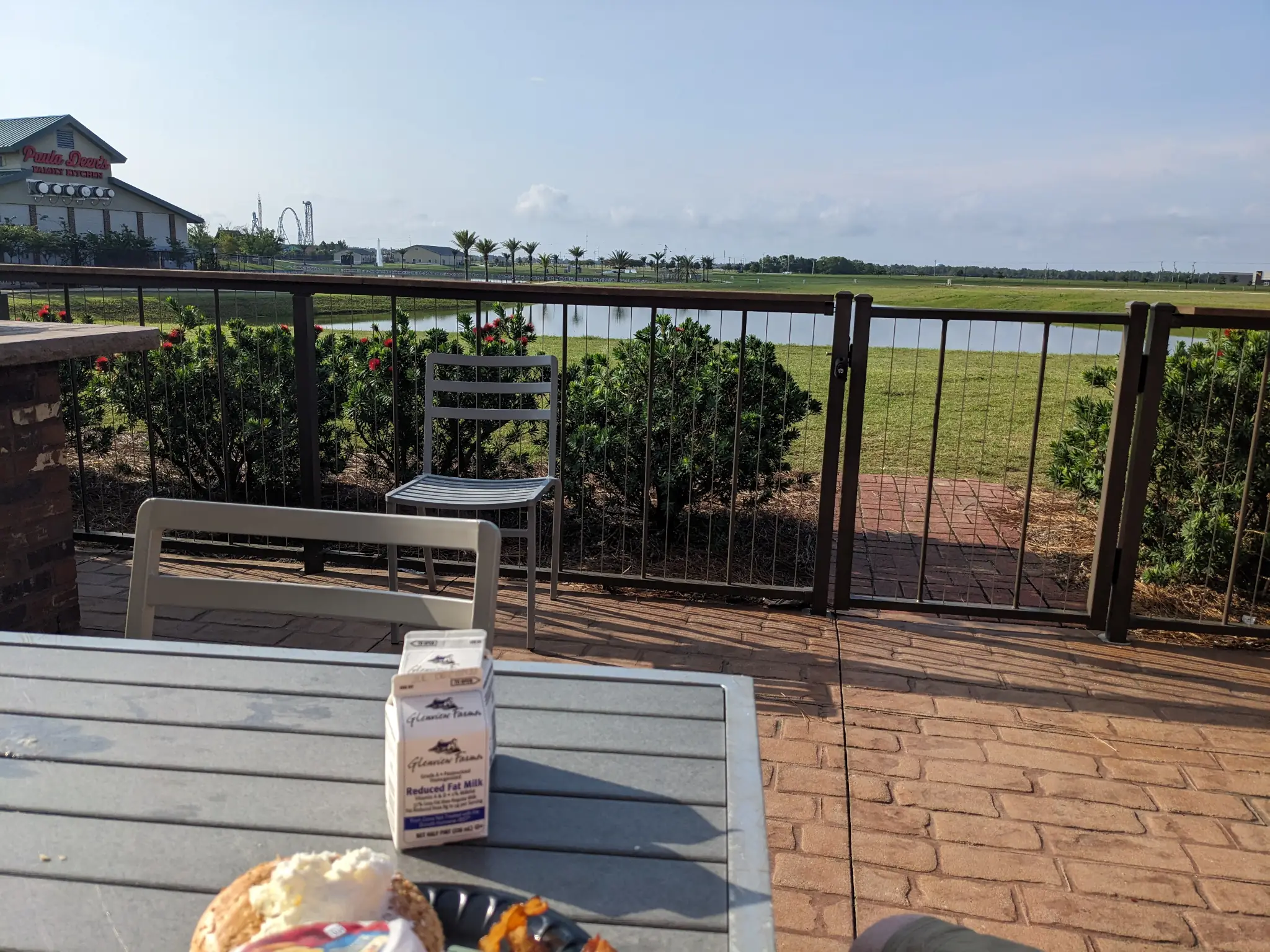
Breakfast Time -
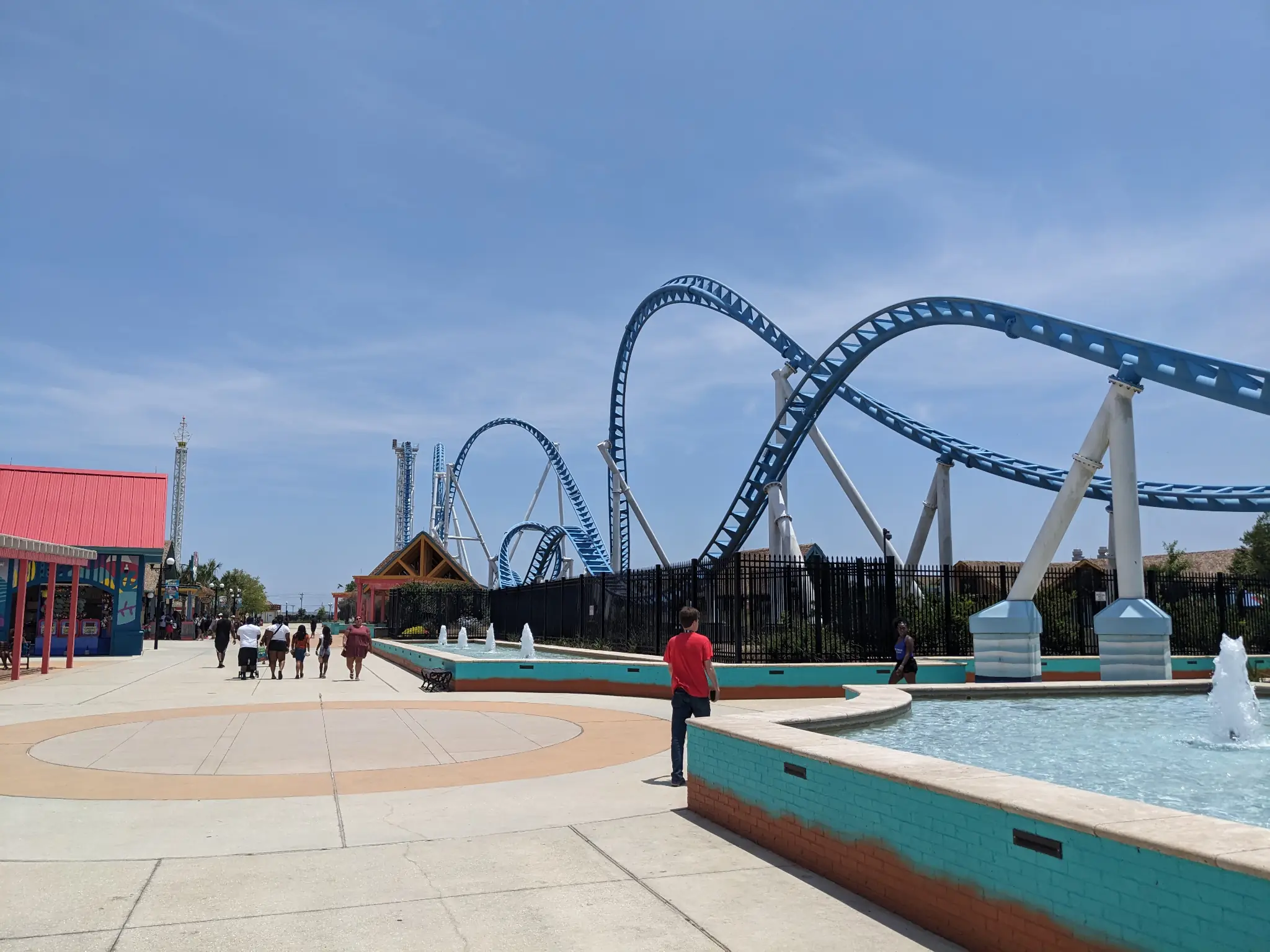
Roller Coaster
-
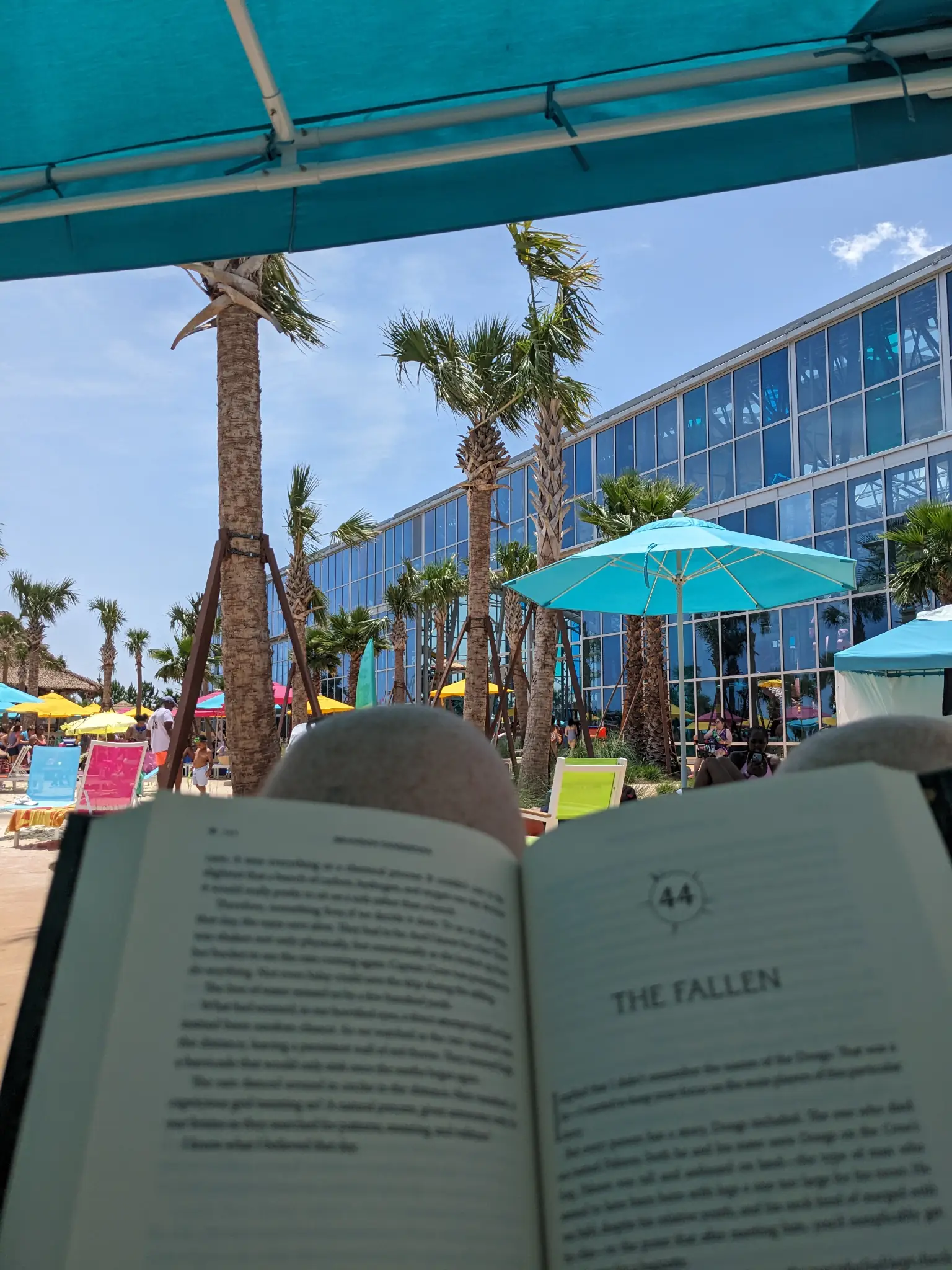
Reading at the Water Park -
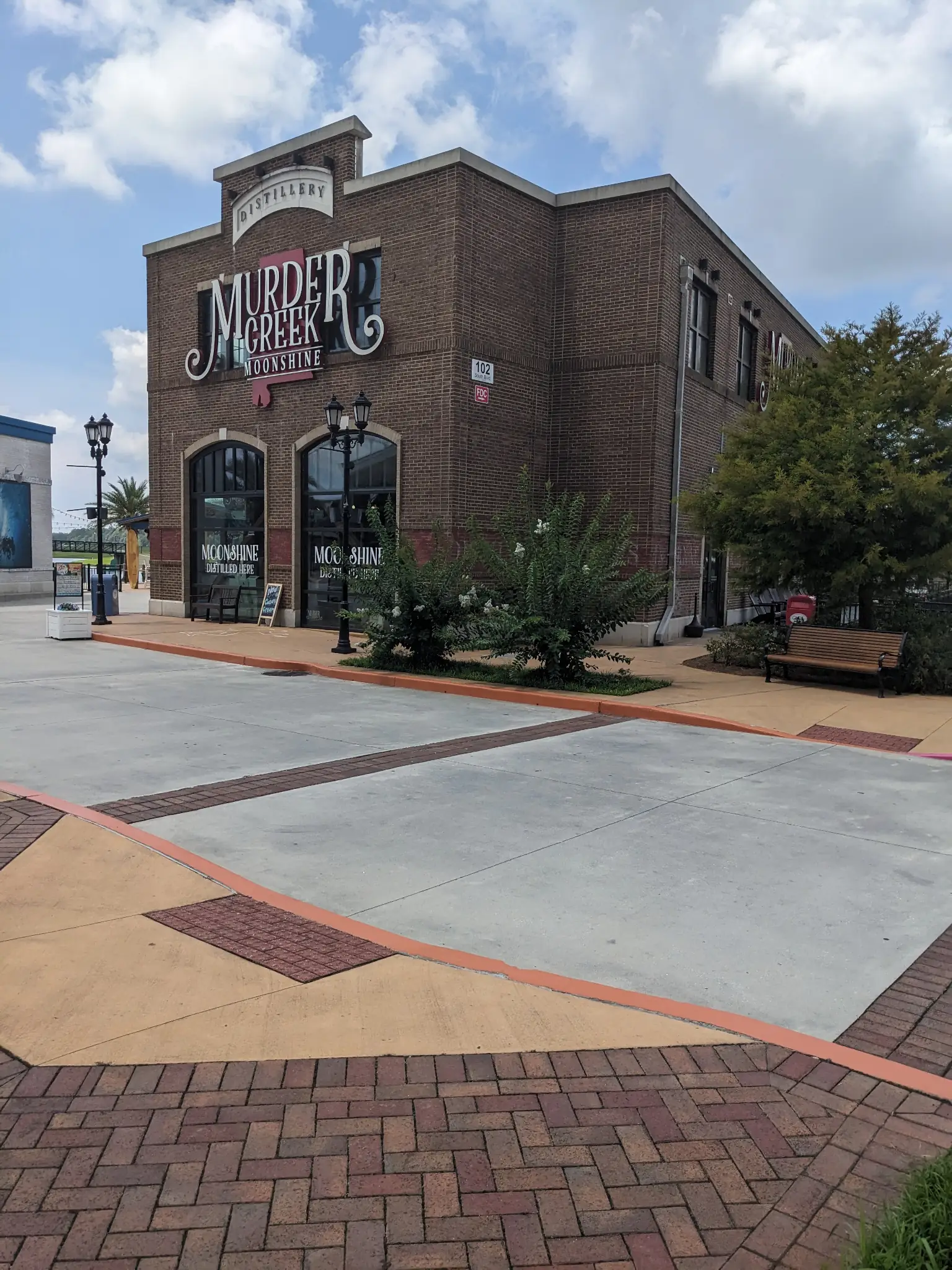
Murder Creek Distillery -
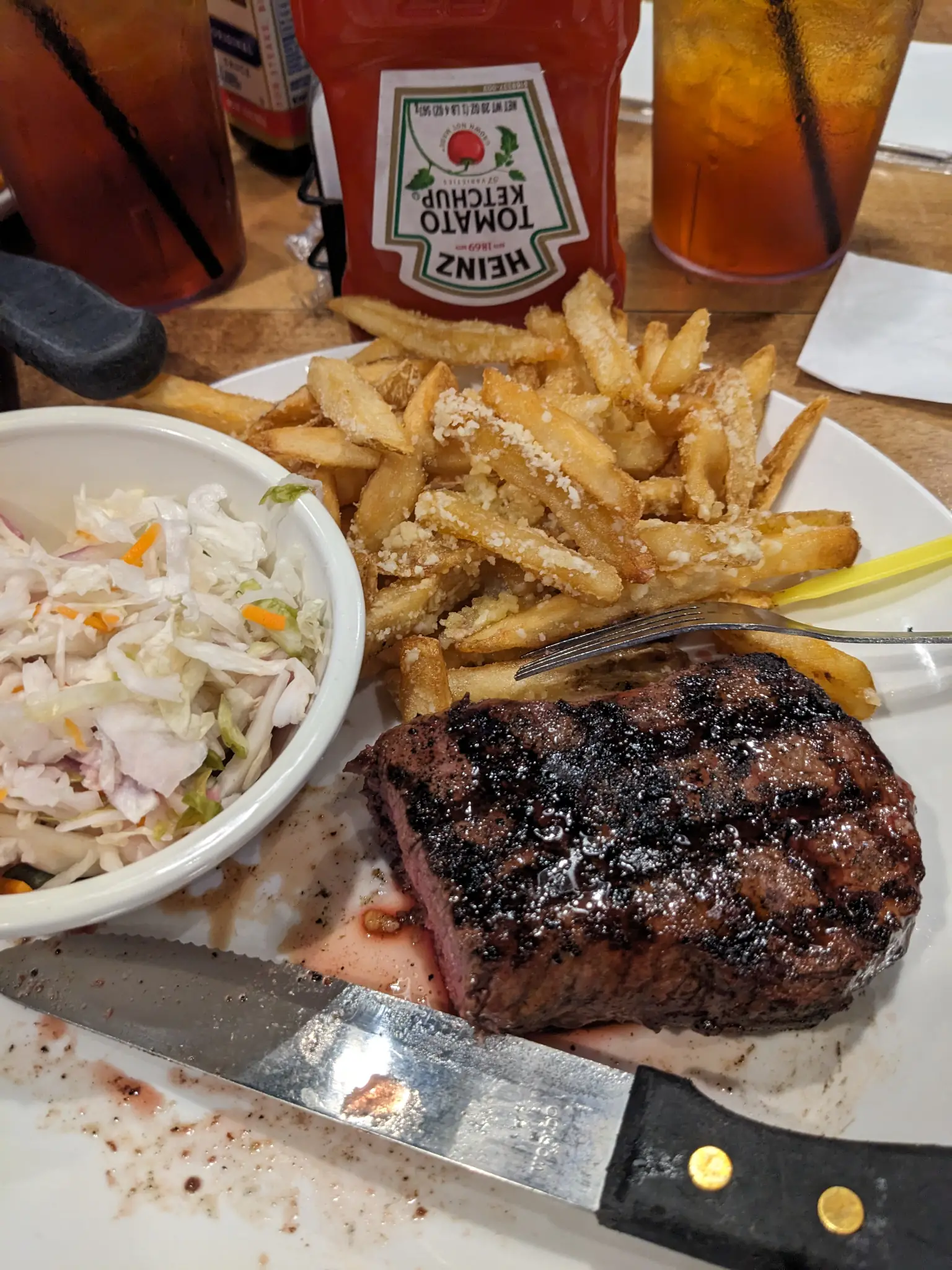
Steak and Fries
Carmen del Playa, Mexico
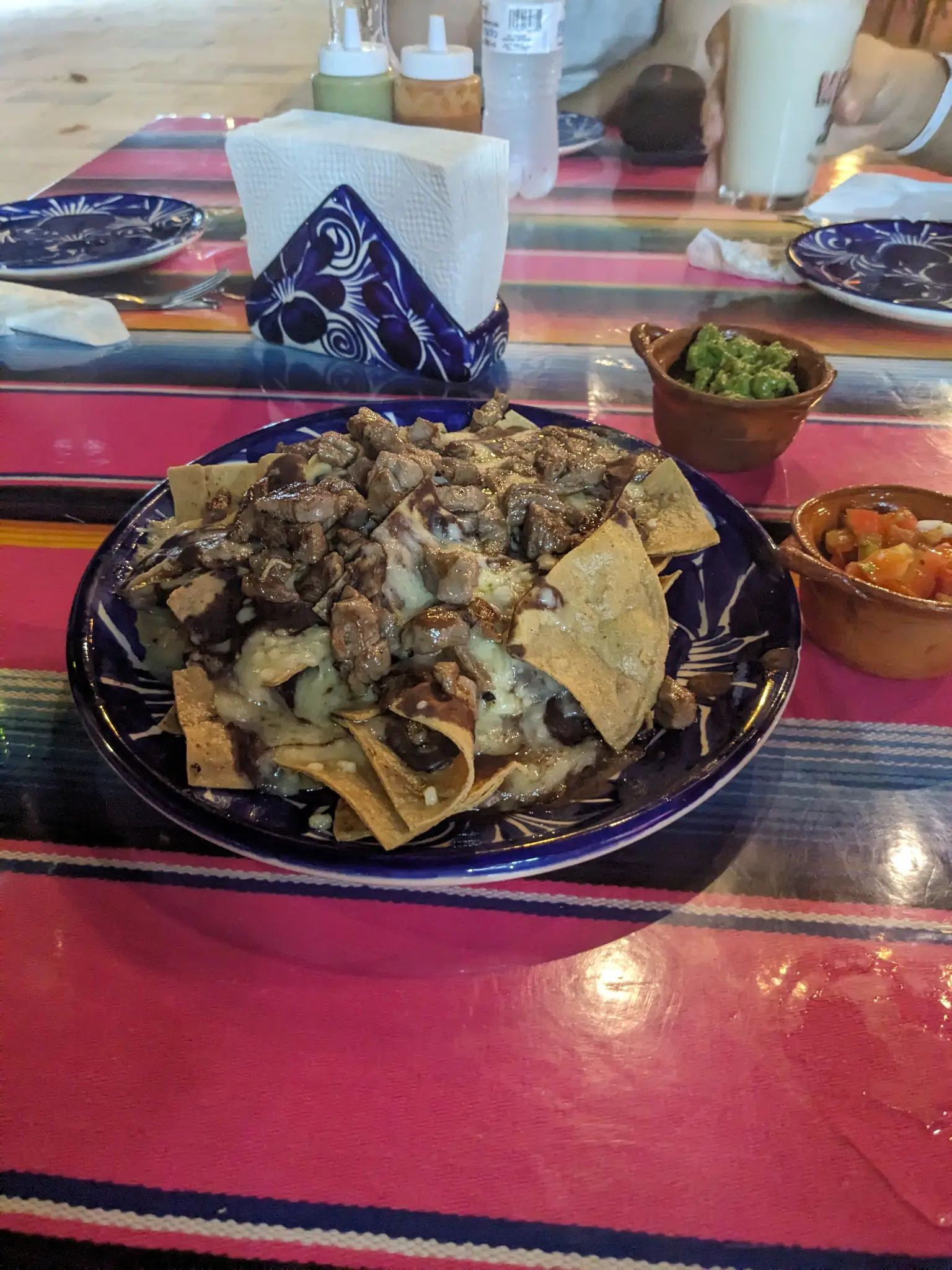
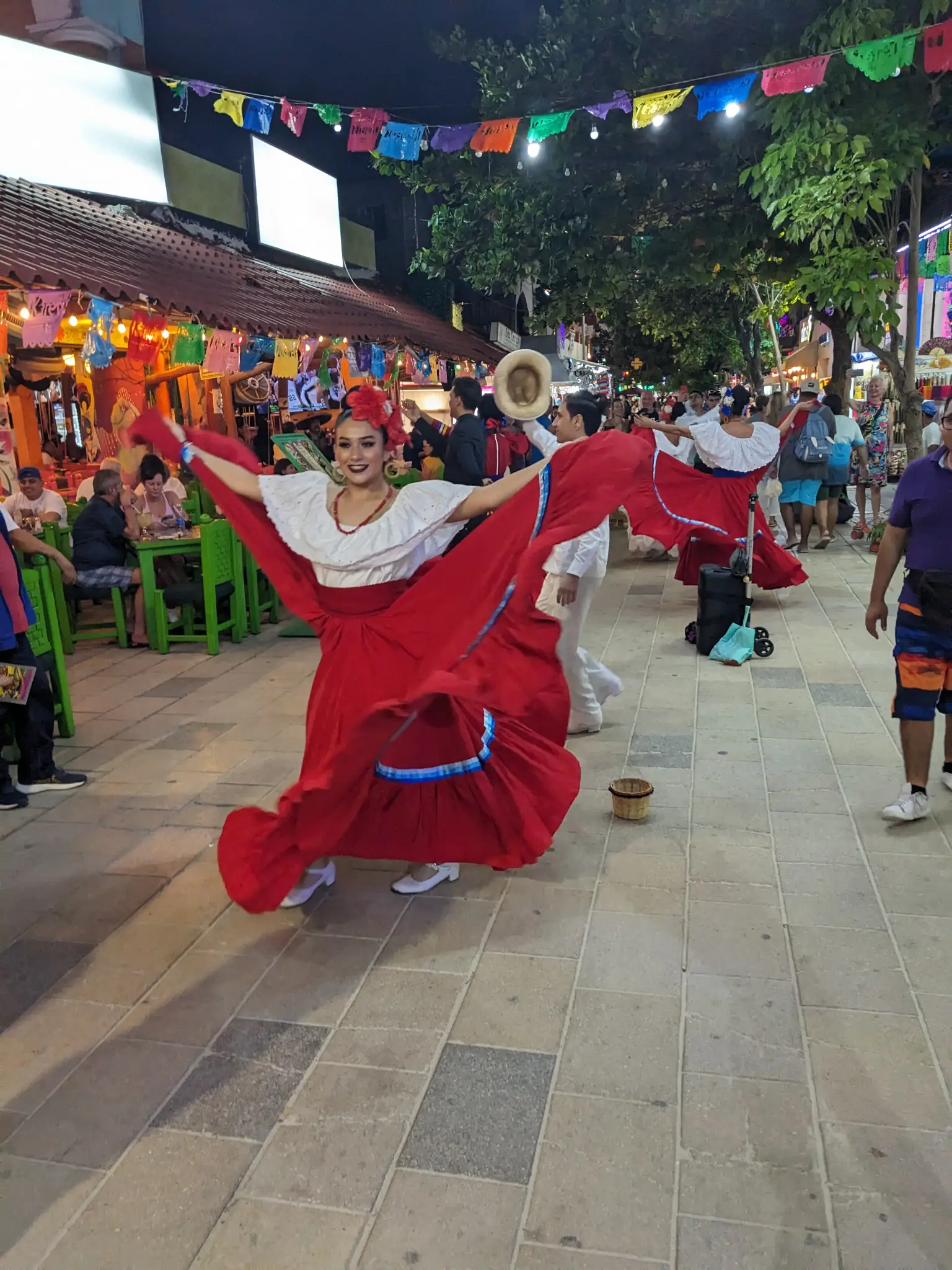
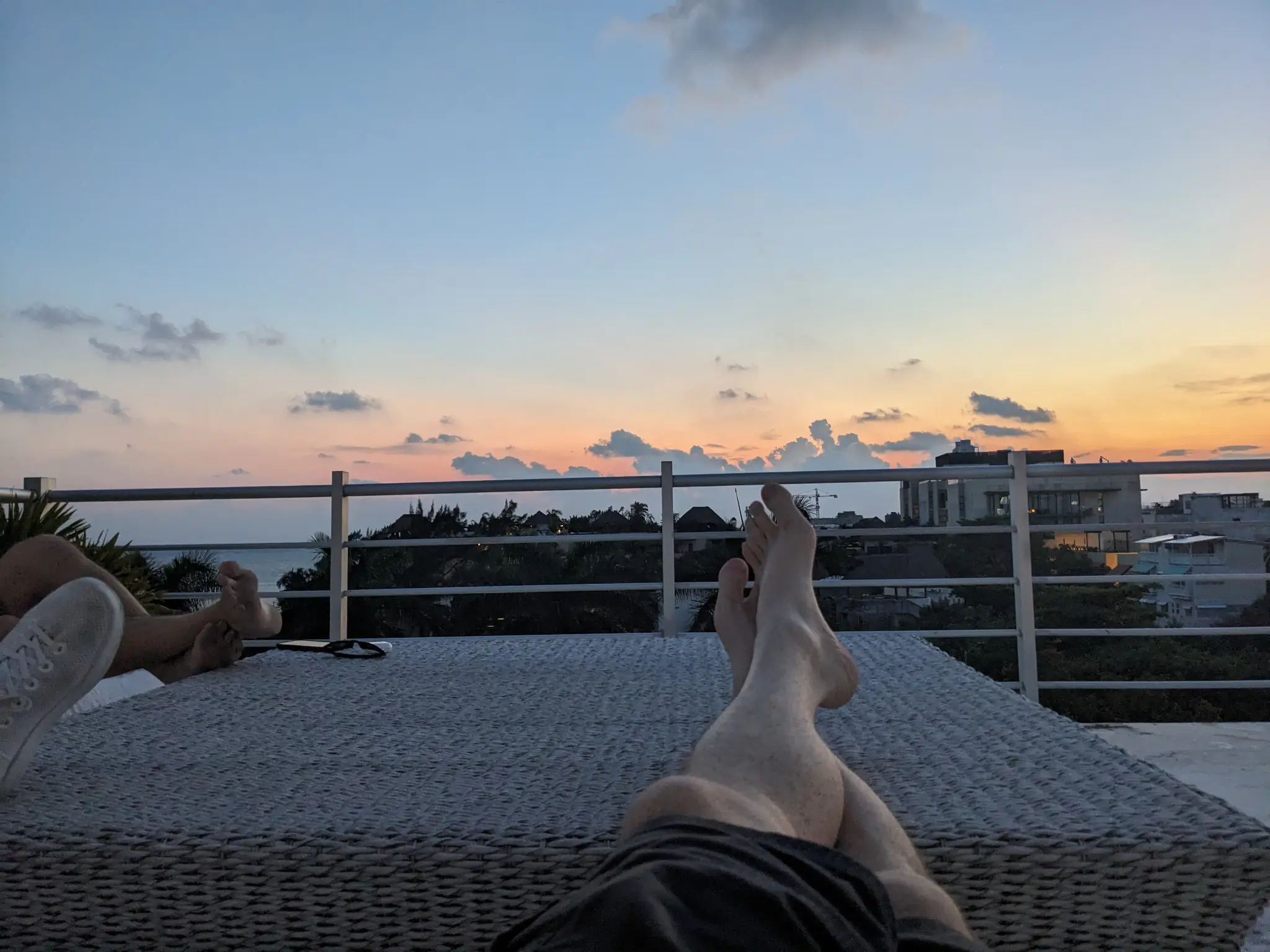
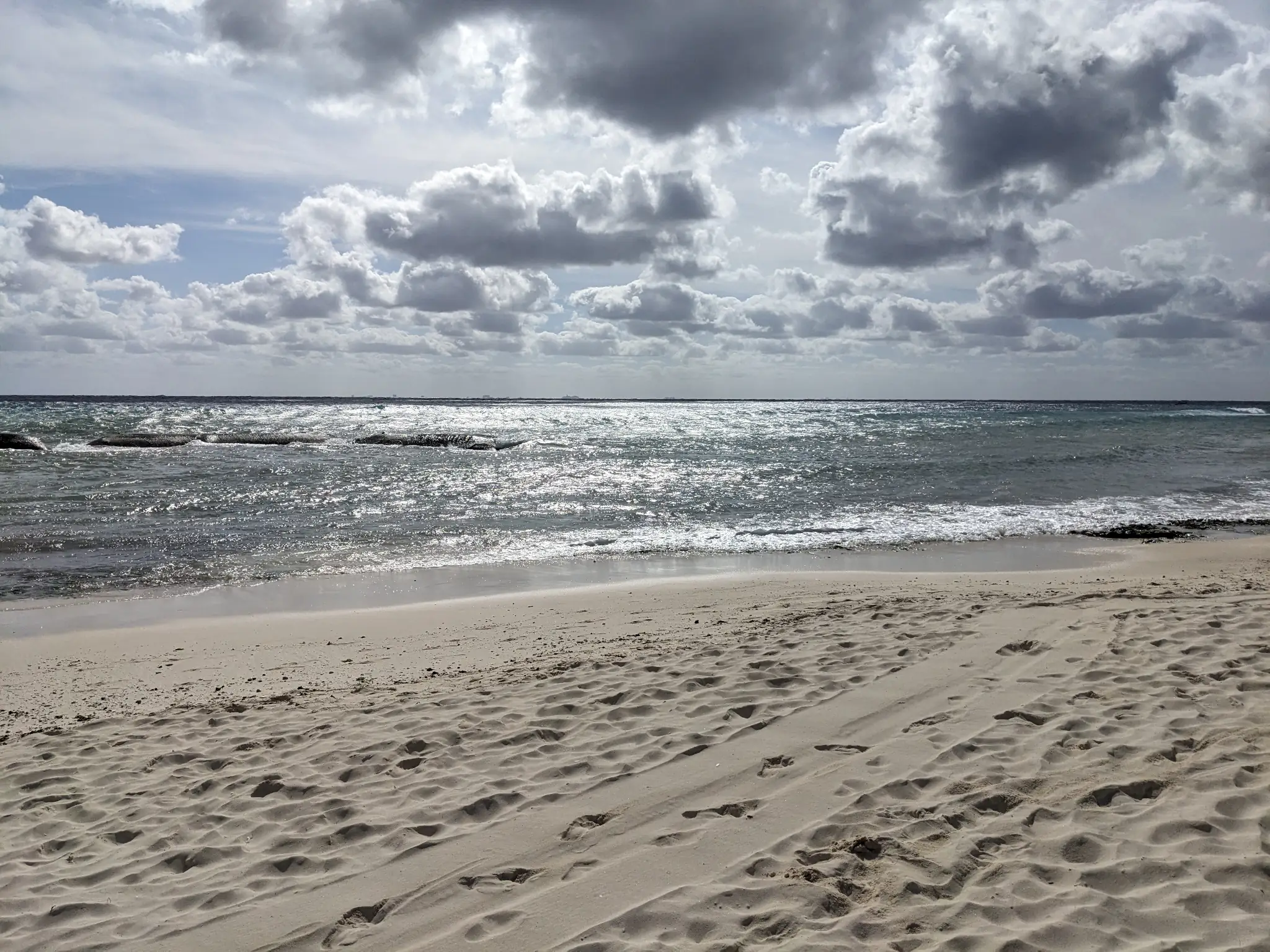
Just a few weeks ago, I was relaxing alongside my team from Automattic in the nice, warm clime of Carmen del Playa. The one thing we all requested for a December team trip: let’s go somewhere warm.
It was a fun trip. We got a lot of work wrapped up for the year, and made some major plans for 2024. Aside from that, the food was everything I hoped for and more. Mexican and Italian cuisine are two of my greatest loves in this world, and it was awesome to experience one of those first hand. Trip to Italy next?
-
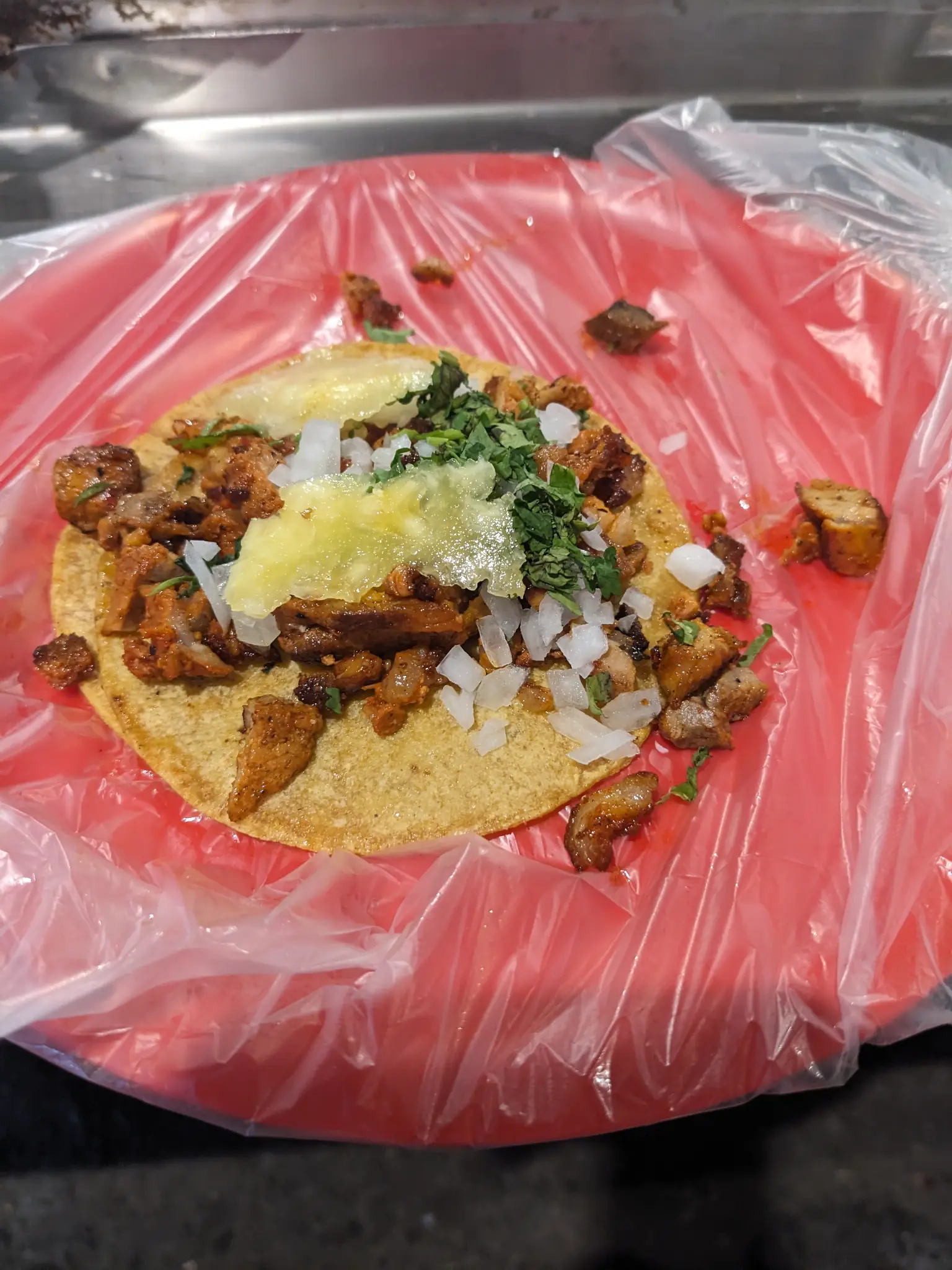
Taco Al Pastor -
Nachos -
Street Performers
-
Rooftop Relaxin' -
A Stroll Along the Beach -
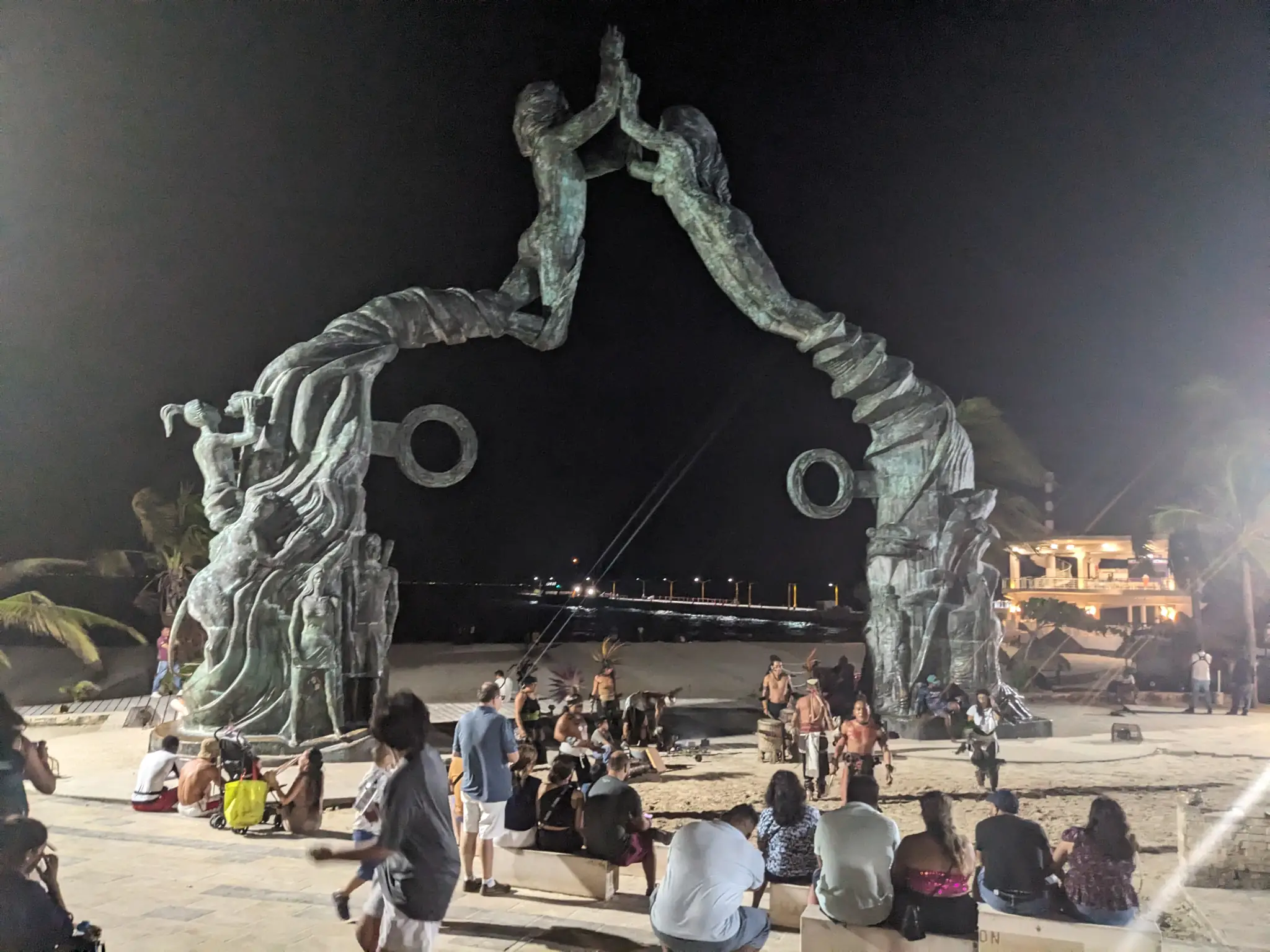
Portal Maya -
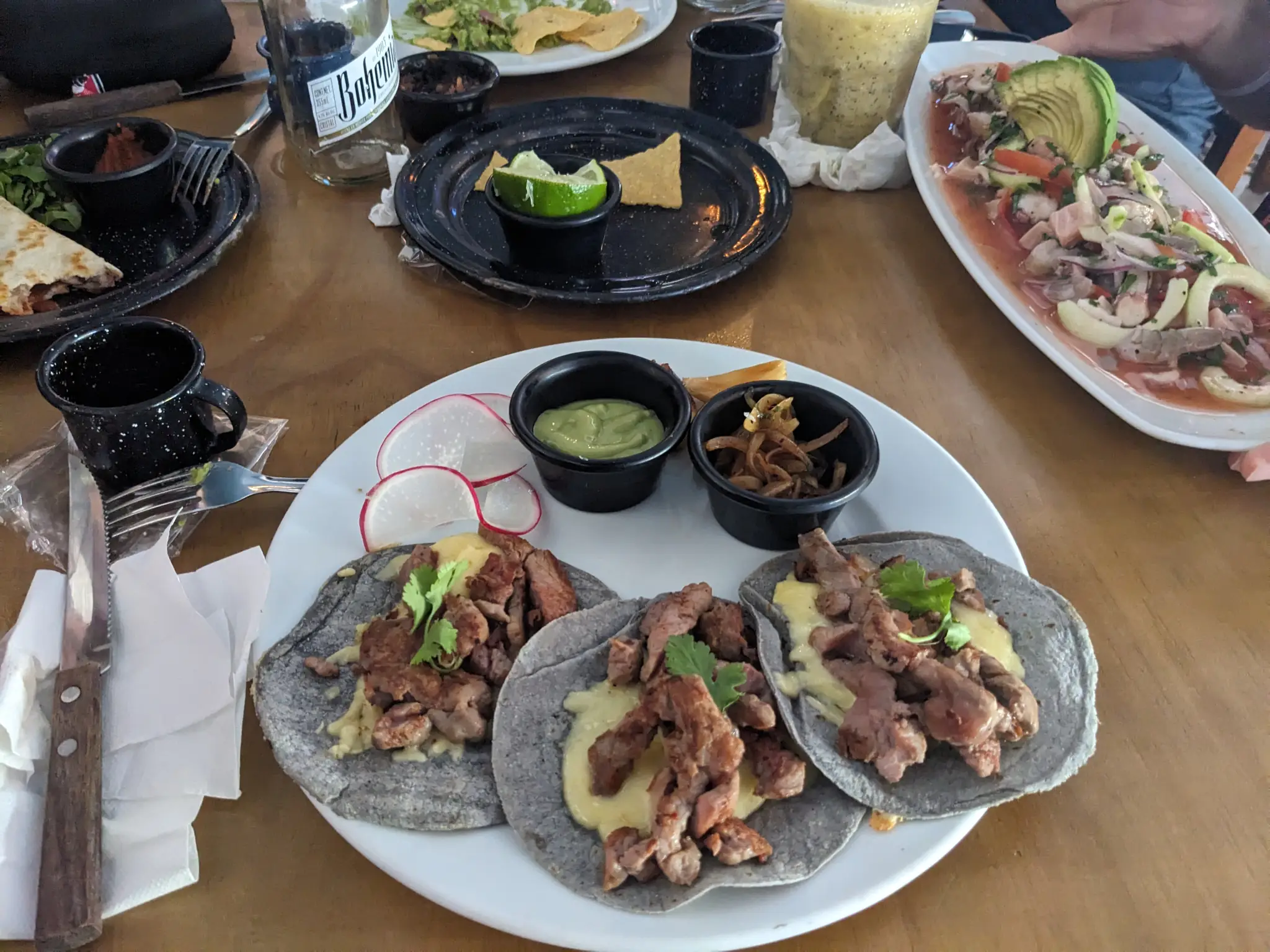
Carne Asada -
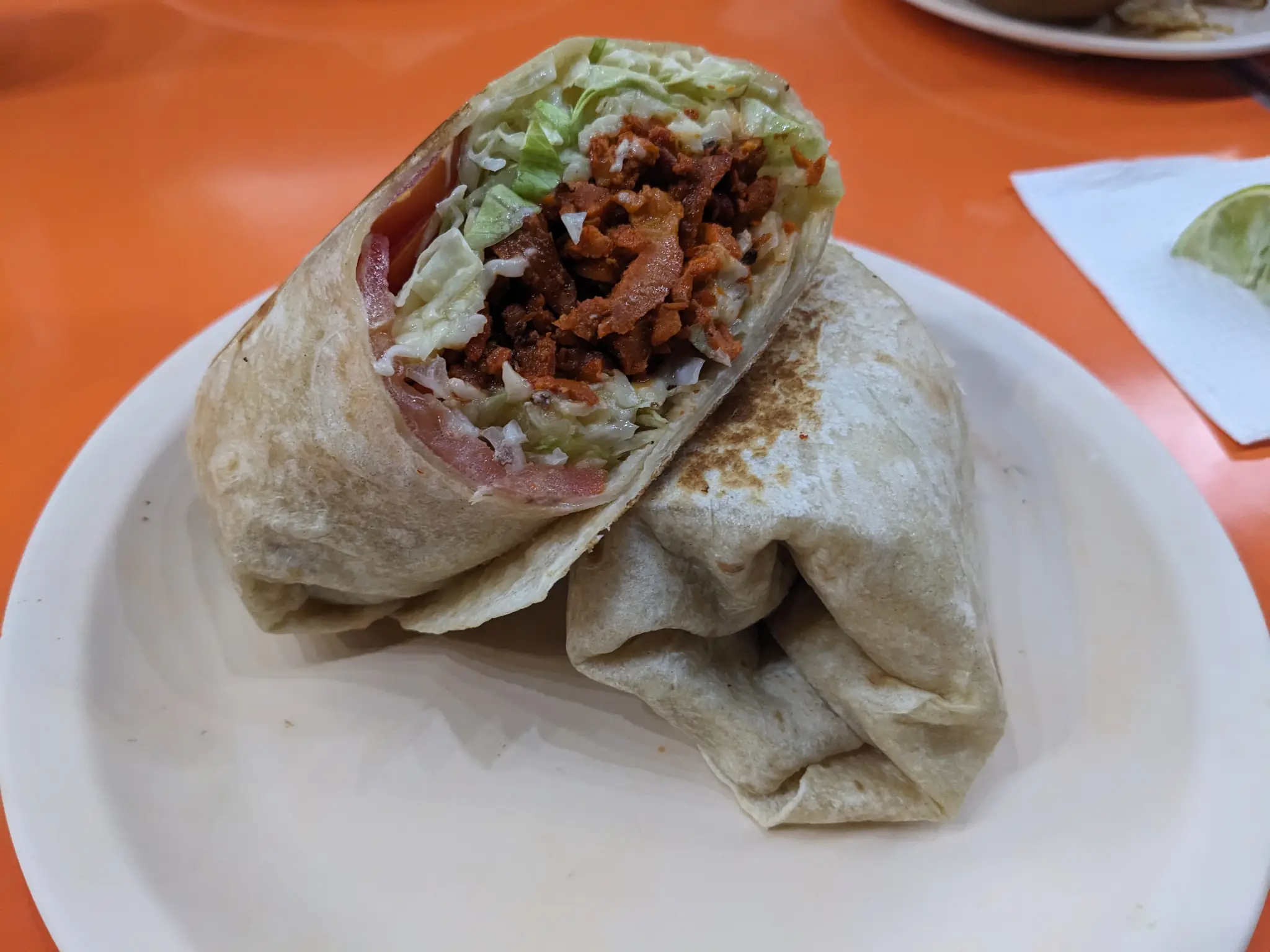
Burrito Al Pastor -
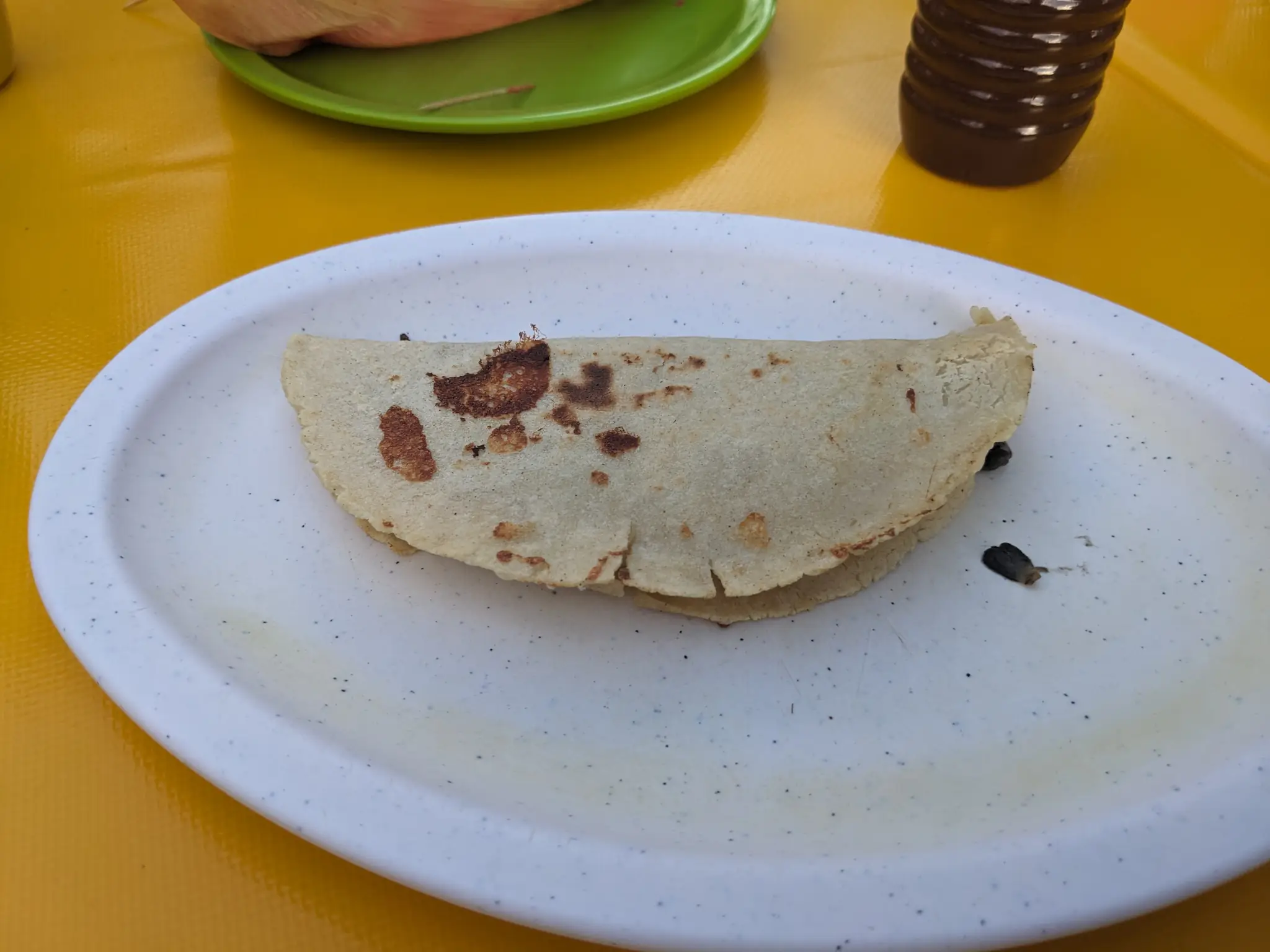
Quesadilla
Twinkle’s Passing
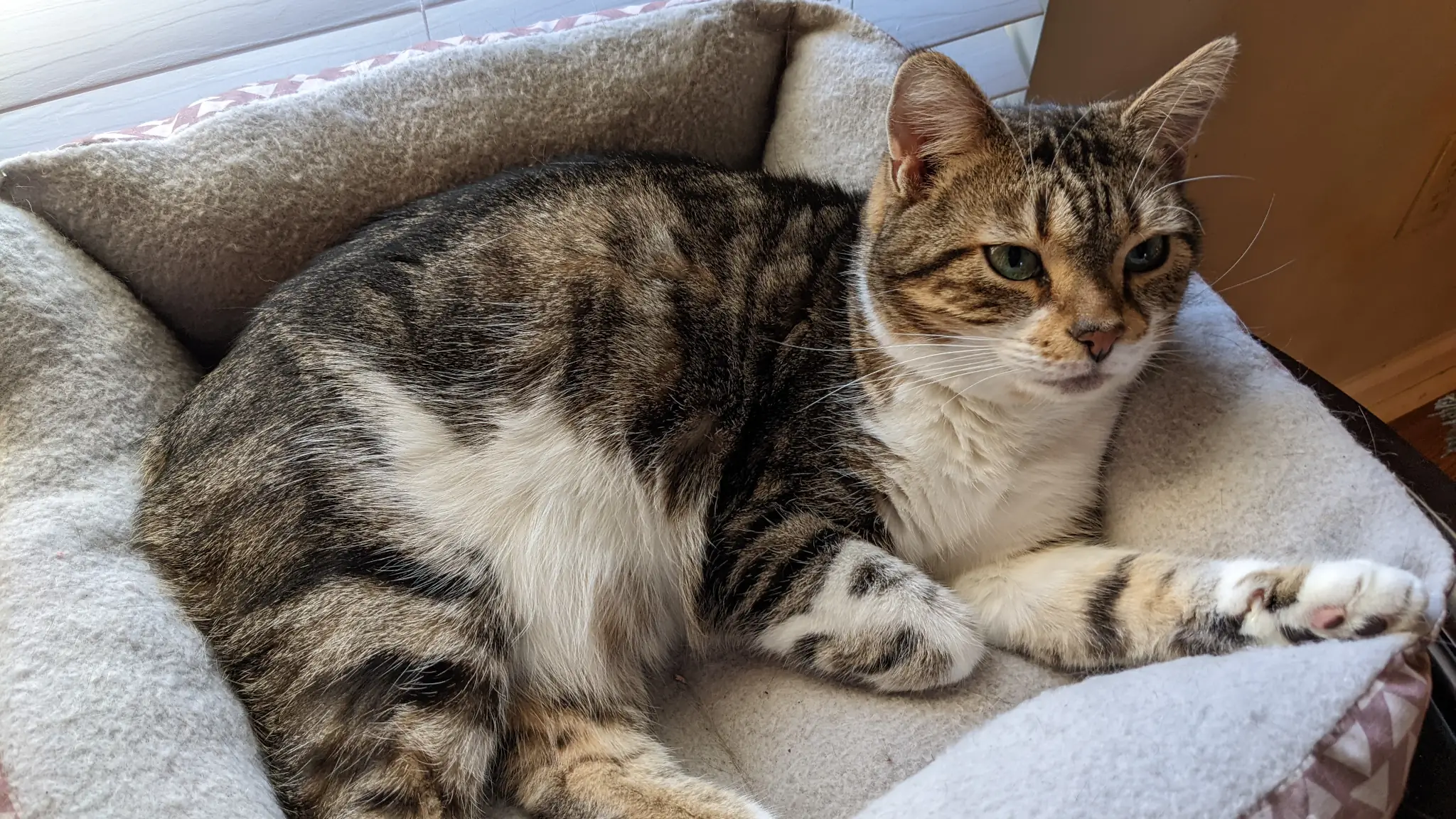
I won’t linger on this topic too long. I think I’ve said everything I’ve already had to say on the loss of my youngest fur baby. It was a tough one, and I don’t know that I’m still over it. Each day is getting easier.
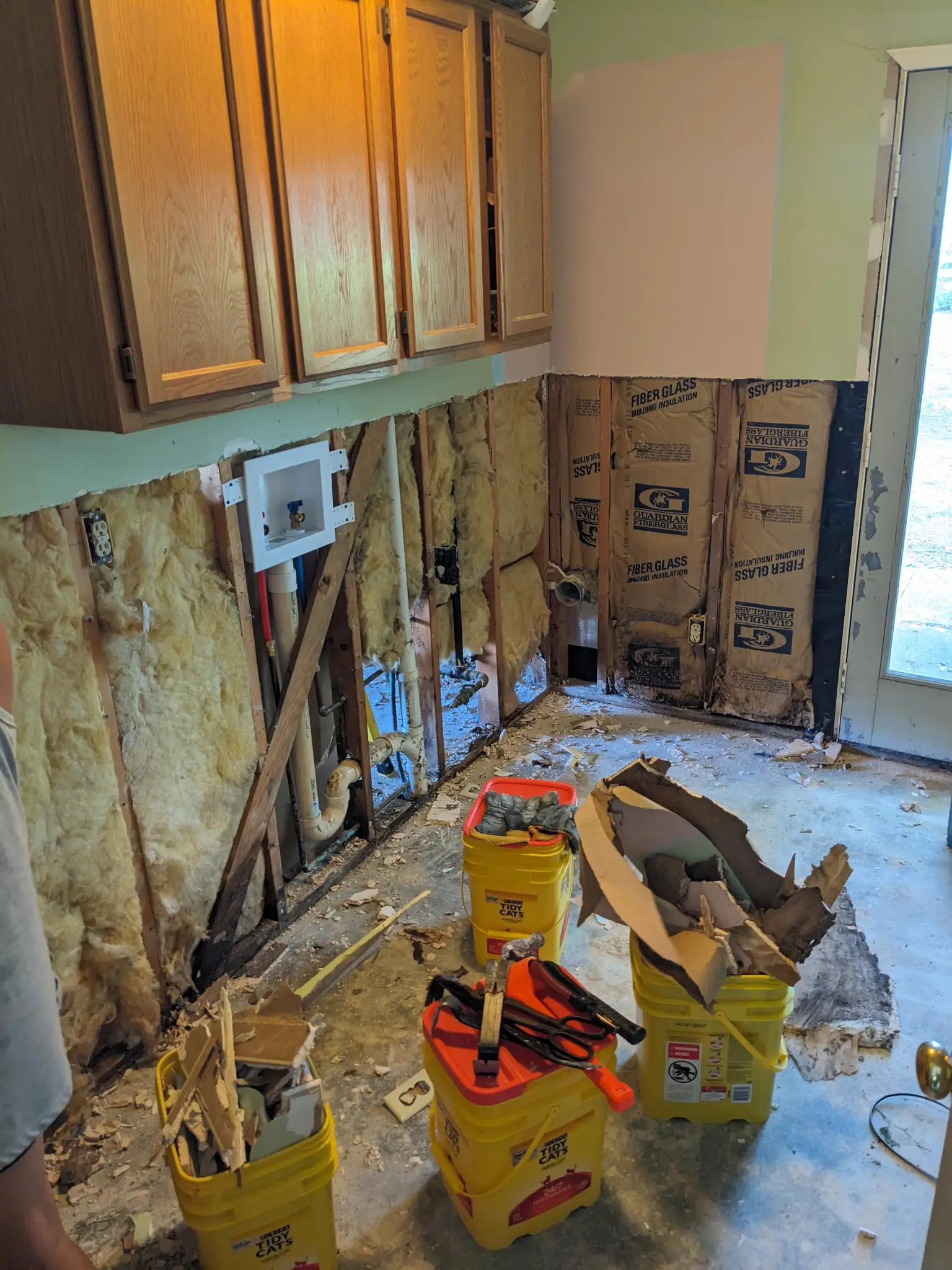
The toughest part was that I didn’t have the time to properly grieve when it happened. Immediately after, I had a major house repair to undertake because of a water leak in my laundry room. And other challenges beyond that. But life continues on. I must keep on keepin’ on.
Laundry Room Renovation
-
Demolition -
Progress -
Fixed (Mostly)
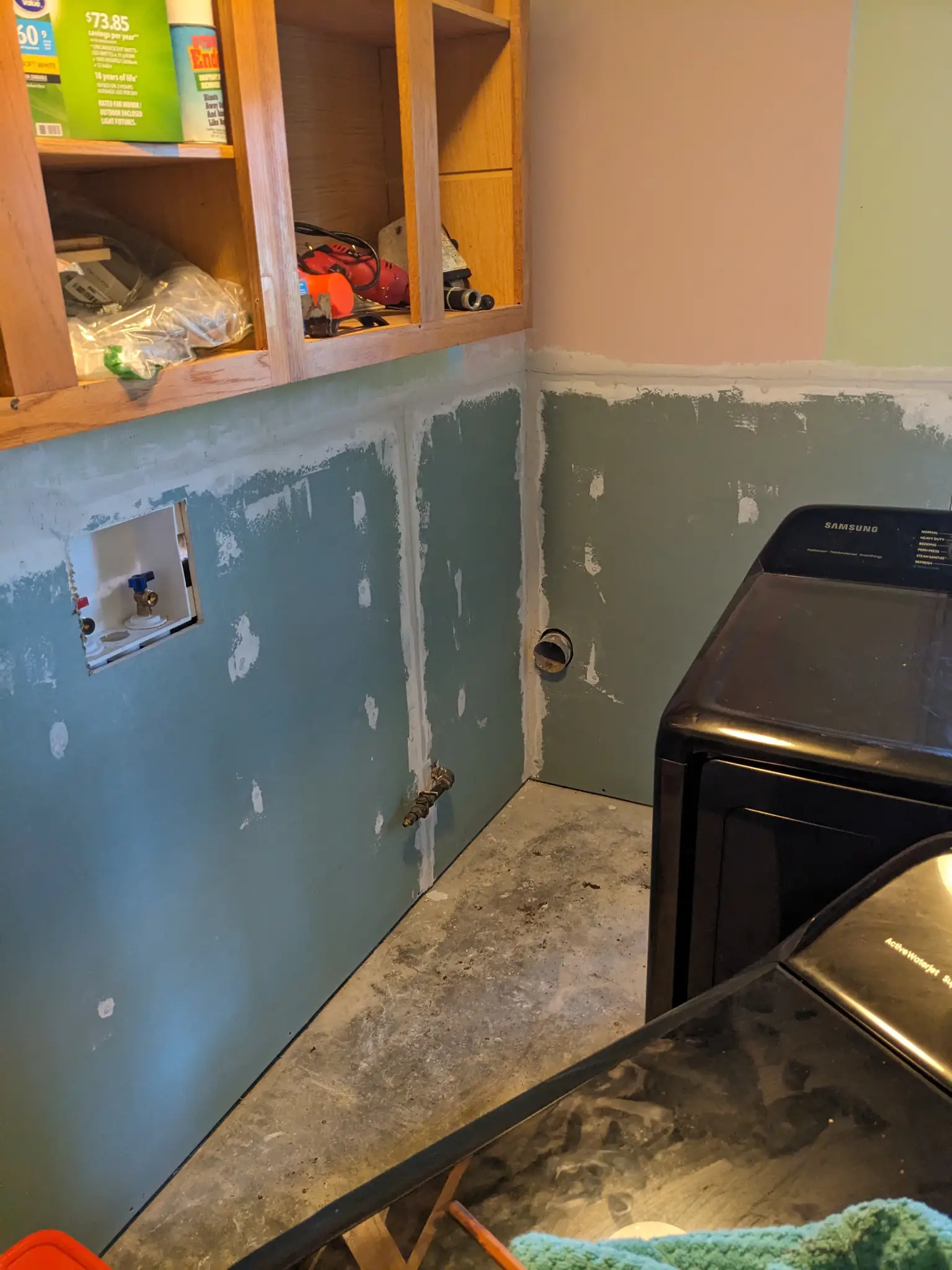
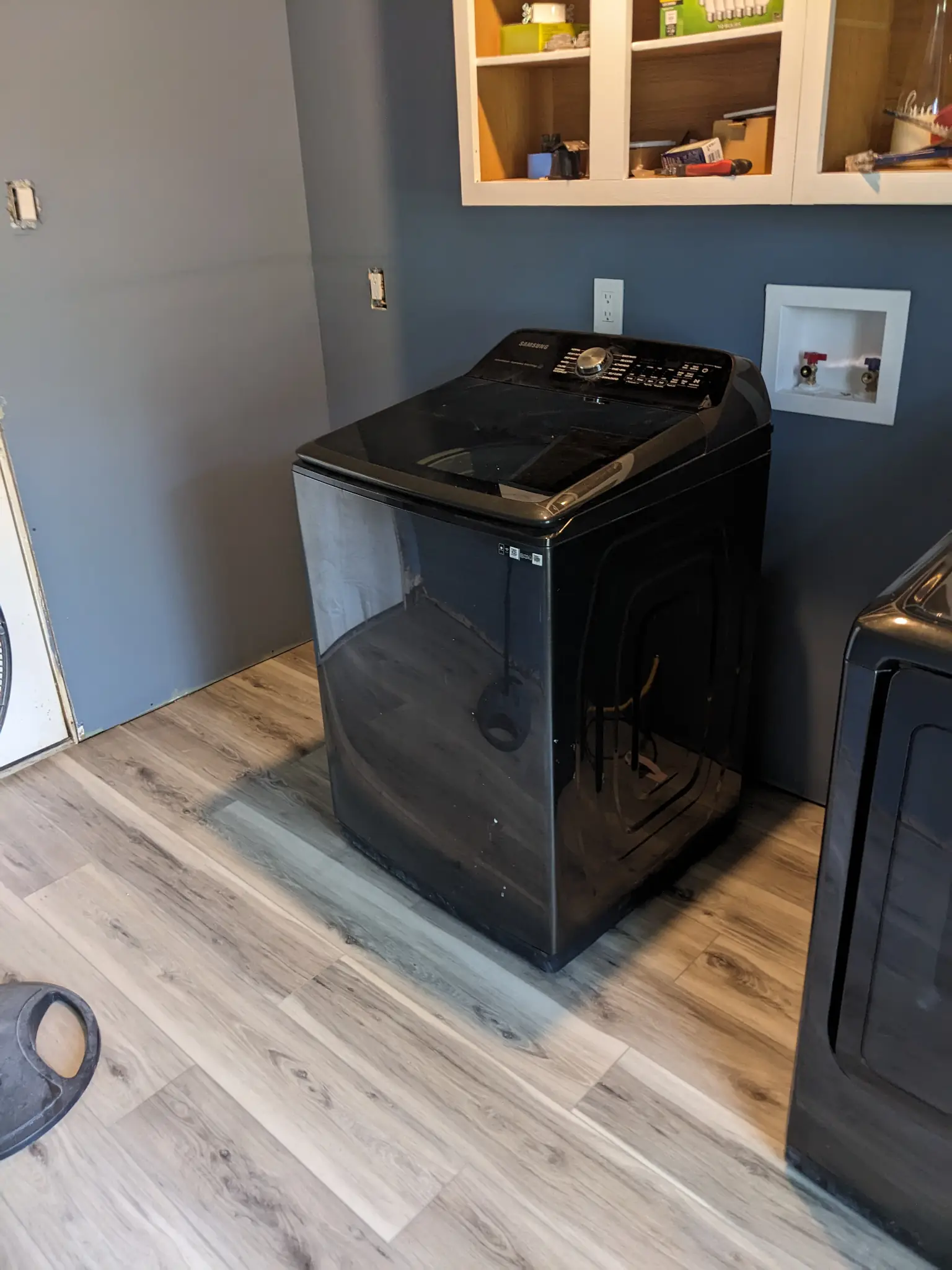
So…I had a major water leak. Apparently, it’d been happening for a long while but was unnoticeable because all of the water was settling where I couldn’t see it. The damage was to two walls in the garage, three walls in the laundry room, and the laundry room floor.
On the upside, the laundry room was one of the rooms I most wanted to remodel. 🤷
Thanks to help from my sister, we fixed the laundry room and half of the garage. There’s still a few finishing touches for the laundry, and some wall work left in the garage.
I took a bit of a break for a few months after getting the initial work done. I had another challenge that I needed to overcome.
Health Journey
I know that I’ve been off-track these last few years with my health. I simply haven’t taken as good of care of myself as I needed to.
And my doctor wasn’t happy about that. Not at all. She was ready to put me in the hospital to get my numbers under control if I didn’t make some changes. My blood pressure, blood sugar, and cholesterol were not good.
Since my wakeup call, I’ve lost around 30 lbs., 6 inches off my waist, and gone down two shirt sizes. I’m getting in those daily walks. I’m eating better, even if it’s sometimes a struggle. And my numbers are mostly staying in right ranges. I still have work to do, and I’m committed to it.
The difference for me this time is that I’m treating this as a journey. In the past, I’ve always dove headfirst into things, sprinting toward my destination. This would often lead to the common yo-yo effect.
Today, I’m working on balance. One day at a time within a long-term framework.
Hitting/Missing 2023 Goals
Now that I’ve rambled on about some of the big events from 2023, let’s see how I faired with my 2023 goals. As always, the events of the year changed how things turned out. And this year had a few curve balls in the mix (some that I didn’t even mention).
Personal Finance
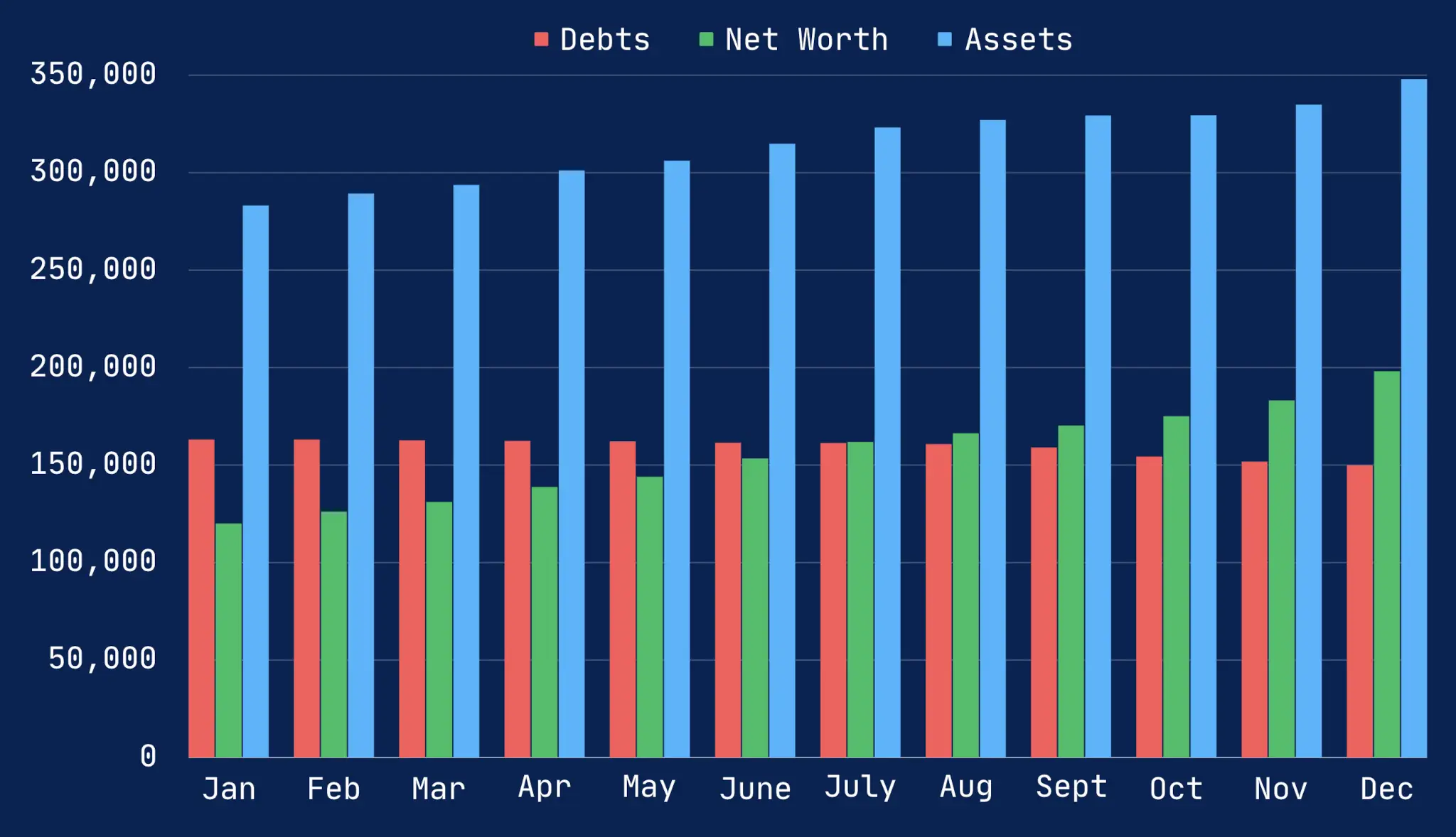
Well, student loan forgiveness didn’t happen. That would’ve been a $20,000 life-changing swing for me. But what can you do? I had to switch gears midway through the year and refocus on debt. I’m about halfway through with those loans.
Outside of that, I would call 2023 a win. I finally have a greater net worth than debt total, and I’m just shy of becoming a two hundred thousandaire. It took me around three years of getting serious about my finances to hit the first $100K. The second should happen in less than a year and a half (depending on how the market looks in Q1 2024).
My goal is still to become financially independent by the age of 50. That leaves me 11 years to keep up the hustle.
The one area I failed with my personal finance goals for 2023 is writing about the journey. I’ll try to do better in the future.
Food Forest / Gardening
I had some successes and failures with growing my food forest this year. For the food forest, I planted:
- Two apples trees
- Two cherry trees
- Three persimmon trees (a storm took one out)
- Six blackberry bushes
- Six muscadine vines
The downside is that I wasn’t able to find every fruit and nut tree that I was planning for. But 2024 is a new year.
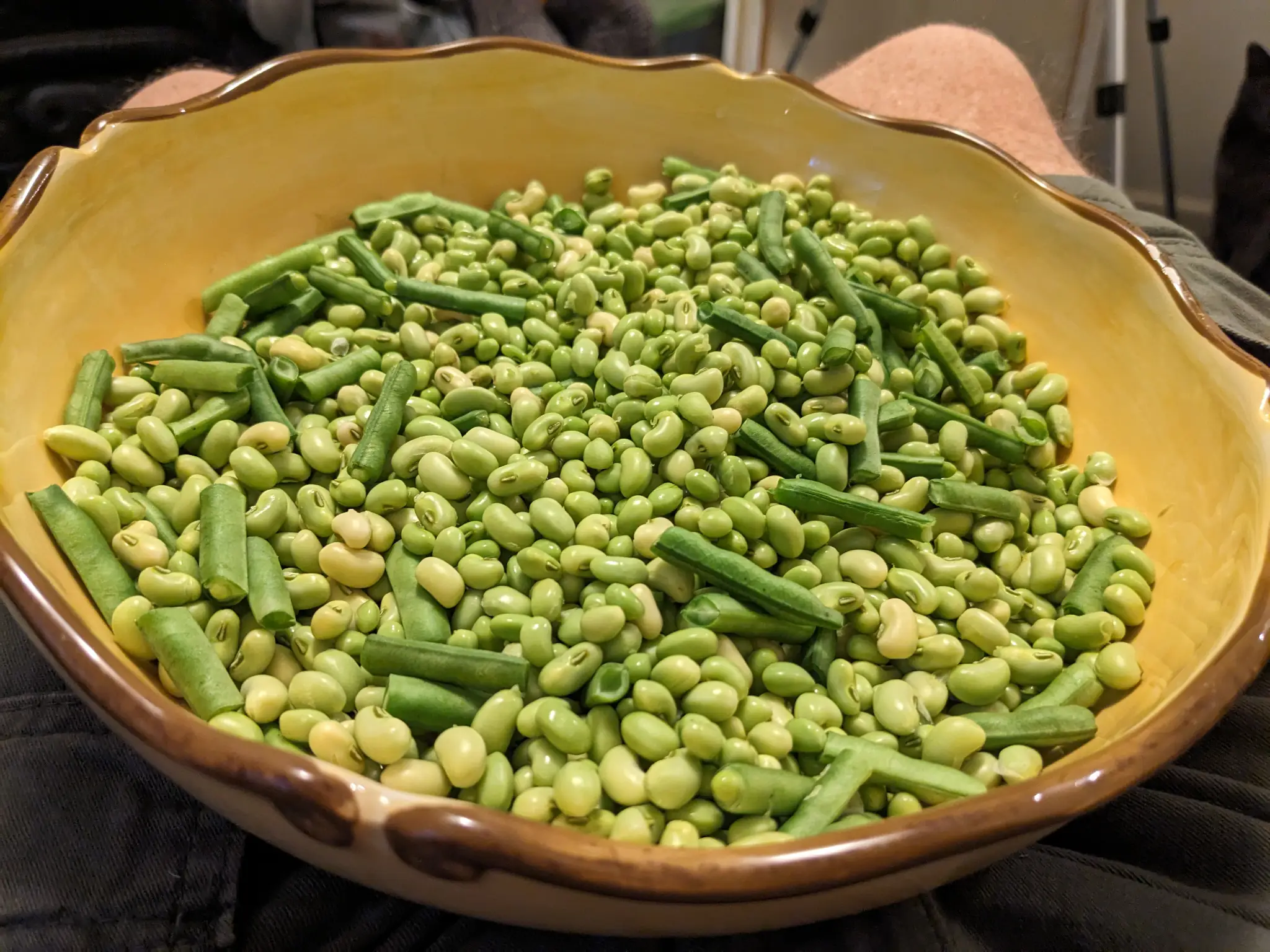
With the garden, I didn’t do much. As usual, I grew tomatoes—it was a pretty good year too. I also had a couple of rows of Texas Cream 40 peas, but late summer challenges derailed some of my plans.
Reading
On December 3, I officially hit my fifth reading anniversary. It was a challenge that started back in 2018 to read a each day for a year. Since, it has morphed into a lifelong goal.
The final tally for 2023: 39 books.
Last year, I didn’t feel like I dedicated enough of my time to reading, and while I hit my daily goal, it wasn’t enough. I re-dedicated myself to the pursuit this year. And I don’t look for that to change anytime soon.
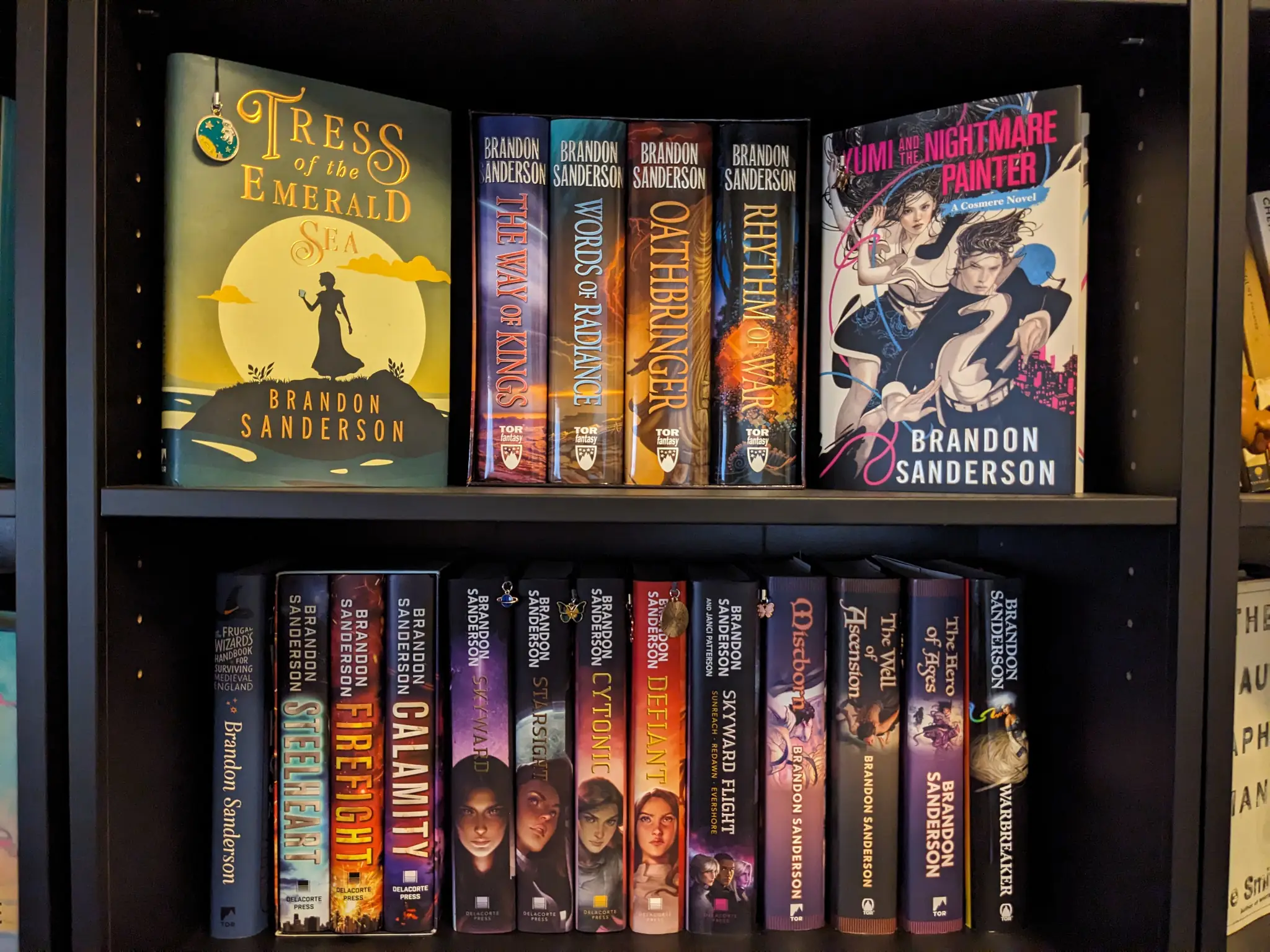
Brandon Sanderson was by far my most-read author (no surprise there). I pored through 11 of his books this year. Some of them were re-reads as I prepared to dive into more of his followup work, but I had just as much fun—maybe more—the second time around.
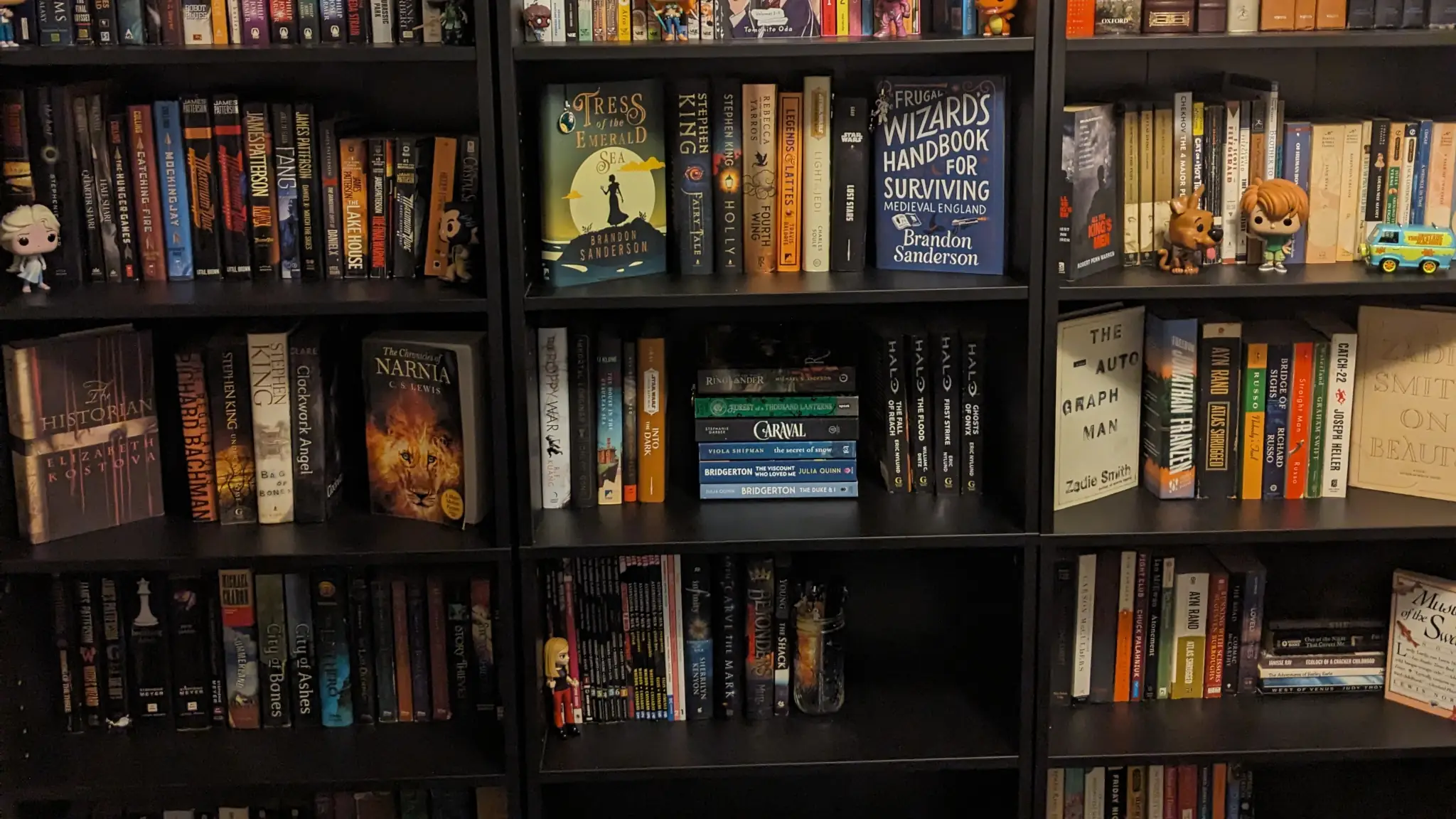
I also installed three new bookcases in my office, finally starting that home library I’ve always wanted. Really, I was just ready to unpack all my books that had been stored in cardboard boxes for years.
Creation
If there’s one area that I failed at it’s in my creative pursuits. I didn’t write a new novel manuscript or work on the old ones. My drawing and painting time took a backseat to other responsibilities.
Don’t get me wrong. I had a ton of creative successes, but these were mostly around my work with WordPress. I could list item after item of successful projects that I was involved in. But my goals for the year were personal, not work related.
With all the challenges of the year and using up most of my creativity in my day job, I wasn’t particularly motivated during my personal time. I’ll have to refocus on this in 2024.
]]>
Five years ago, on December 3, 2018, I made a decision. That decision was to make reading a habit. More specifically, I decided that I would read every single day for a year. Rain or shine. Sick or well. Two hours or 15 minutes. I would read from a book every day.
And that first year had its ups and downs. Mostly ups. A weeklong battle against the flu nearly derailed me a few months into the challenge, but I was determined.
Once I completed the challenge, I thought, Why stop here?
My challenged evolved into a lifelong one. I wasn’t just determined to extend it to two, five, or ten years. No, I was going to do this for the rest of my life if at all possible.
Five years later, I sit here reflecting over the great stories that I’ve been able to live through. I think of what I started back then as less of a challenge and more of a journey. Daily reading is something that’s simply a part of my life.
I won’t lie and say there weren’t some days that were questionable. There has certainly been a day or two where I’ve simply read a single page because I was so exhausted from the other events of the day.
I don’t know that I have anything particularly revelatory to share from my time reading. There have been a lot of great stories along the way, and I expect more going forward.
Today, I am re-reading The Well of Ascension by Brandon Sanderson. It’s the second book in the Mistborn series, which was one of my earliest book series in this journey. And Sanderson is without any doubt the author that I’ve read the most of in these last five years. It seems fitting to return to some of the same books that made the original challenge so much fun.
For now, I’ll keep on living new lives.
]]>“A reader lives a thousand lives before he dies,” said Jojen. “The man who never reads lives only one.”
George R.R. Martin, A Dance with Dragons
Twinkle, twinkle, little star,
How I wonder what you are!
Up above the world so high,
Like a diamond in the sky…
Those were the lyrics that my grandfather—Papa, as we call him—were teaching my then two-year-old niece. It was early 2020 or so.
A tiny kitten, who had no name at the time, had only just appeared on the scene. She had been dropped off by the side of the road, abandoned. But she found her way into our lives. She was a runt at the time (and never did put on much size after that).
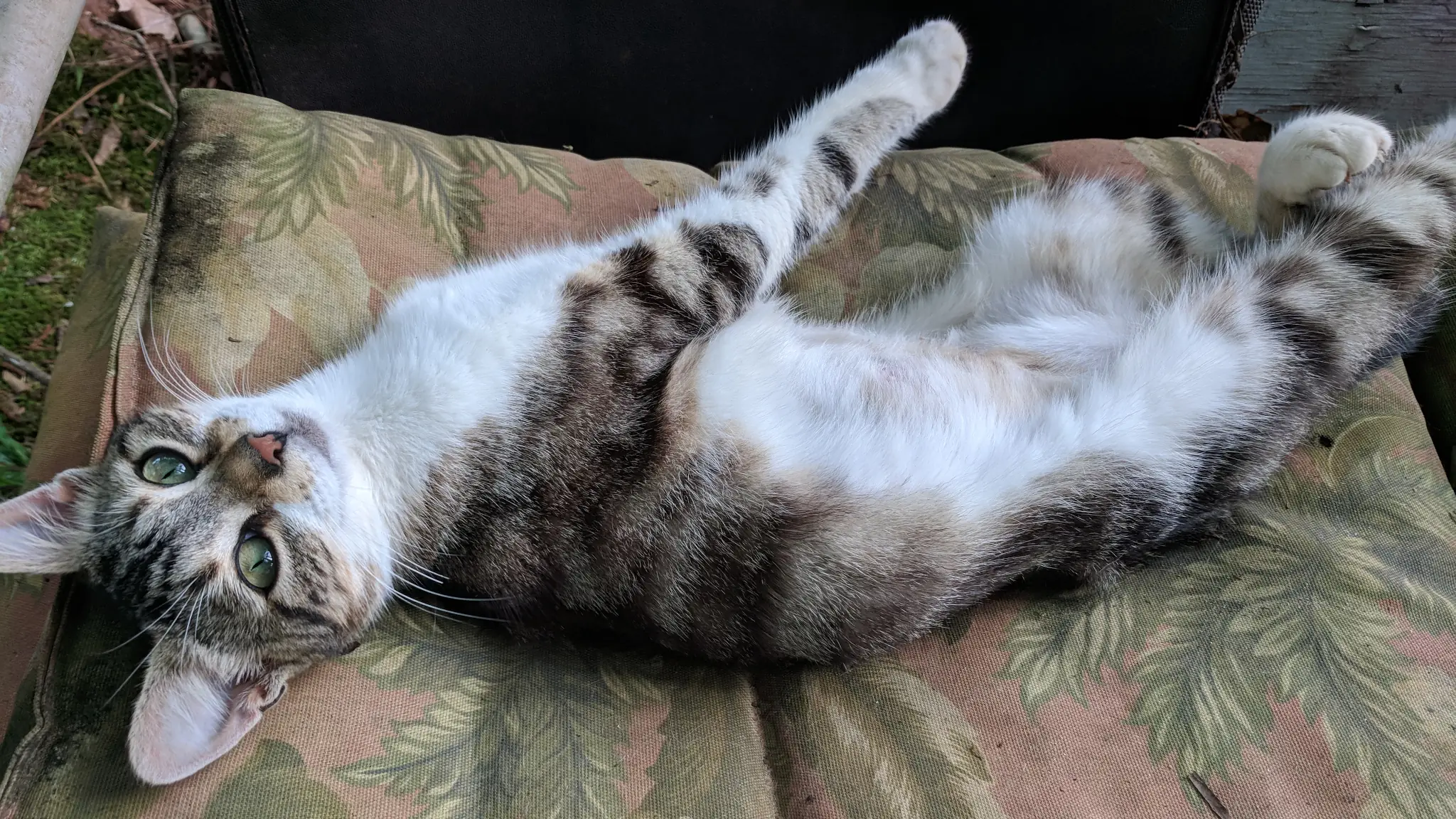
My niece and grandfather would sit on the back porch swing, reciting the lyrics, and the furbaby would eagerly await her head scratches from my grandfather.
This became routine. And my niece, armed with new and exciting words in her vocabulary, bestowed upon the kitten her name: Twinkle.
Twinkle should have never been mine. While I had taken care of the costs of her routine vet visits and food, she was just as much my Papa’s cat. He had grown attached to her, mostly because she spent her early days on my grandparents’ back porch, waiting for those daily head scratches.
-
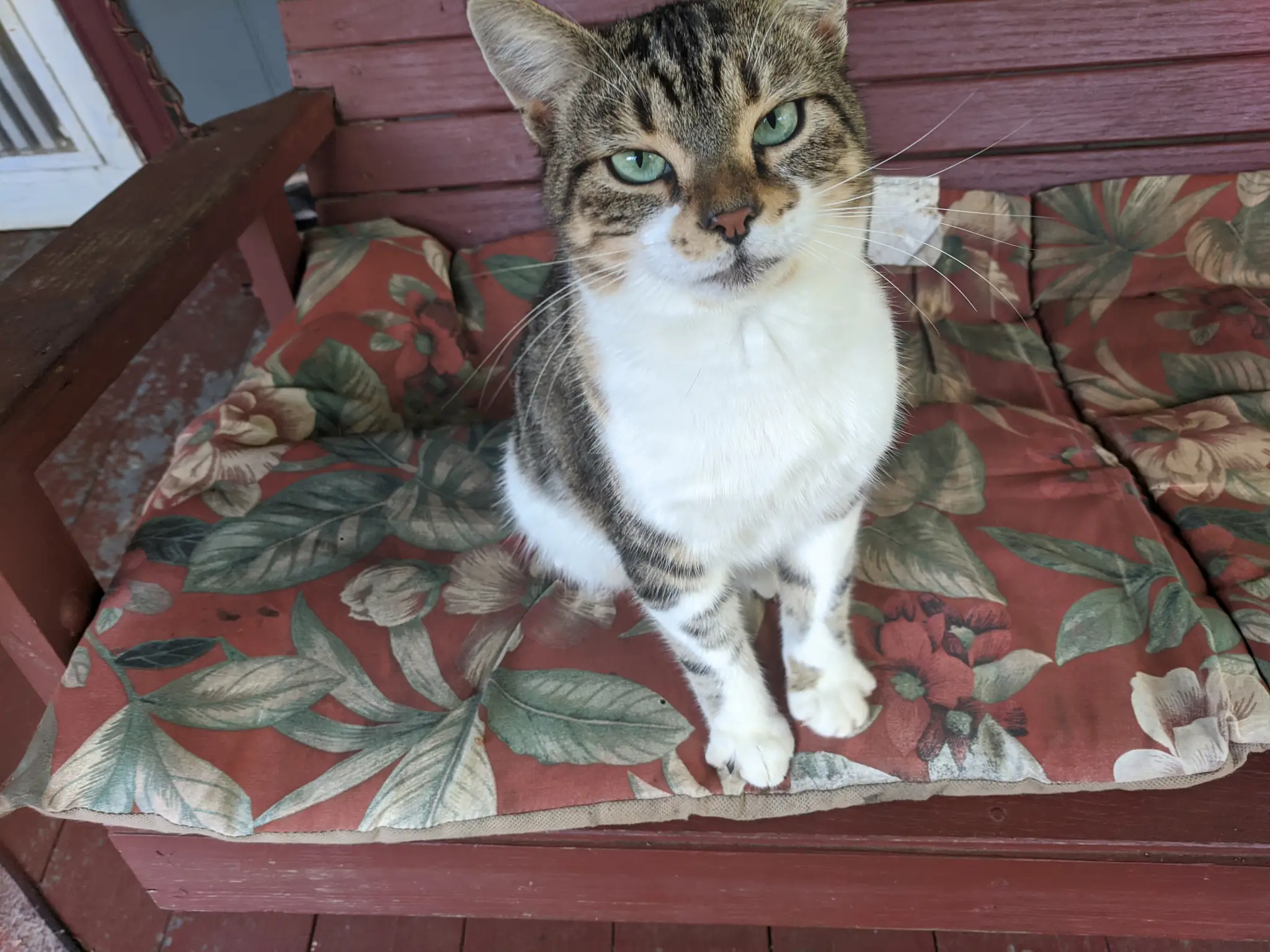
Twinkle on Papa's porch swing. -
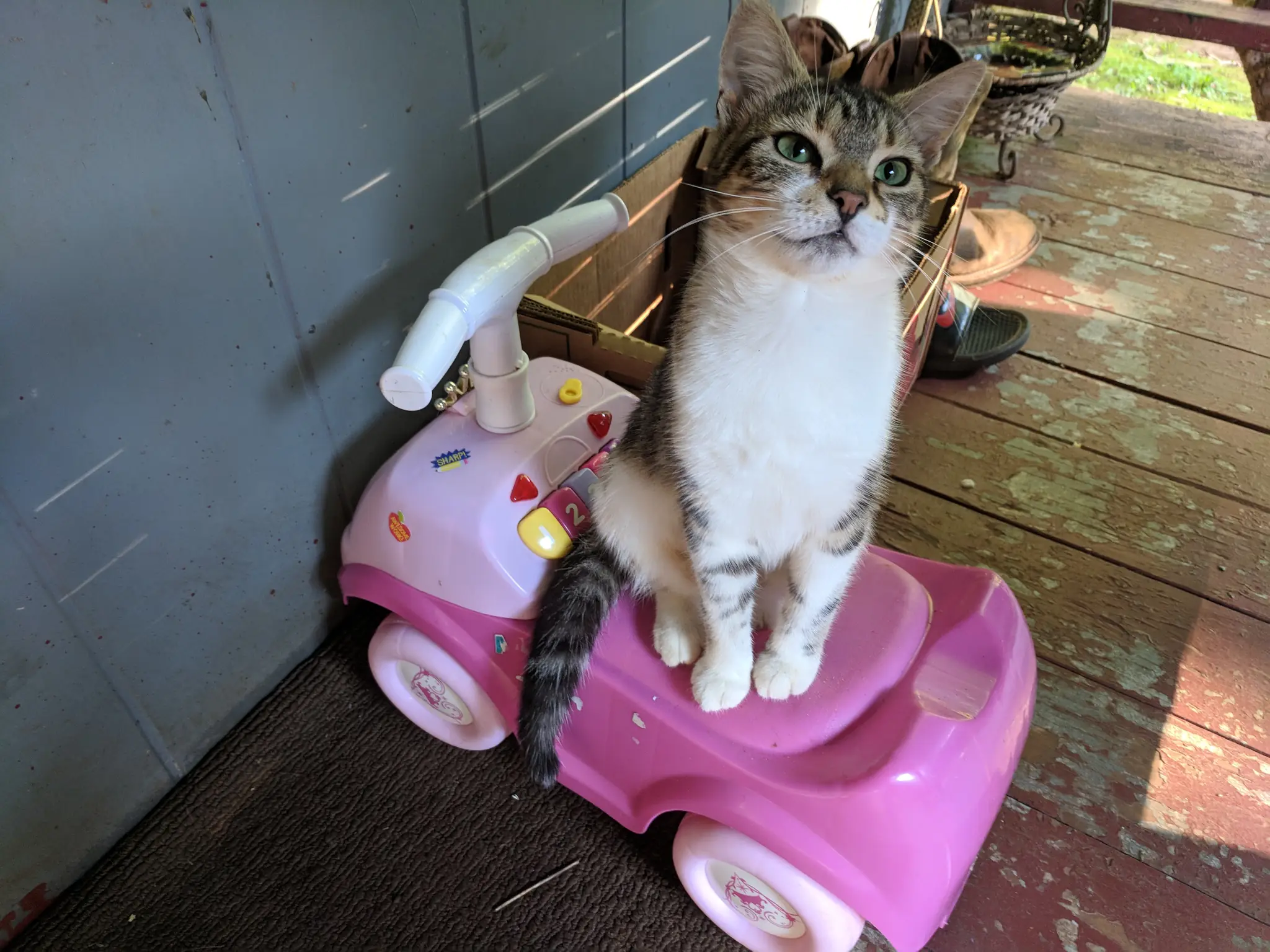
Twinkle on my niece's toy car.
When I bought my new home later that year, I asked if Papa wanted to keep her. But he told me to take her home. This also meant that she could also stay with Simba, her best friend.
She was officially a part of my cat family. I had become solely responsible for her daily head scratches.
And she really liked her head scratches.
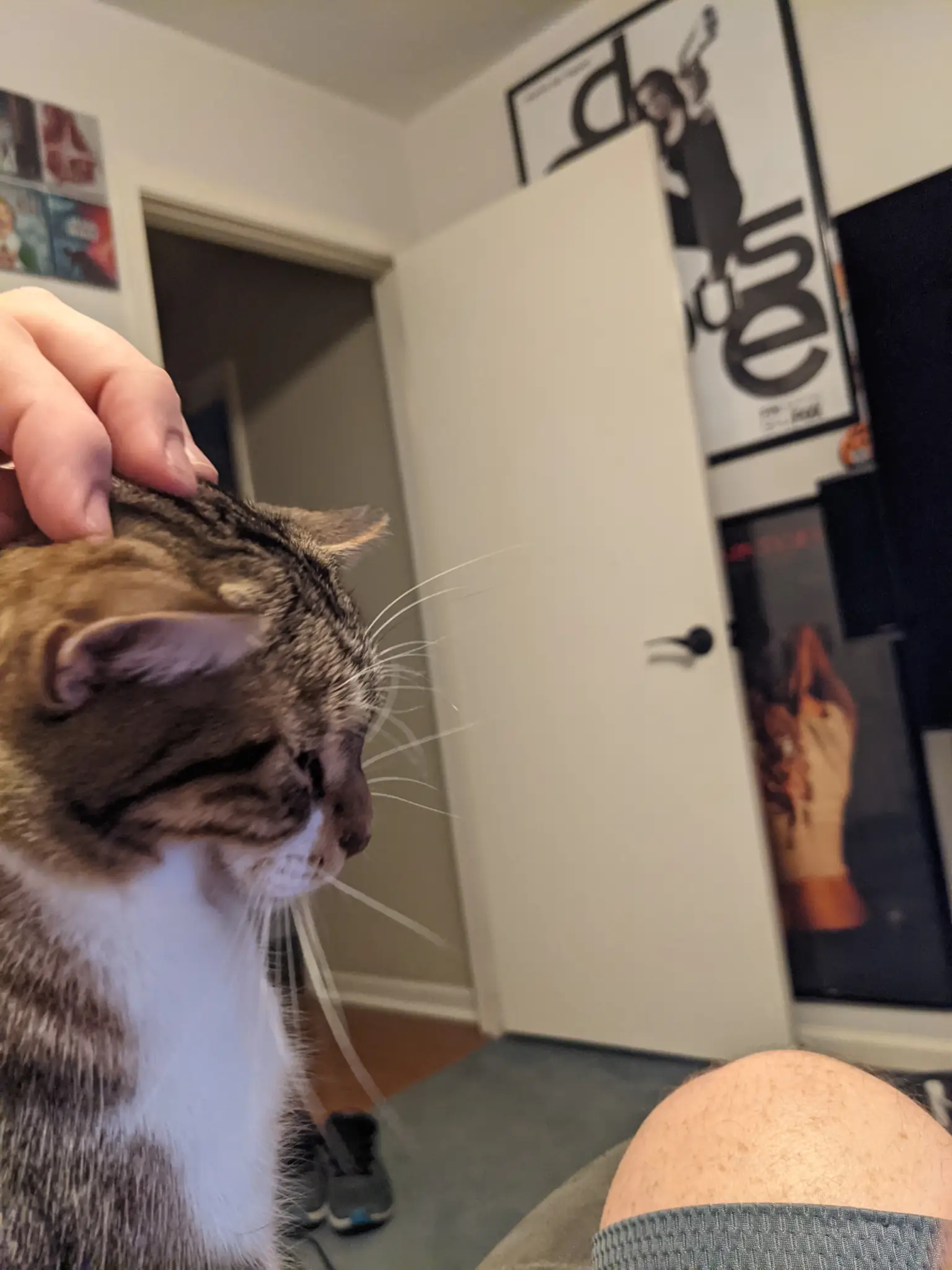
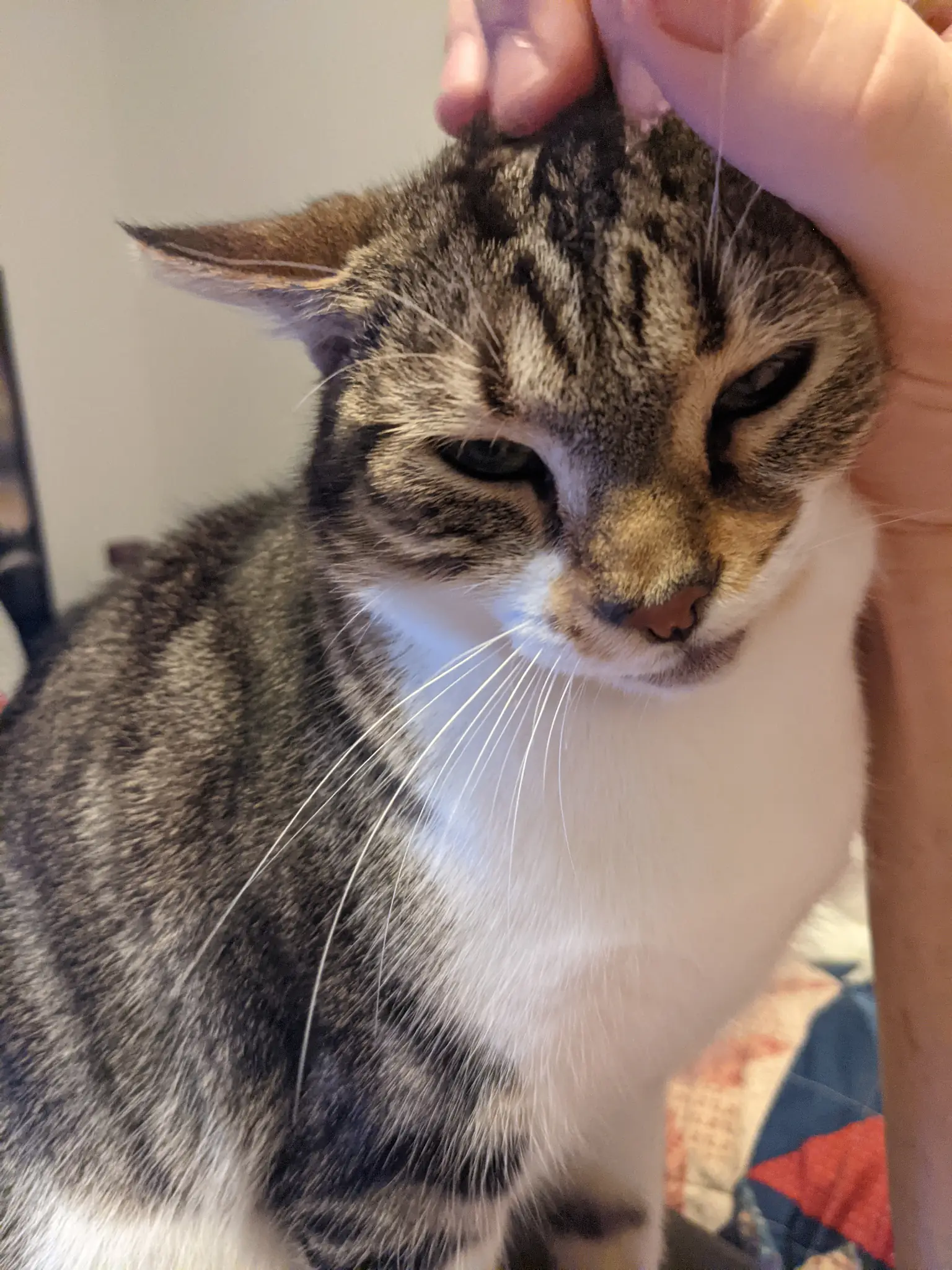
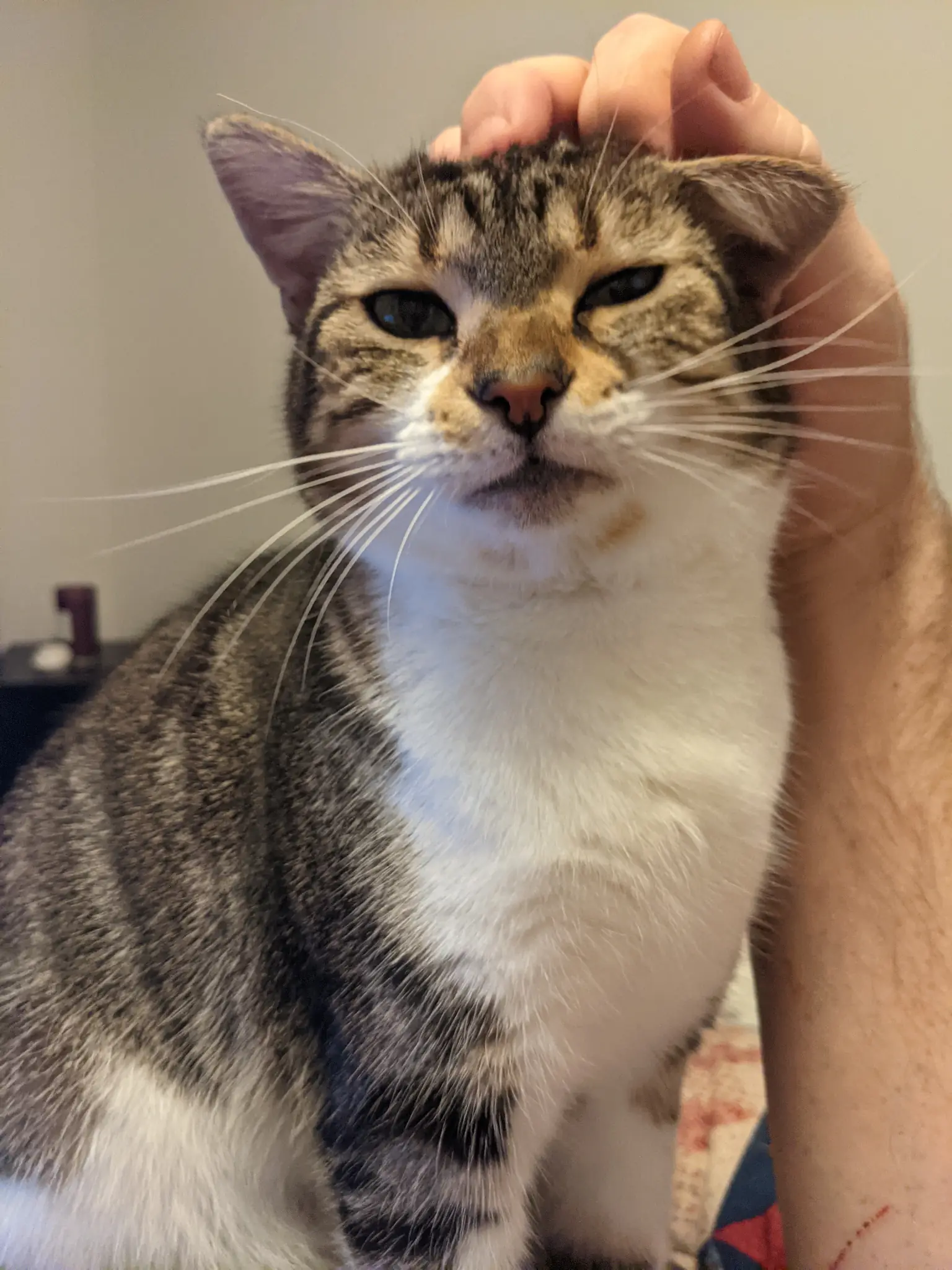
Like clock-work, she would come into my office during the day, sit on the arm of my recliner, and tilt her head back until she got what she had come for. At night, she’d come into the TV room for a second go.
She quickly became accustomed to the new home, sleeping next to me those first few nights on the pallet, a makeshift bed from a piece of foam and old bedsheets.
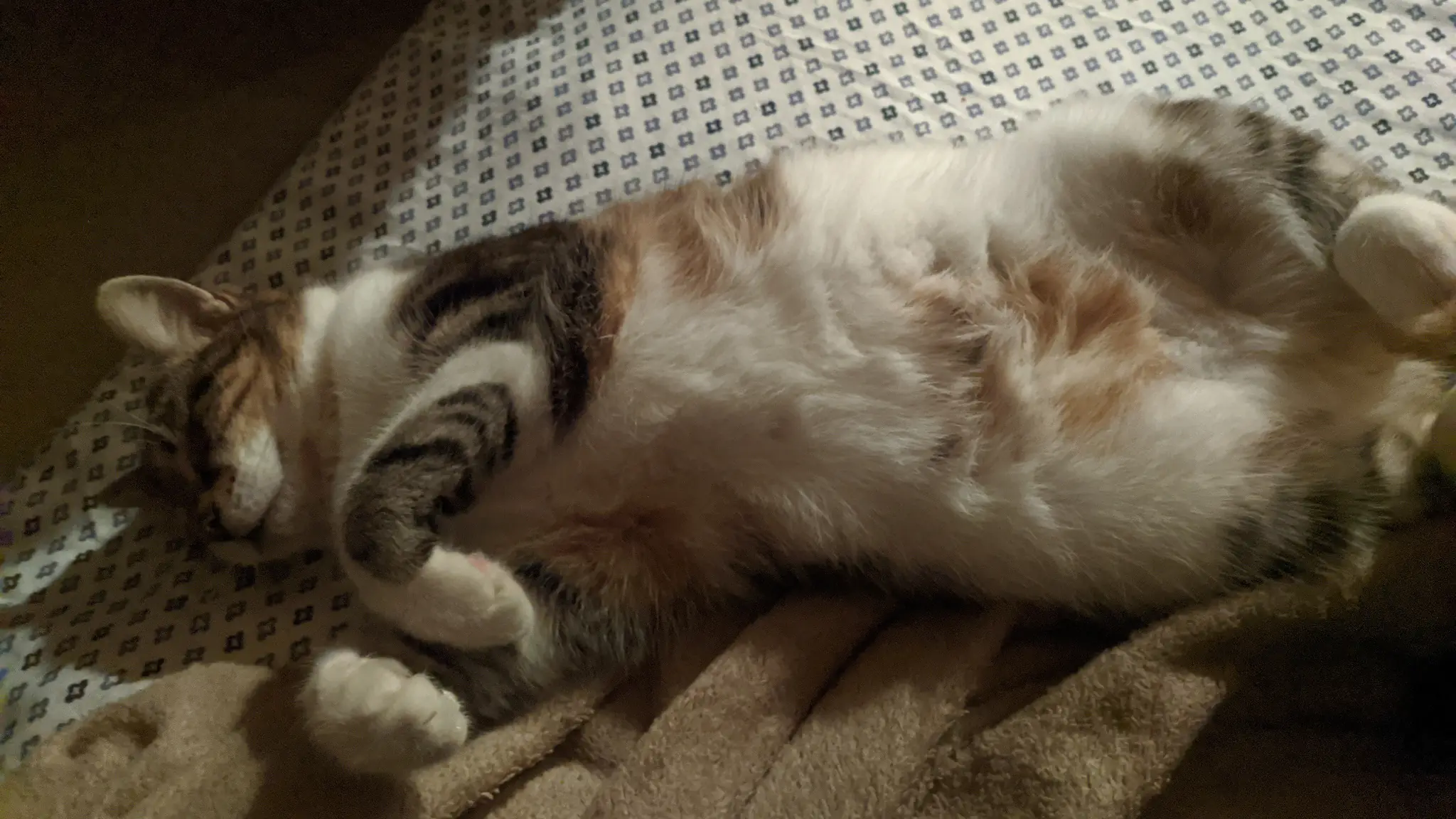
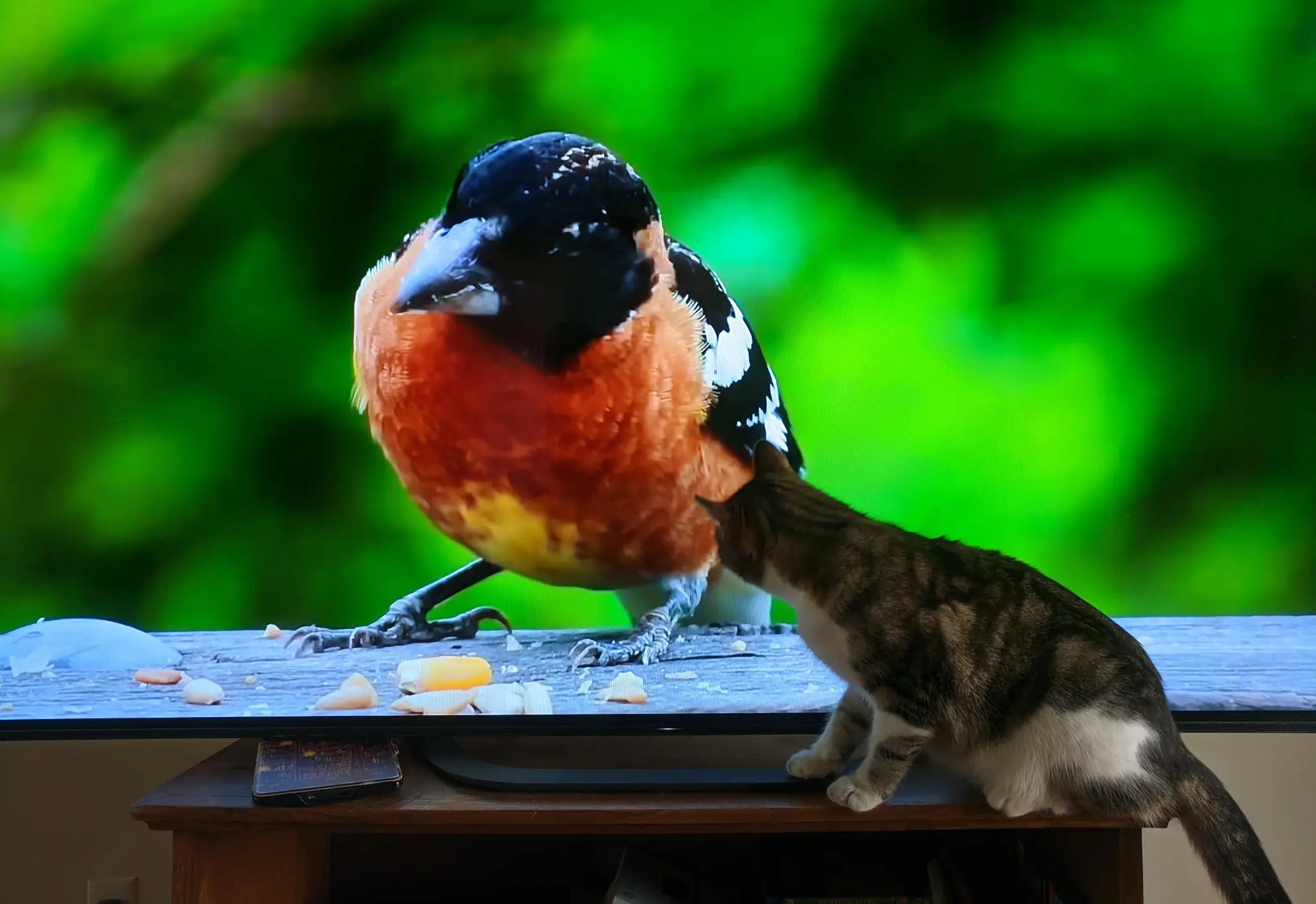
It didn’t take me long to realize that “cat TV” was not meant for my household. Twinkle would attack every bird she saw pop up on the screen. Once, she nearly knocked my 65-inch TV off its stand.
She had fun while it lasted.
She also taught me other important life lessons. For example, the built-in kitchen desk was not meant for storing recipe books. No, it was for kicking back and bird-watching through the window.
-
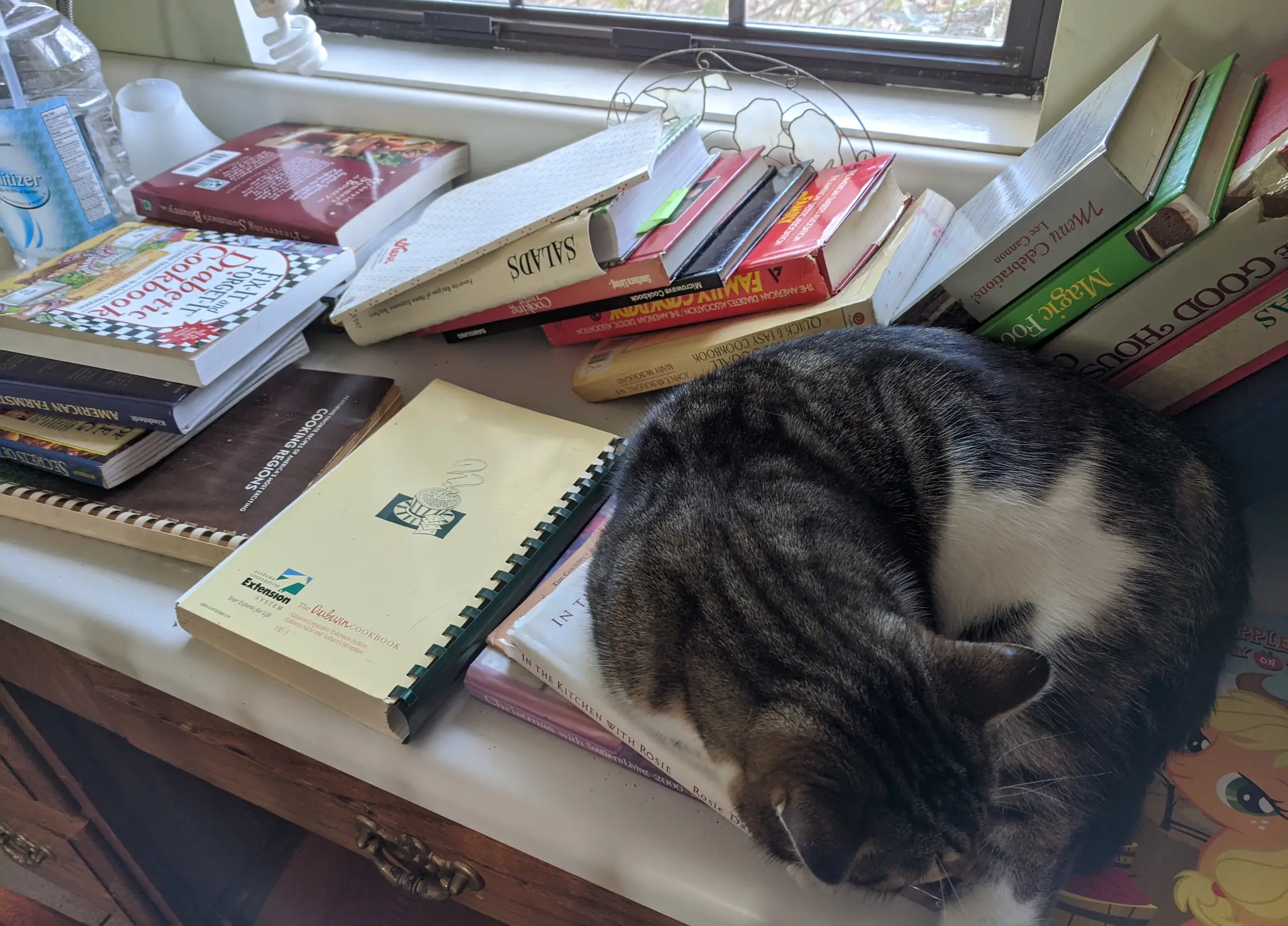
Books don't belong here. -
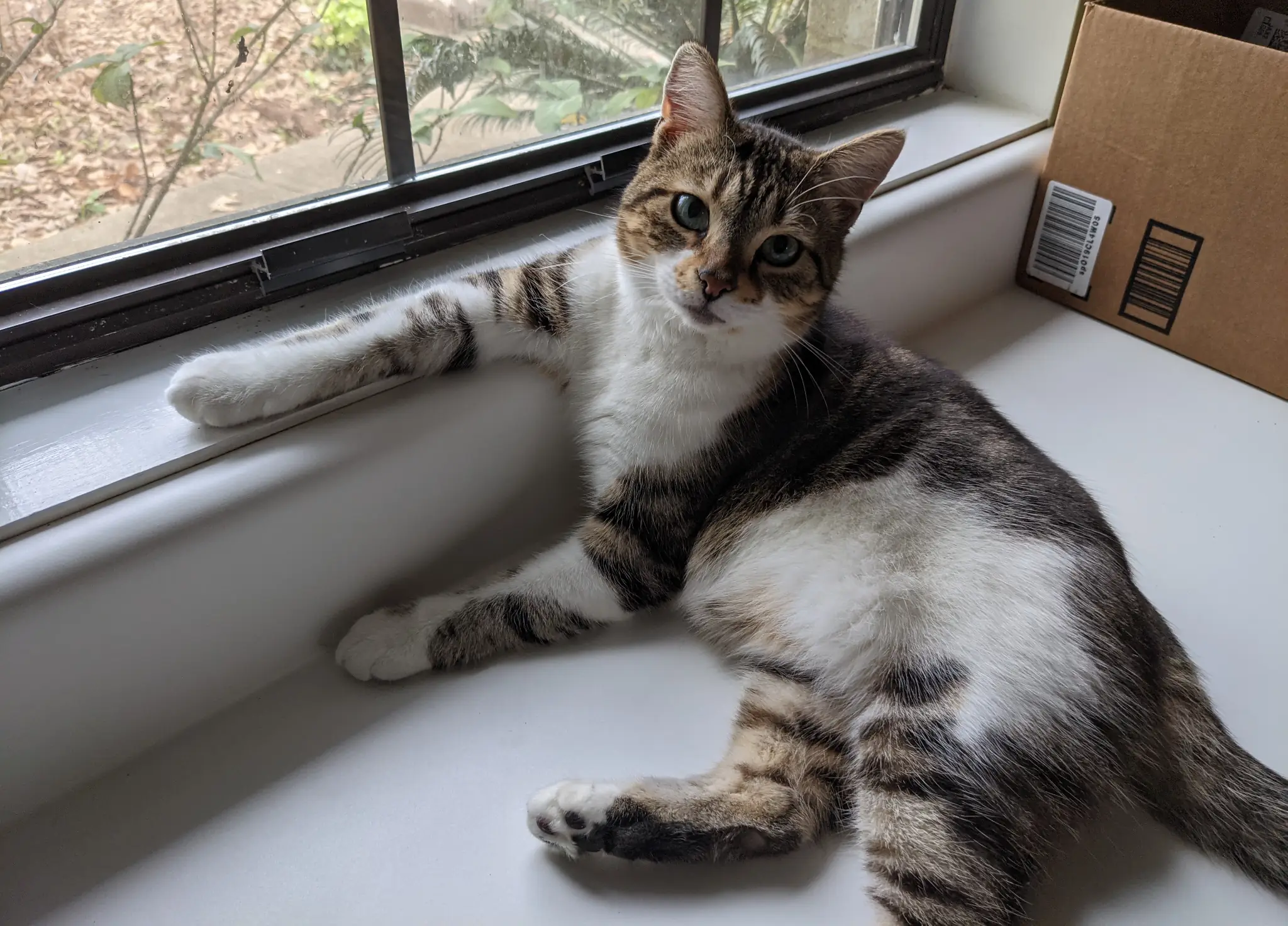
That's better.
I never made the mistake of putting books on the desk again.
Twinkle seemed OK with a real bed when we finally got one. At least I never heard her complain about it.
-
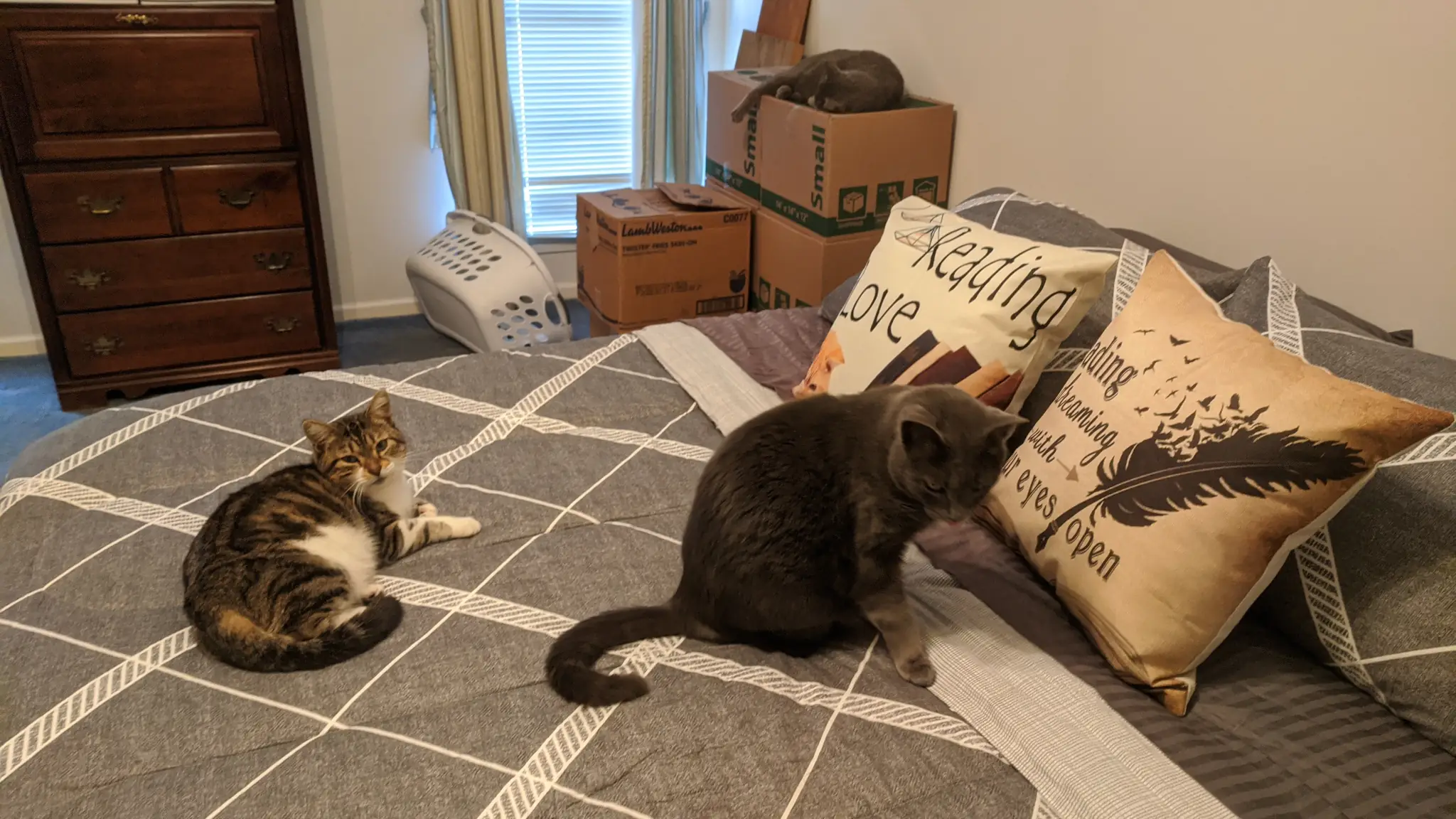
This seems comfy. -
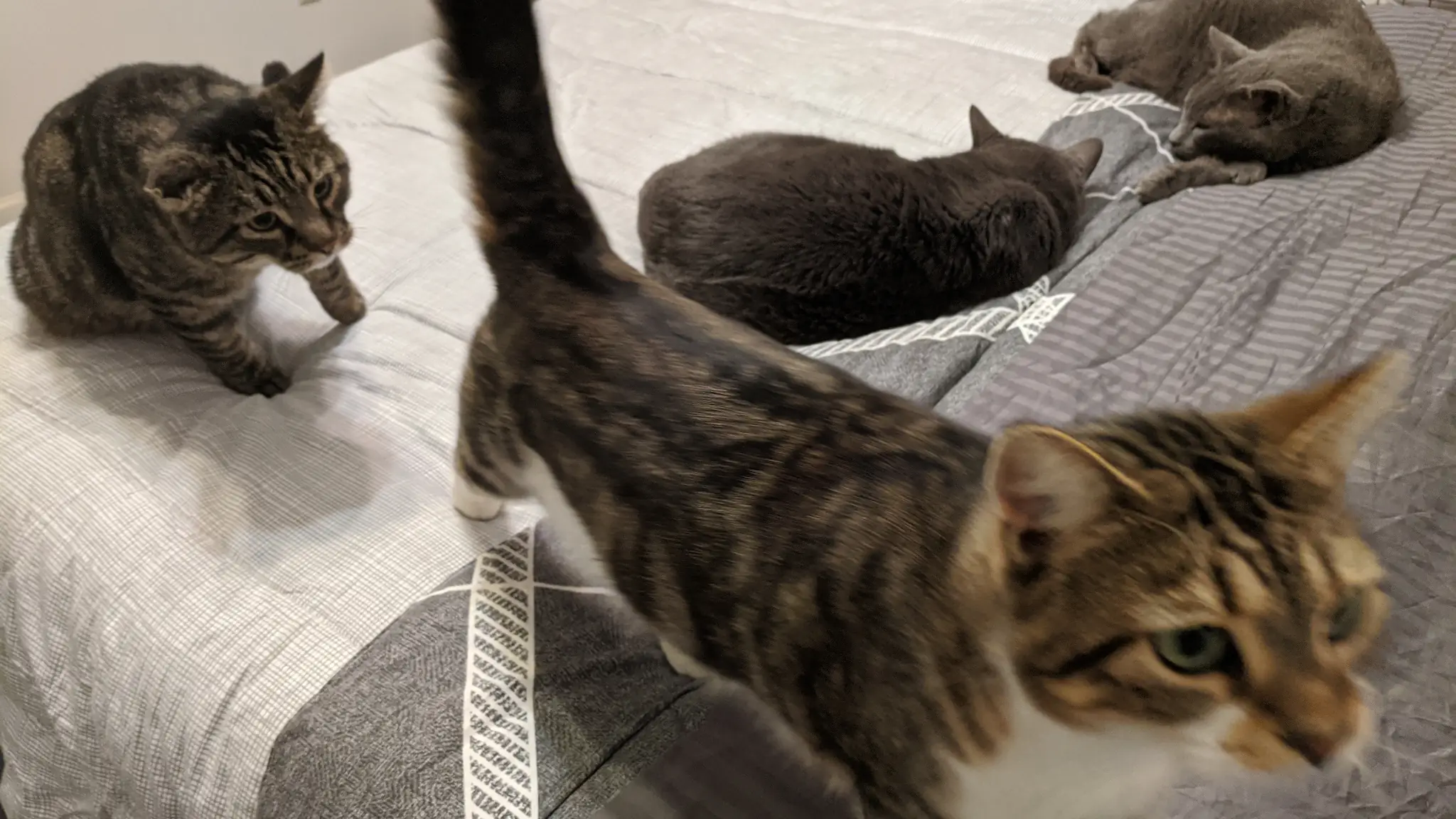
Look behind you!
She was always the youngest and smallest. The eldest cats always took the “good” spots around the house.
But when the new couch and loveseat arrived, she quickly moved in and claimed the territory.
-
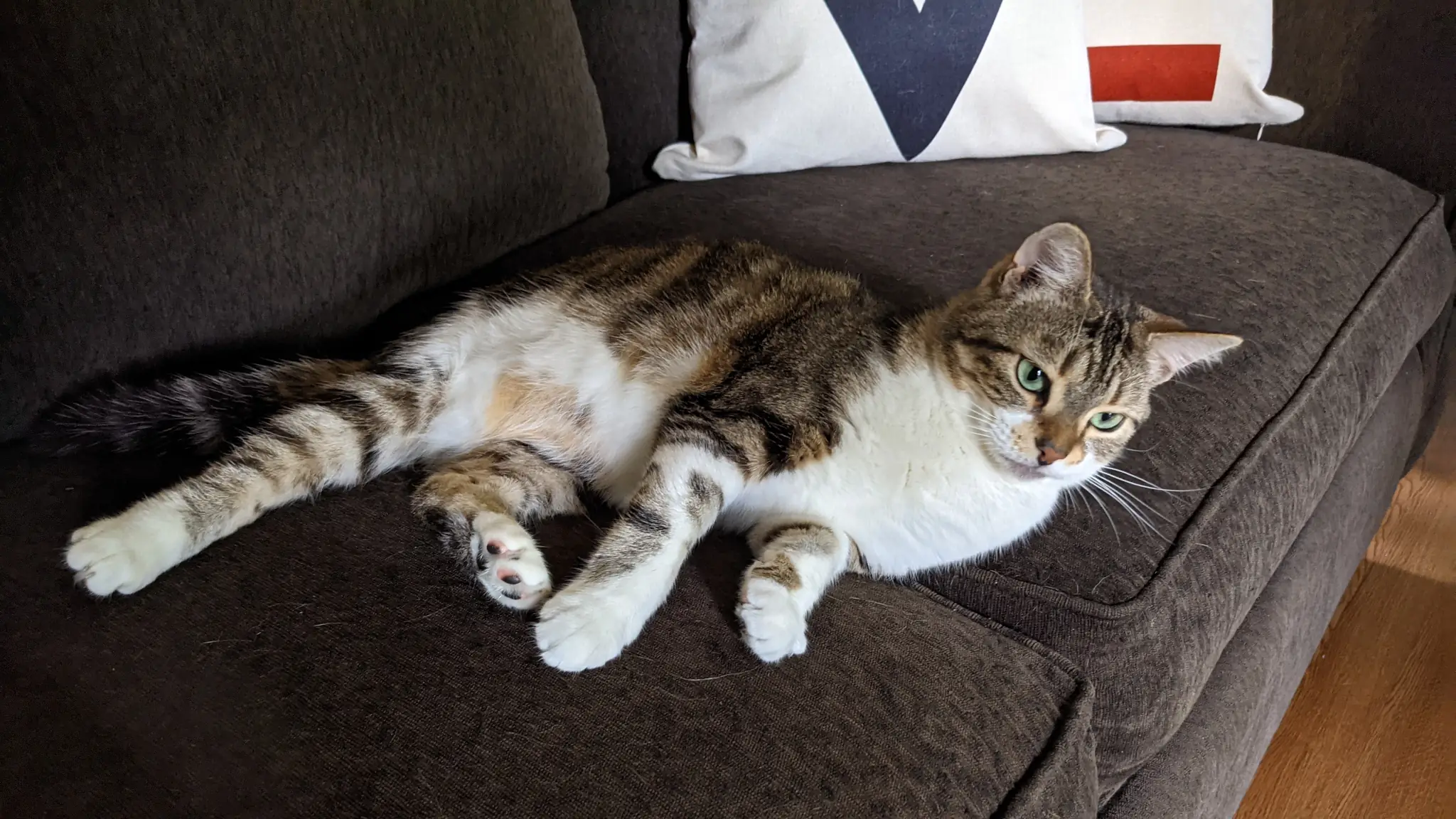
A spot all my own. -
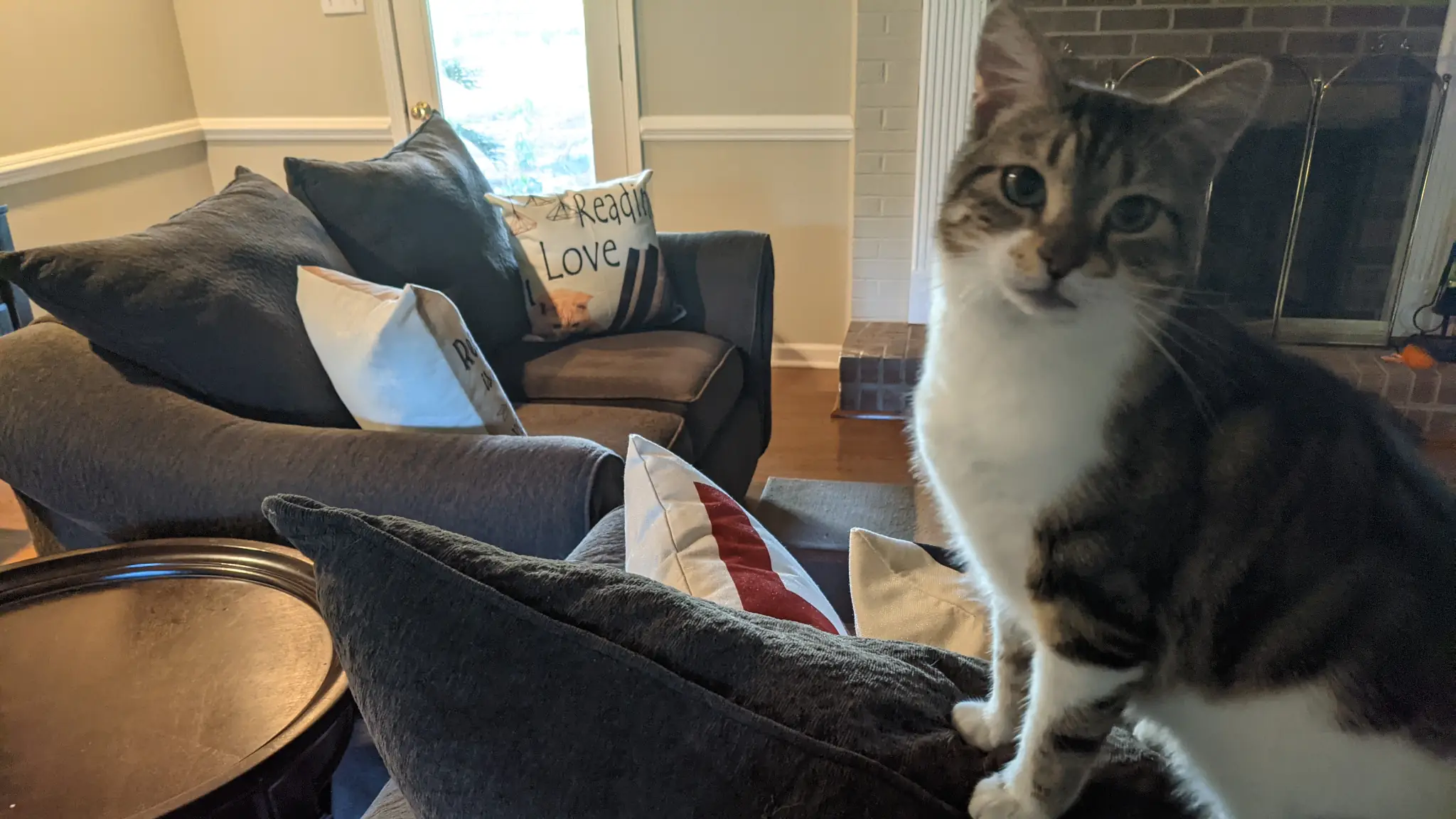
Queen.
She truly became a part of the family in her short time with us.
As I dig through the dozens and dozens of photos from these past few years, I realize that I have countless stories. Some attached to images in my phone. Others only live in my memory, and I’ll have to hold onto those as long as my mind will allow.
Saying Goodbye
On Saturday, July 1, my family lost the youngest of its members. Twinkle drew her final breath a little after 10pm.
She had been to the vet on Friday, gotten some meds, and even seemed to have perked up earlier on Saturday. By late that night, it became clear that she wasn’t going to make it. But I continued to cling to some hope up until—even after—those final moments. Maybe the universe would provide some miracle…
I won’t focus too much on the last two bad days of her life. They came at the end of so many good days. I am merely recording the date and time so that I can look back at this moment in some distant future when my own memory begins to fail me.
In that future, I’d always imagined that it’d be me, Simba, and Twinkle remaining (my other cats are a decade or older). I just had this vision of myself as an old man with my last two old cats just enjoying each other’s company. Each of us old and gray. And that’s the most painful part of all this—Twinkle didn’t get to live out the years that she should’ve had.
Well, and Simba doesn’t really have a friend anymore. He’s a bit of a bully, so that’s mostly his fault. But Twinkle was the only new animal that he willingly allowed into our lives when she first appeared three years ago.
I wish I had more good photos of the two of them together, but if I had stopped to take them, they would’ve been blurry action pics of the two chasing each other around the house. So, these will have to suffice:
-
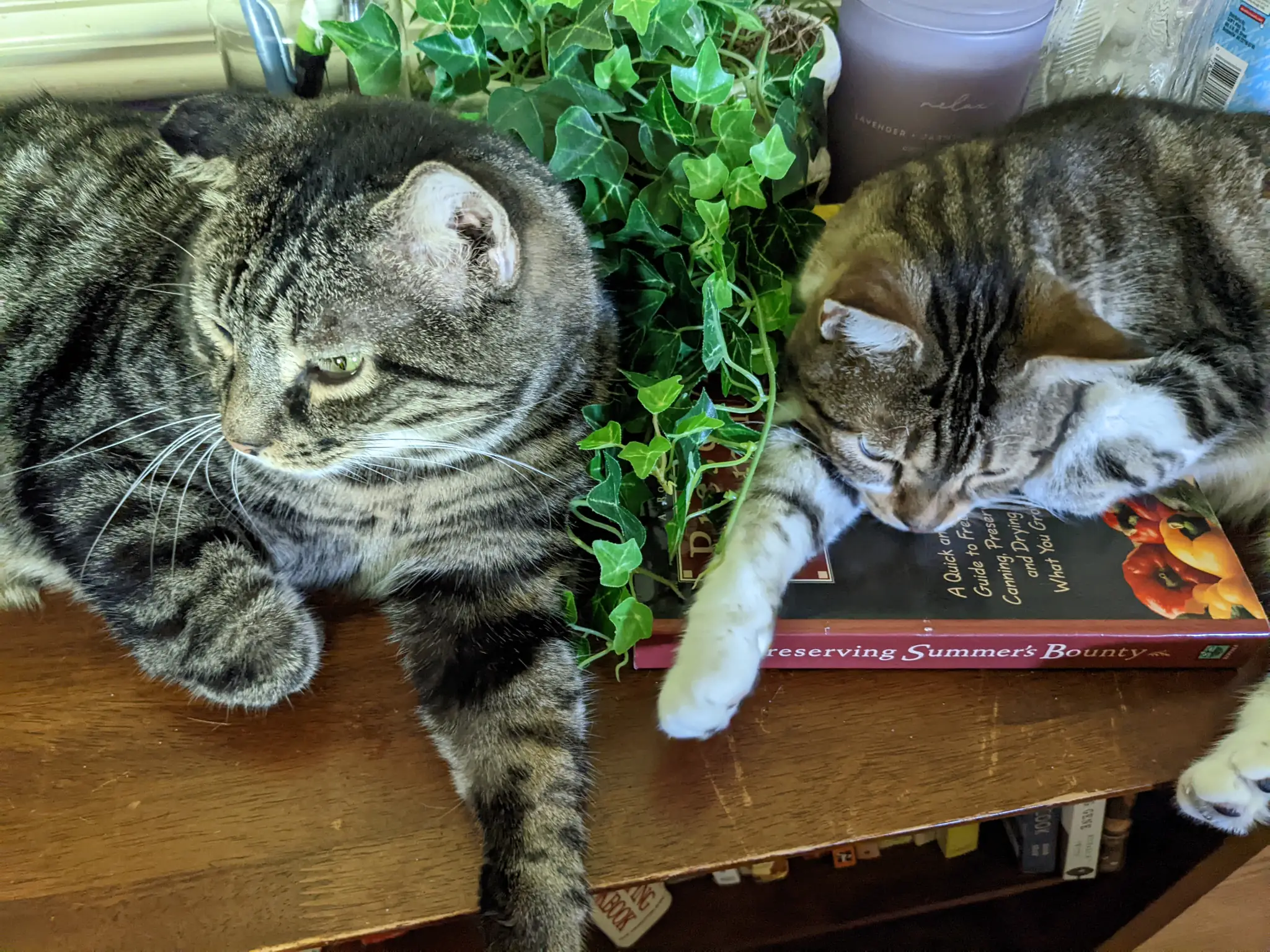
Relaxing on the table. -
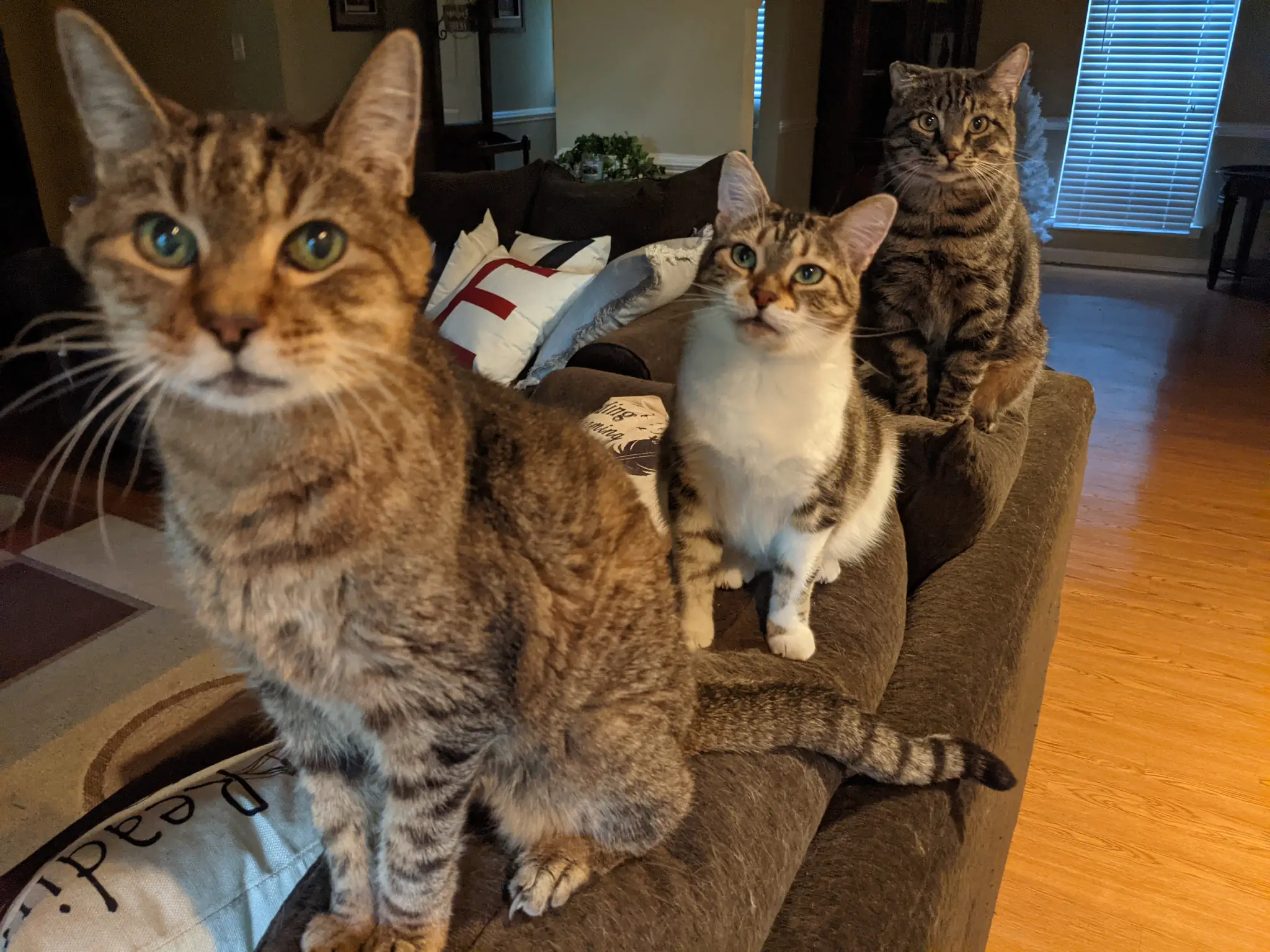
Tabby trio (Smeagol, Twinkle, and Simba).
My dad and I buried Twinkle this morning. She went with her favorite bed (pictured in the first photo in this post). I gave her a final head scratch before lowering her into the ground. There’s a part of me that wants to believe she could still feel my fingers running across her soft hair.
I suppose no goodbye post to a cat would be finished without the obligatory cardboard-box photos. Here are a few to remember her by:
-
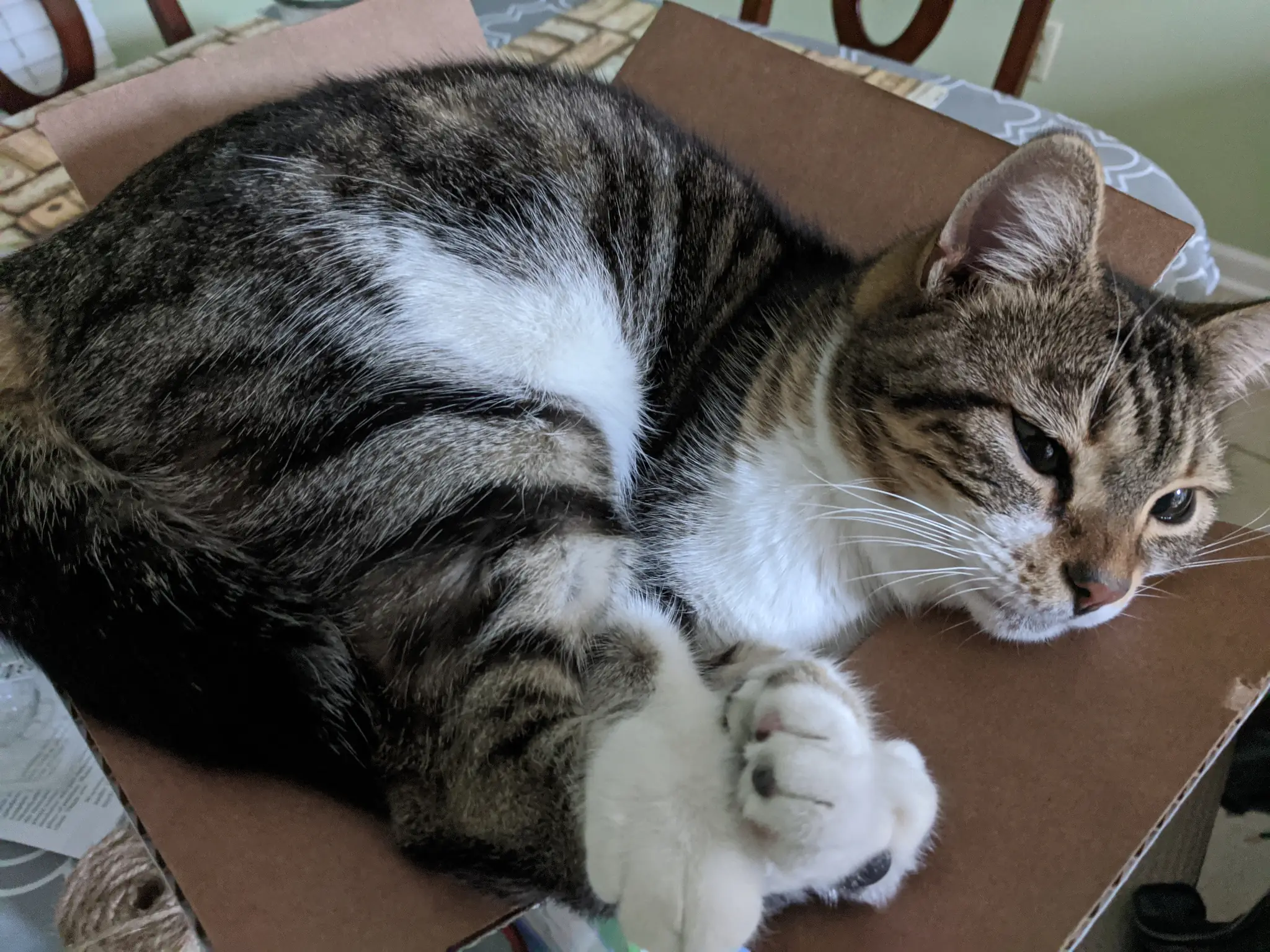
If it fits, I sits. -
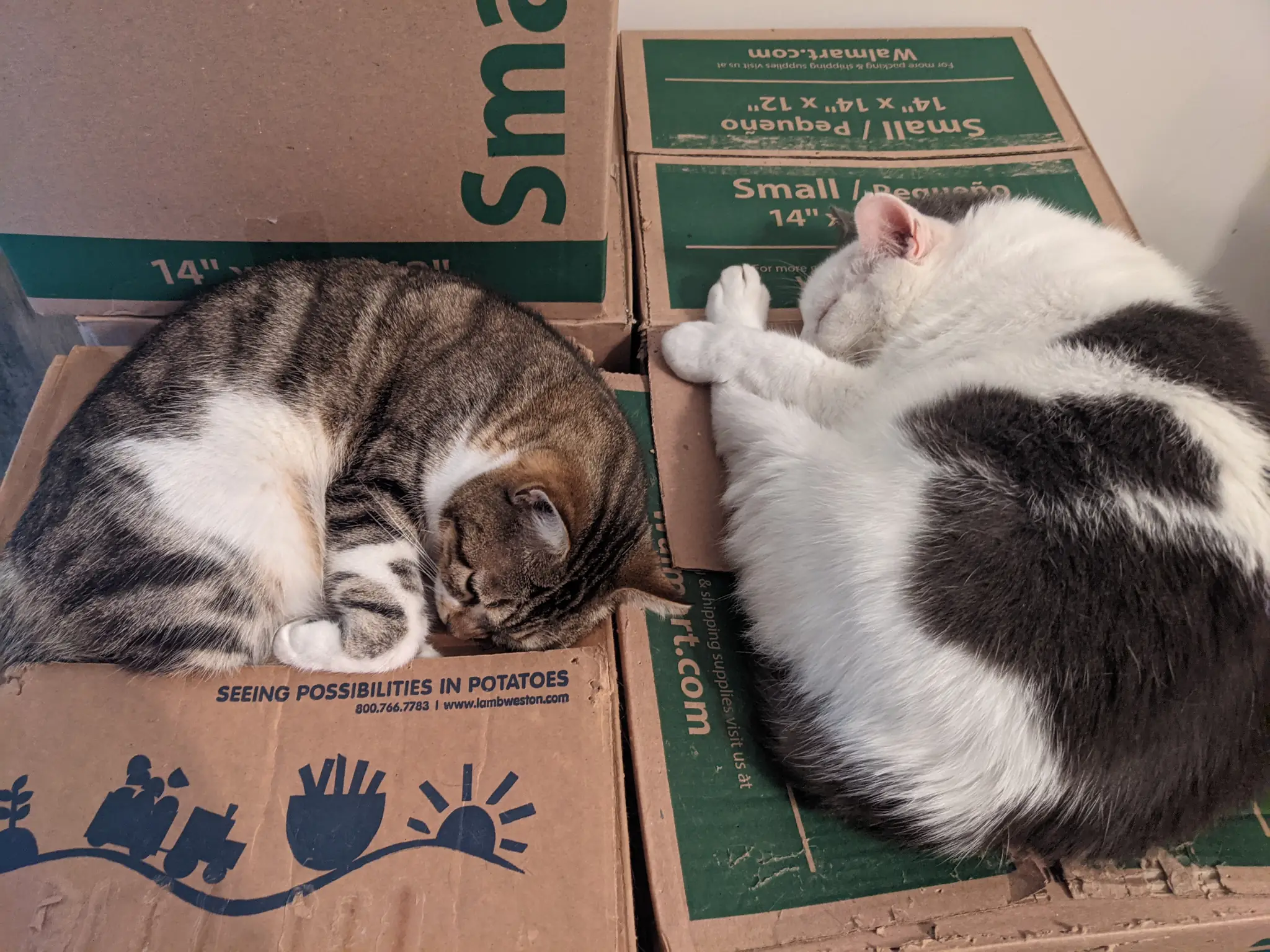
Twinkle and Oreo. -
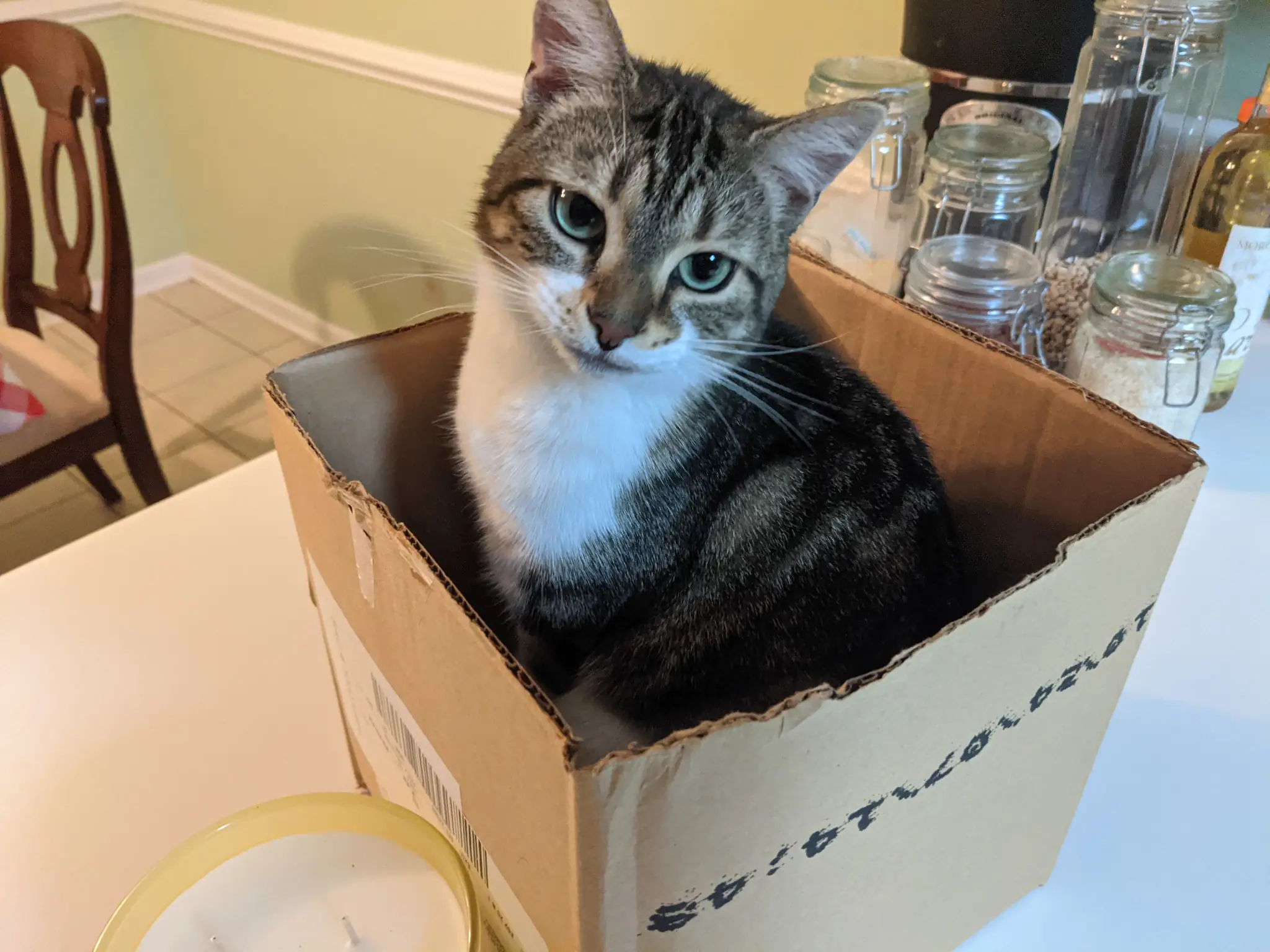
Perfect box. -
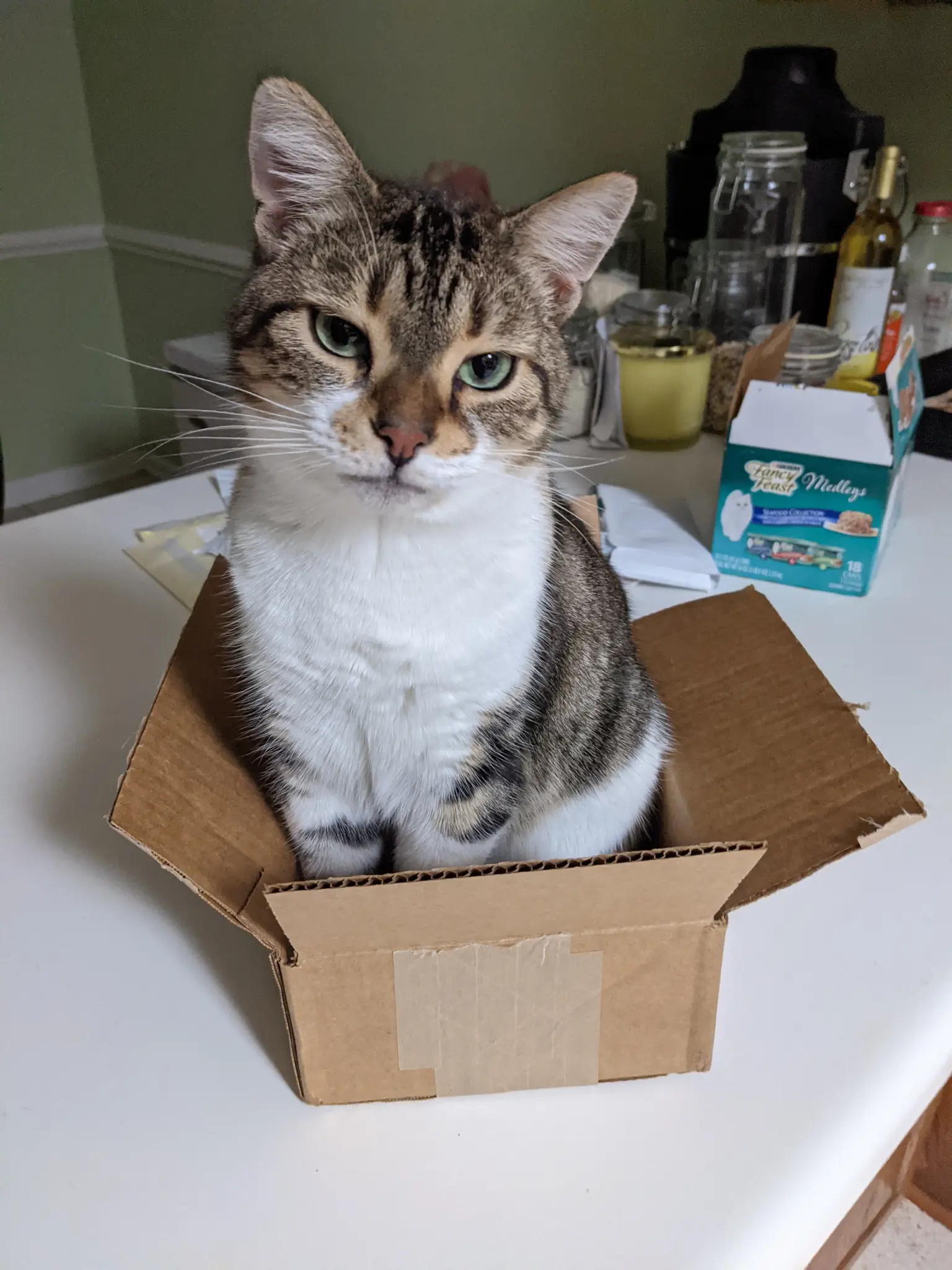
Small box. -
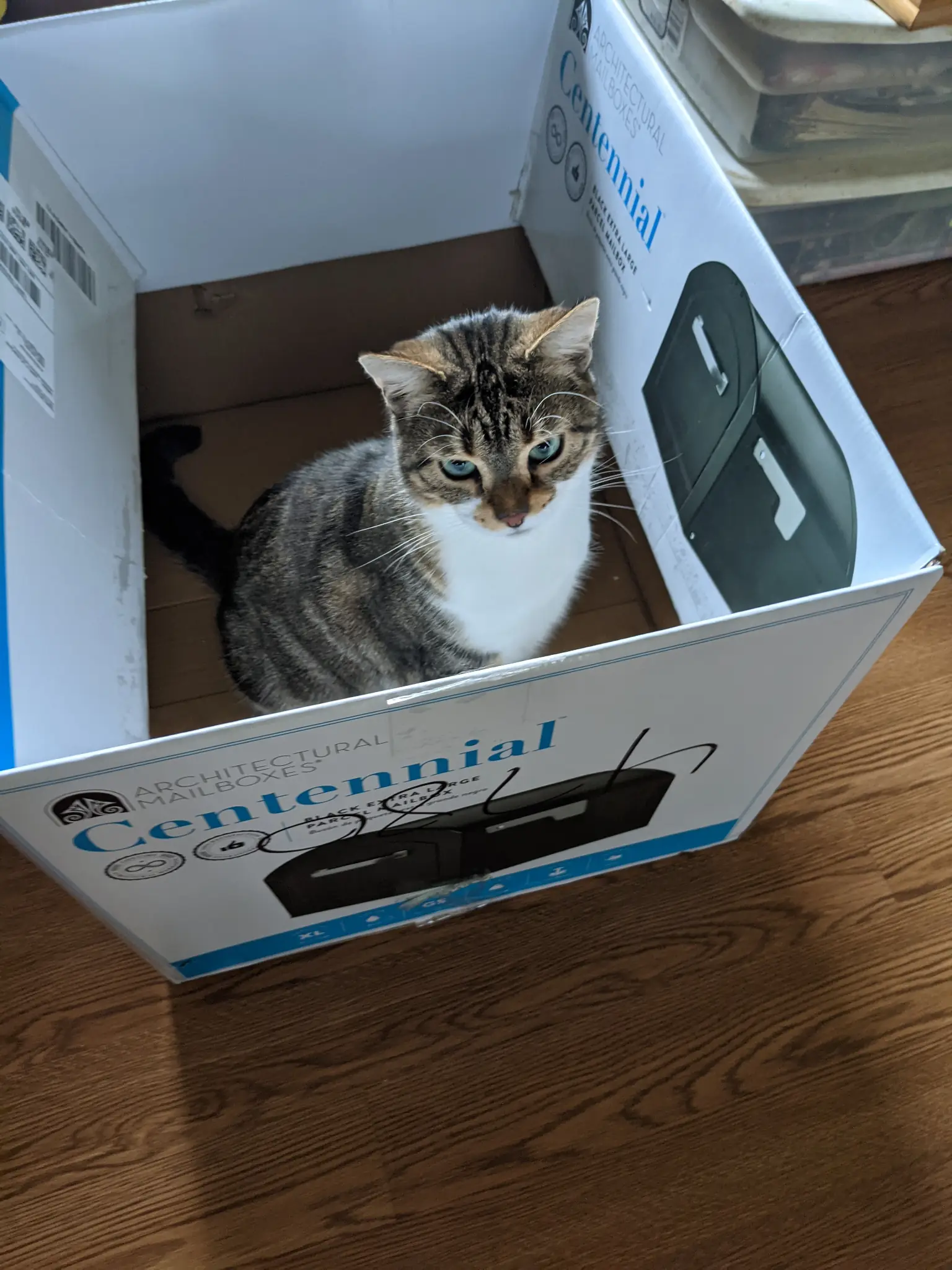
Big box.
Goodbye, my sweet girl.
]]>
Thirty-nine is the new twenty-nine, right? Right? …? That was the age that Grandma Tadlock always gave whenever I’d ask how old she was—she was forever 29. I suppose I could just stay the same age no matter how many years I’ve racked up.
So, I’m entering the final year of my 30s.
Hot tip: for those interested in personal finance, that just so happens to be the final year of the second-best decade for compound growth. The best decade is when you’re in your 20s. So, invest early and often.
Back to the subject at hand. It’s my birthday.
Honestly, I haven’t spent much time reflecting on the past year of my life. I typically like to sit and take stock of the things that I can appreciate about my time here on Earth, but I’ve been in a bit of a busy cycle lately. I’ve been piddling around in the garden a bit, tackling a few homestead projects, working the good ol’ 9-to-5, and prepping for a trip to England with my work teammates. So, not a lot of time spent on reflection.
But busy is good. I’ve felt pretty productive in the past couple of months.
Plus, it’s tough to think about my birthday on a Monday. I dove into my regular work first thing this morning and geared up for the remainder of the week. I did take a break at lunch, drove into town, and ate a burger combo. Yep, a combo. Fries and a drink included. That’s the first time in a while I skipped the value menu—hey, I’m a cheapskate frugal!
I suppose it’s OK to splurge on my birthday.
The one thing I continue to think about regularly is what my life looks like in 10 or 15 years. In particular, I continue to dream about homesteading. I’m still working toward that goal by planting new perennials and learning as much as I can. I know I’m only in Year 3 of owning my property and that this is about the long game.
But I can still feel nature tugging at me. I know there’ll come a day when I’ll need to step away from my old (current) life and embrace the new one.
There are still miles to walk on this journey, but I’m taking the steps.
We’ll see what it all looks like when 49 rolls around. For now, I think I’ll just enjoy the last year of my 30s.
]]>
It’s hard to believe that I’ve been sending my thoughts out here into the void that is the world wide web for a full two decades. But, here I am. Today officially marks the 20th anniversary of this blog.
When I wrote those first words, “Welcome to My Site,” all those years ago, I was still a kid who was trying to figure out his place in the world. On many days, I feel like I’m still that same young man—only a little grayer. This blog has grown along with me. As with my own life, it has had its ups and downs, but we’re still going.
I’ve been thinking about this anniversary for a long while. I even put a reminder on my calendar nearly a year ago so that I wouldn’t miss it. I suppose I always thought that I’d have something profound to share about the art of blogging when this day arrived. But, honestly? Nothing really came to mind.
I haven’t written much of late, at least outside of my day job. The ol’ blog here has taken a backseat to other projects in the past couple of months.
Before that, I was in a bit of a rut and not particularly motivated to do anything. My routine was pretty regular—wake up, work, play video games, watch TV, sleep, repeat.
The winter months had hit me hard. I wasn’t getting much fresh air and was at one of those low points in my personal life. Everything should have been going well. I was working a great job, had hit some financial goals not long before, and had celebrated a fun holiday season. Why was I so down?
I can be a man of extremes sometimes. There are months on end when I am super passionate about my extracurricular activities. Then, there are moments when I just can’t get the motivation to do much beyond the things I’m required to do to survive.
I’m always trying to find a balance between those two states. Like that kid from 20 years ago, I’m still a work in progress.
Several weeks back, I did something to get myself out of that gloomy state. It was fruit-tree planting season, one of my favorite times of the year. Even after buying a few trees from my ever-growing I-want-to-plant-this list, I wasn’t as excited as I had been in past seasons.
It wasn’t until I actually got outside and felt the dirt between my fingers and the sunshine on my face that I truly felt happy again. Somehow, everything felt right with the world. I was doing something that I was meant to be doing. I was connecting with nature once again. Our time apart had not gone well.
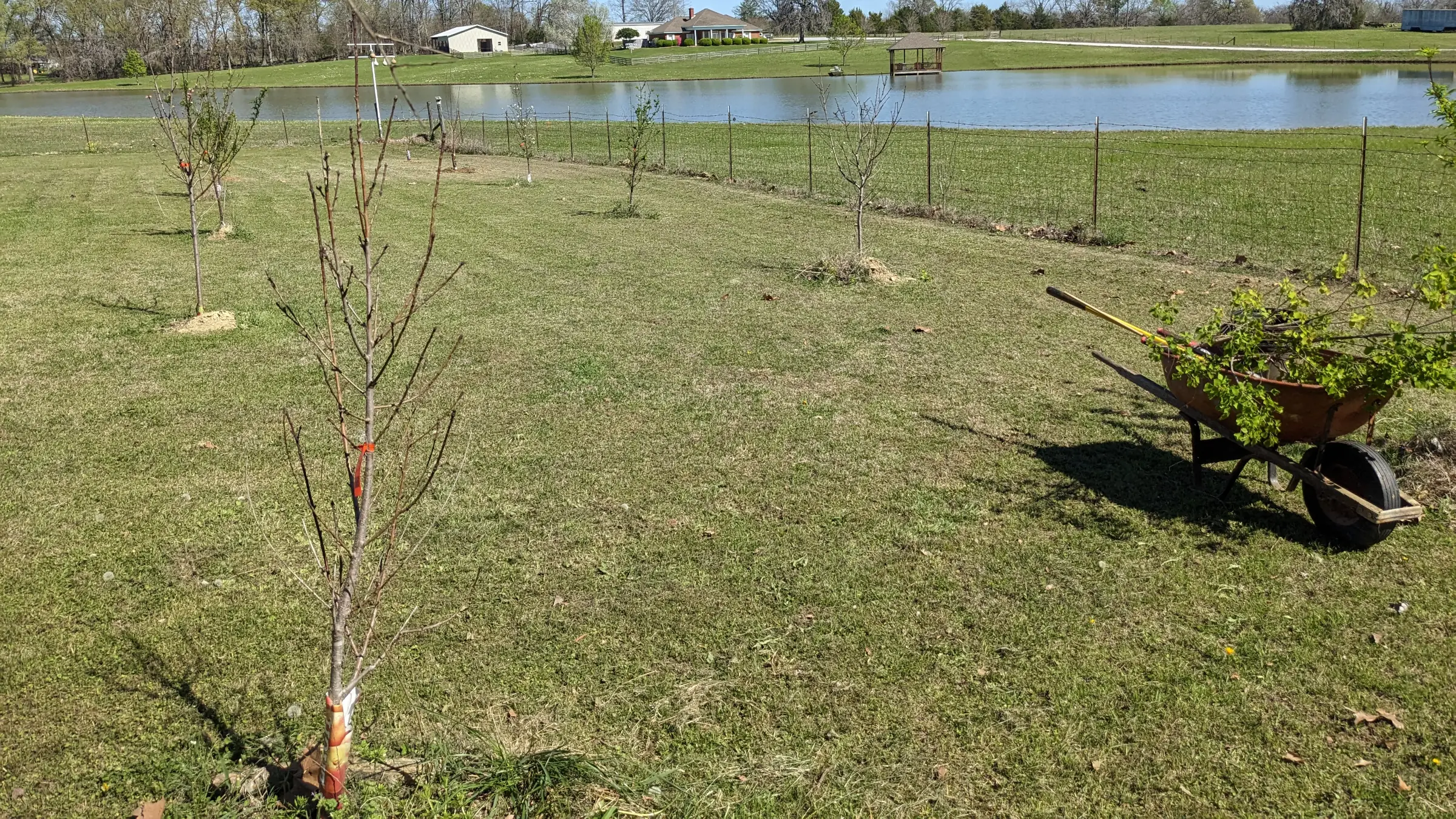
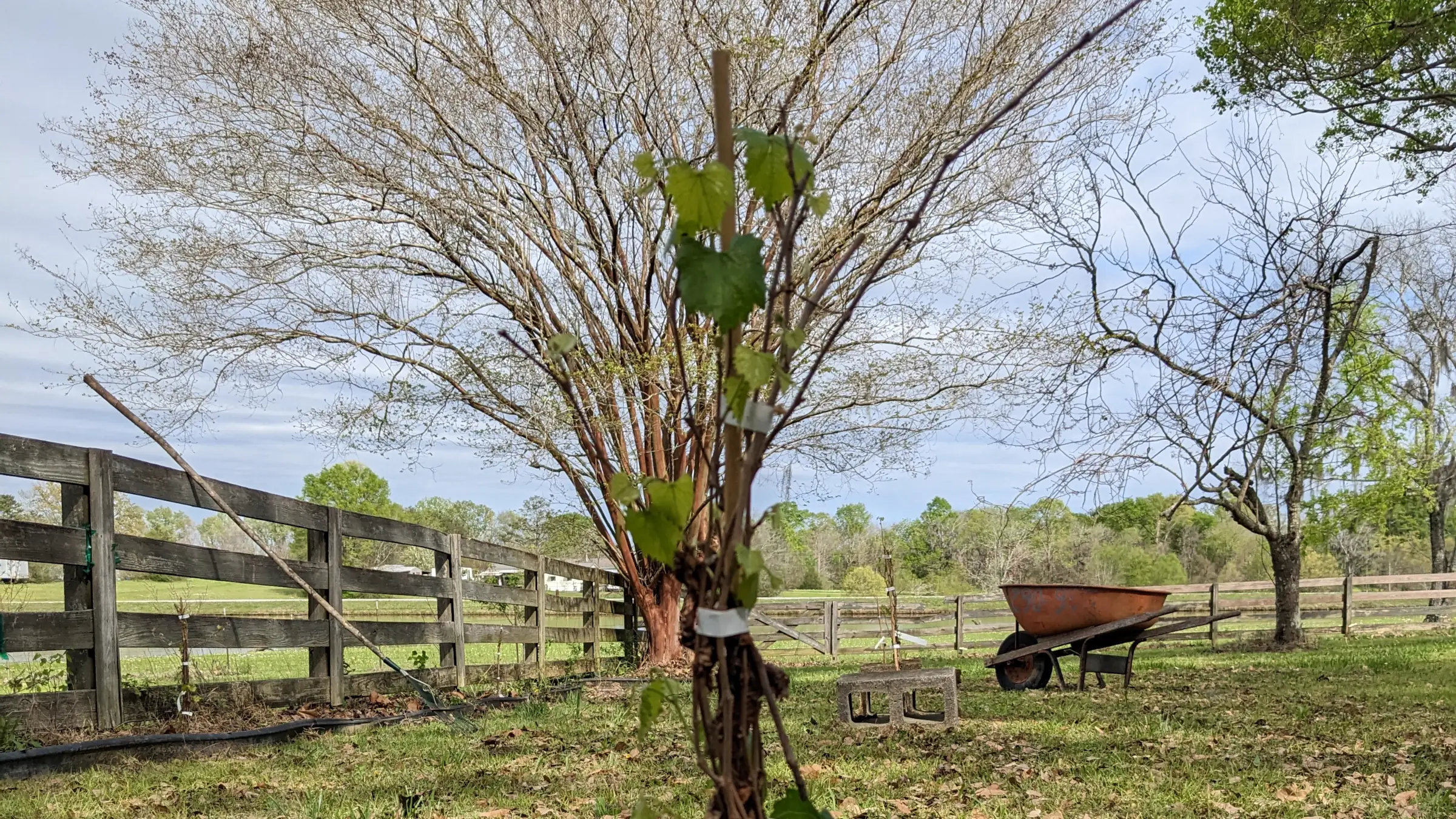
This year, I didn’t manage to get everything from the top of my list, but I got plenty. For fruit trees, I planted two apples, two cherries, and three persimmons. I added six blackberry bushes. And, after failing over and over to find some, my dad called to let me know he’d located one of plants I had wanted most: muscadines.
Since that first weekend out in the sunshine, I have made it a point to find more outdoor projects. At least for now, I’m feeling pretty balanced.
Well, truth be told, I’m a bit tired today. I hand-cleared out an old garden bed. So, I’ve got a few aches, scratches, and nicks, but I’m certain I’ll get a good night’s sleep. Today was a good day.
Maybe in another 20 years, I’ll be able to tell you all about being a farmer. We’ll see what the future holds.
]]>So, today was my third New Year’s Day in my newish home…
However, it was my first time celebrating by having a dinner of peas and greens. I’ve had the traditional black-eyed peas simmering away in the slow cooker all day along with some ham, onions, and jalapenos. I don’t eat cooked greens, so I opted for a plate of spring greens I had on hand, topped with a Thousand Island dressing that I whipped up. Yeah, I know, that it’s almost sacrilege to avoid cooked greens in the U.S. South—please don’t revoke my Southern card.
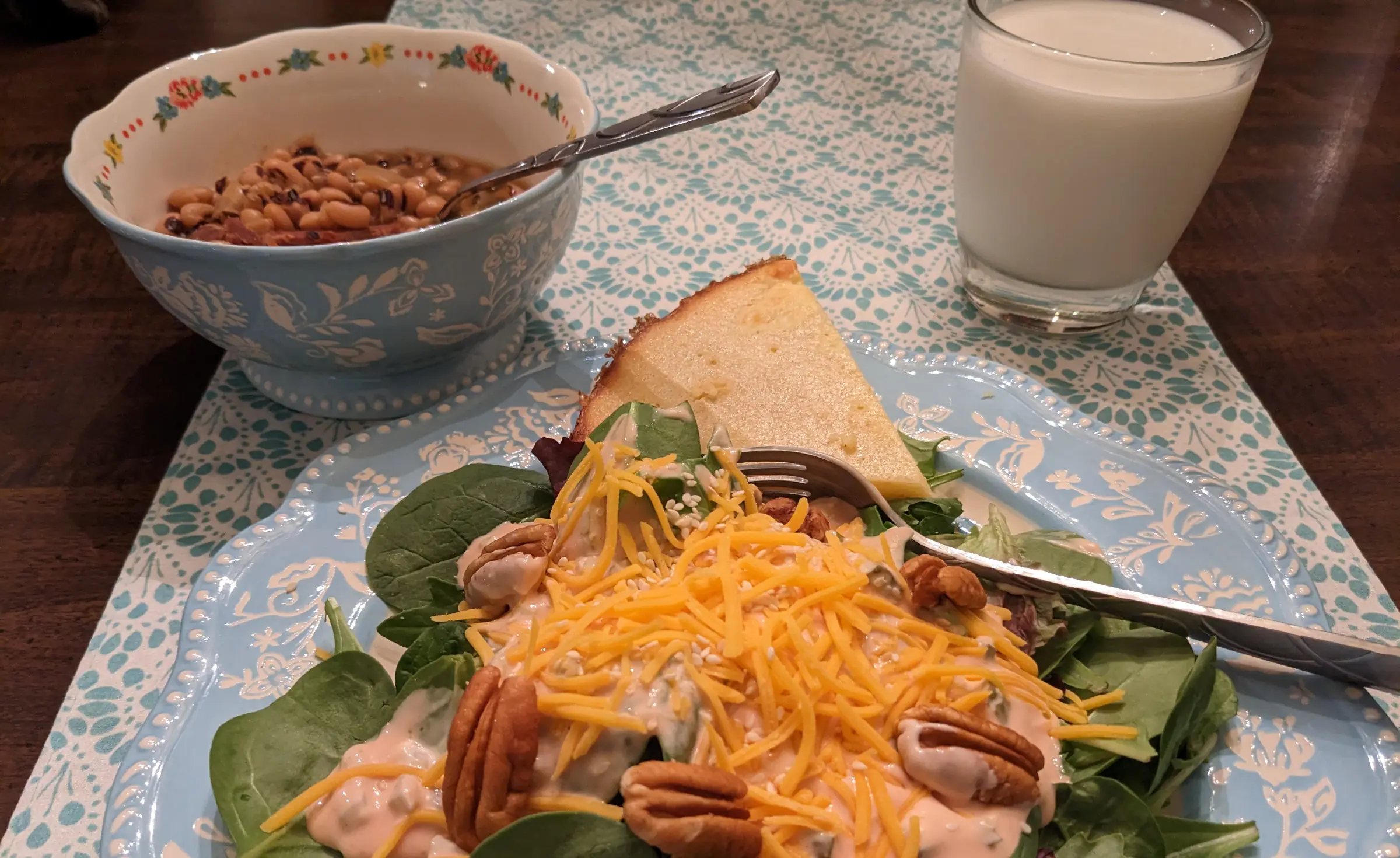
It felt good to cross a milestone on the first day of the year: my first time cooking and eating black-eyed peas and greens on New Year’s Day in my newish home.
That should help me get off on the right foot for the rest of the year. I fully expect it to be a big one. Life has been treating me reasonably well lately, and I look forward to seeing what it has in store for the next 364 days and beyond.
Whatever it may be, at least I’ve knocked one milestone off the list.
Over the past couple of weeks, I’ve been playing a lot with spreadsheets. Yes, spreadsheets. Exciting stuff, right?
For the past three years, I’ve been using YNAB (You Need a Budget) to handle my monthly budget. It is at least in my top three favorite pieces of software of all time, but it is not ideal for looking at a “bigger picture” view of an entire upcoming year. I wanted to dive into the finer details of 2023’s annual budget, and the best way to do that was to create a spreadsheet. So, I spent a weekend day before Christmas creating my first spreadsheet—somehow I skipped over every computer course in high school in college that taught this skill.
I had a lot of fun creating that first spreadsheet. Seriously. But, I tend to geek out on stuff like that anyway.
I was having so much fun that I created other spreadsheets for net worth tracking, future media purchases, and even my household pantry items.
I may have went a little overboard.
It all happened at an opportune time. As 2022 was winding down, I felt like I needed to reset a few areas of my life. It was a great year, but I also wanted to make sure that I was being the best version of me that I could be.
And that all starts with a plan.
Before I dive into that, let me just say that it’s kind of awesome being an adult sometimes. I can totally geek out on learning how to use spreadsheets for the first time and not worry about whether it’s “cool.” A part of me is glad I didn’t learn how to do this in high school.
2023 Plans and Goals
I honestly don’t know if I’ll hit any of the following or even come close, but I like to kick off every year with some semblance of a plan. There are certainly some things that I’m more dedicated to than others. But, I’ll check back in with you at the end of the year and let you know how it all went.
Personal Finance
In 2022, I started blogging about my journey toward financial independence. I plan to do more of that in 2023. I don’t have any set number of posts or any plans more specific than that. There are two things I want to accomplish with this:
- Document my journey so that I can look back on it from some mountain cabin (or something like that) during my early retirement and remember the hustle.
- Teach others what I have learned.
Last year, I primarily focused on paying down debt (other than my mortgage) and building a solid emergency fund. This year, I will focus on beefing up my investments so that my money can continue growing.
The biggest potential hiccup in this plan will be student loans. If the current administration’s debt forgiveness stands, I will have the remainder of mine wiped clean. If not, I’ll need to refocus on paying those off. We’ll see how that goes later in the year as it goes through the U.S. Supreme Court.
Regardless of the outcome, I’ll continue heavily investing into retirement and maxing out my 401K and Roth IRA for the year. My stretch goal is to invest 30%+ of my net income into my individual investment account.
My plans rely on being super strict with my budget. I’ve left plenty of room in there for fun stuff. I’m certainly not cutting anything out of my entertainment budget category. But, it will mean that I need to continue being disciplined and not make spur-of-the-moment, off-budget purchases.
The long-term goal is to retire in 12 years. When I say “retire” I’m really talking about being financially independent. I doubt I’ll ever stop working or creating things.
However, I want the freedom to walk away on my own terms and in my own time.
Food Forest / Gardening
There’s nothing too surprising here. This year, I will continue planting new fruit and nut trees. I have not decided what to plant in 2023, but I have already set aside a specific dollar amount in the budget to continue funding this project. This should be the easiest goal to hit.
Over the past couple of years, I’ve added peaches, plums, and pecans to go along with the existing pear and fig trees. There are a few plants I know I want to establish at some point:
- Pawpaw
- American Persimmon
- Apple
- Muscadine
- Pecan (different variety)
Some of what I plant my simply depend on what is available locally. Pawpaws are native to the area, but it’s tough to find them for sale. Persimmons tend to be hit or miss at nurseries, and I passed on a chance to get a couple last year because it would’ve put me over my budget. Longer term, I want to continue researching native plants to the area and integrate them more fully into my young food forest.
I don’t have major plans for a veggie garden this year. I may change my mind in a couple of months, depending on my mood at the time.
Creation
Typically, I make a promise to myself to write a novel for the year’s goal. I’m not going to do that this year. Instead, I am promising myself that I’ll just let myself be creative in whatever way that I’m feeling in the moment. I don’t want to shackle myself down with a specific plan.
Maybe I’ll write a book this year. Perhaps I’ll put brush to canvas and create dozens of paintings. Or, build out an entire D&D diorama of some world that only exists in my mind.
I’m not sure how to define that as a “goal,” per se. I suppose I’ll only know that I’ve crossed it off the list if I feel like I’ve been true to myself by this time next year.
Reading
I. Will. Dedicate. More. Time. To. Reading. This. Year.
I am now in my fifth year of reading something from a book every day, I didn’t feel like I set enough time aside in 2022 for just lying back and consuming books. This year, I will do better.
So, I’ll be setting my Goodreads yearly reading challenge to 24 books (2 books per month) once again. And, I will absolutely hit this goal in 2023.
]]>OK, well, if I’m being honest, today is Day 10 of a 12-day vacation, and I’ve mostly been taking it easy for the last week and a half. This is the longest vacation I’ve had since the summer break between graduating high school and my first semester of college. I believe I had a month off before I finally landed a late-summer job. That was 20 years ago.
I think it’s safe to say that I needed a bit of time away from work to clear my head. I’m fortunate to work for a company that has provided me with this type of break.
I haven’t just been sitting around and watching TV the entire time. I finally finished putting new shelf-liners in the top cabinets in my kitchen, which was getting dangerously close to becoming a two-year project. I also did some reorganizing of the space and a little cleaning.
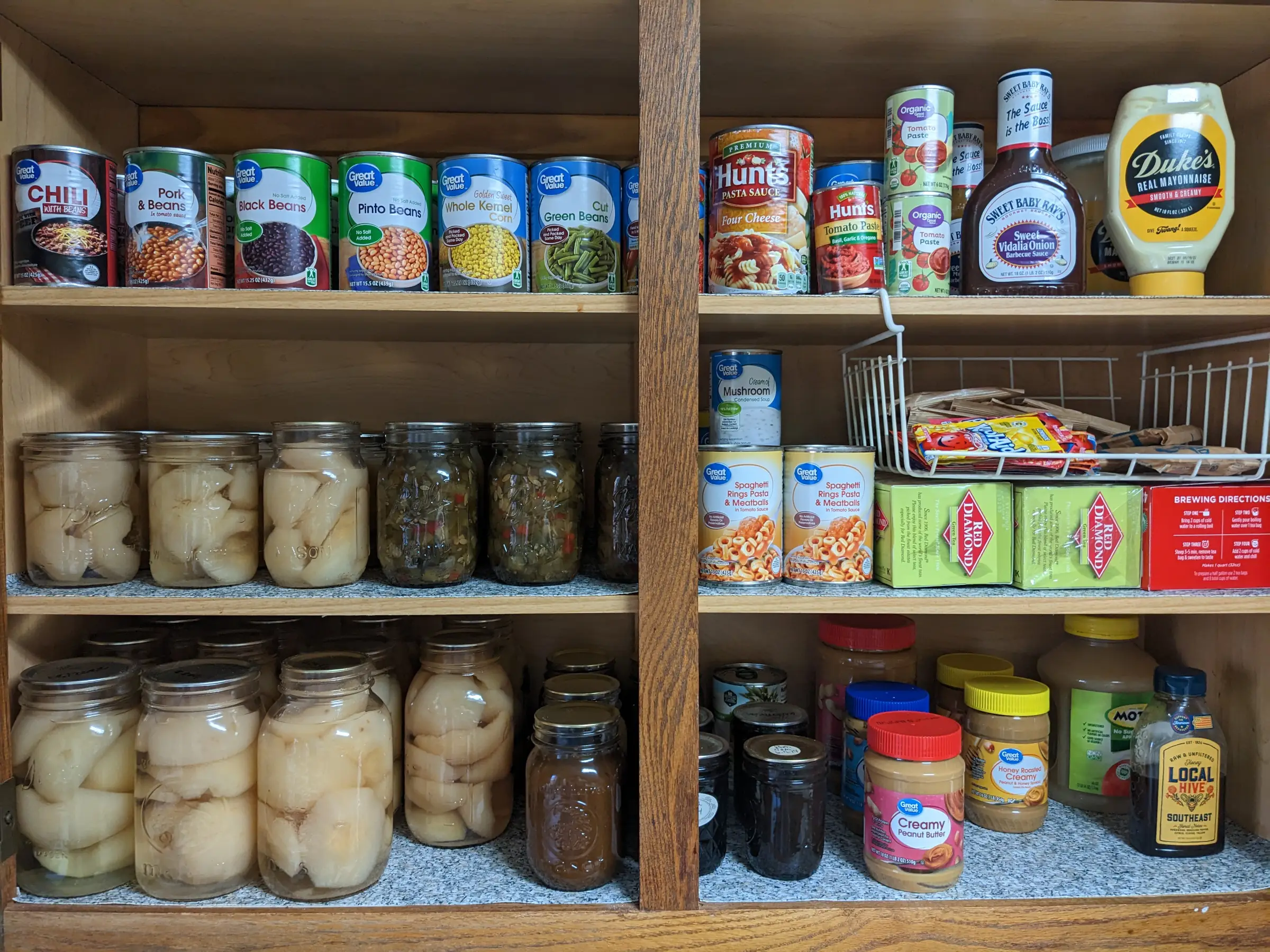
Of course, I made sure to enjoy a few holiday dinners. This was the second year that I’ve hosted a Christmas gathering at my house. It was a lot of fun, and it seems that Christmas tacos are quickly becoming a tradition for that event.
I’ve always wanted to have a big Christmas dinner every year and really enjoy the holiday. I’m thankful that I’ve been able to do this for two years now. Plus, I managed to find a 6-8 person dining table for $150 this year at an estate sale. So, I got to break out the “good plates” and have everyone around the dinner table instead of scattered about on couches.
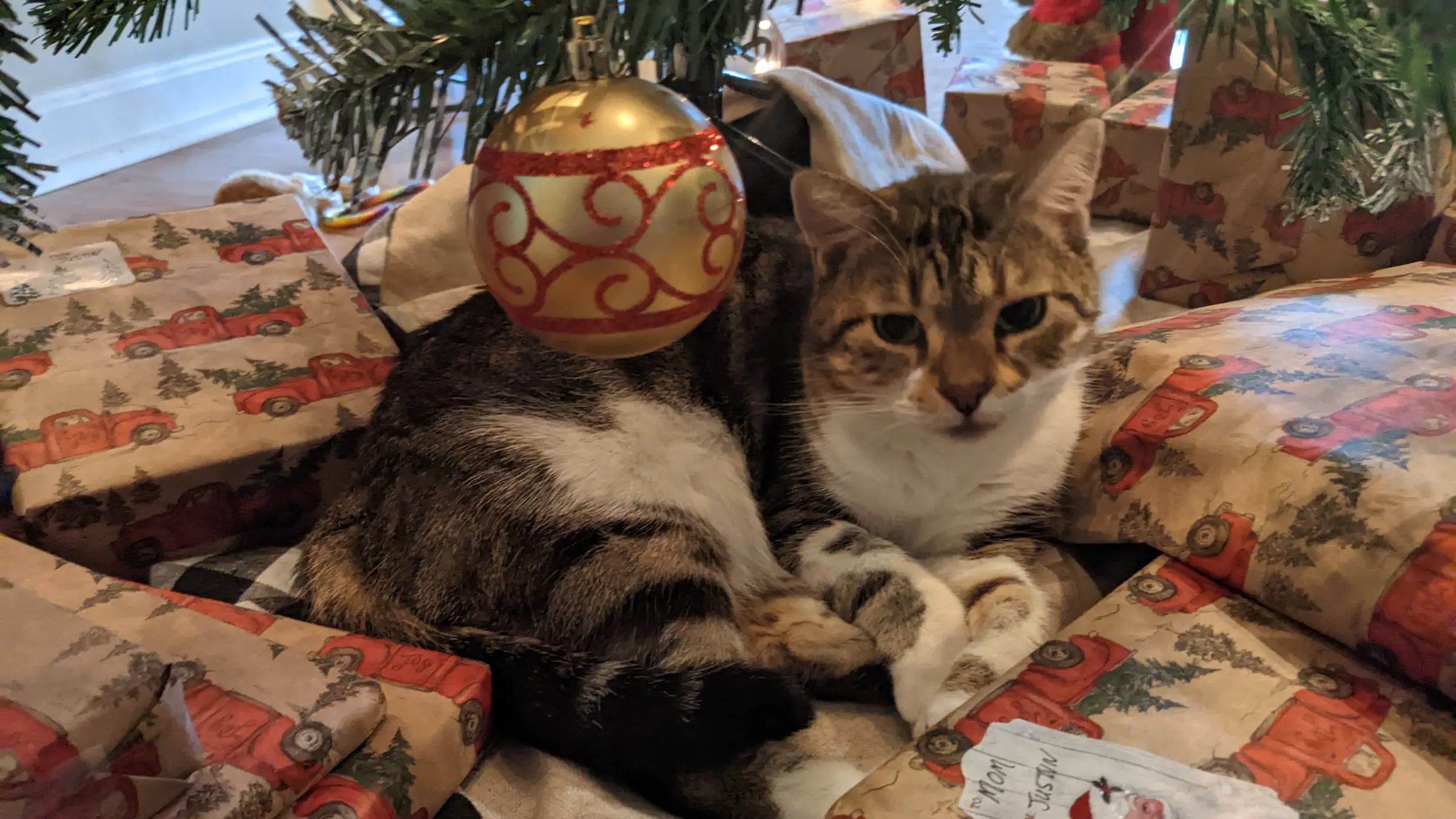
Mostly, I’ve used the past week or so to reflect on some big changes in my life. I also used it as an opportunity to hit the reset button in some areas.
Going into my vacation, I had a few projects planned, but I didn’t get around to most of them. And, I believe that was a good thing. I needed to learn to simply let myself just be for just a little while. I tend to find work even when I’m not actually working (like reorganizing the kitchen). Taking some actual relaxation time was an activity that I needed to reacquaint myself with. I still don’t think I’m particularly great at doing that, but it’s a process. It’s certainly the most I’ve relaxed in a long, long time. So, that’s got to count for something.
Changes in 2022
There were a couple of major changes in my life this year, so let’s just dive right into them.
In May, I took a new job as a developer relations advocate with Automattic. I enjoyed my previous job with WP Tavern as a full-time writer, but I also wanted to be more involved with the development side of WordPress. Through a series of unexpected events and talks, I landed on an awesome team that gets to work directly on the WordPress project and help community developers. How cool is that?
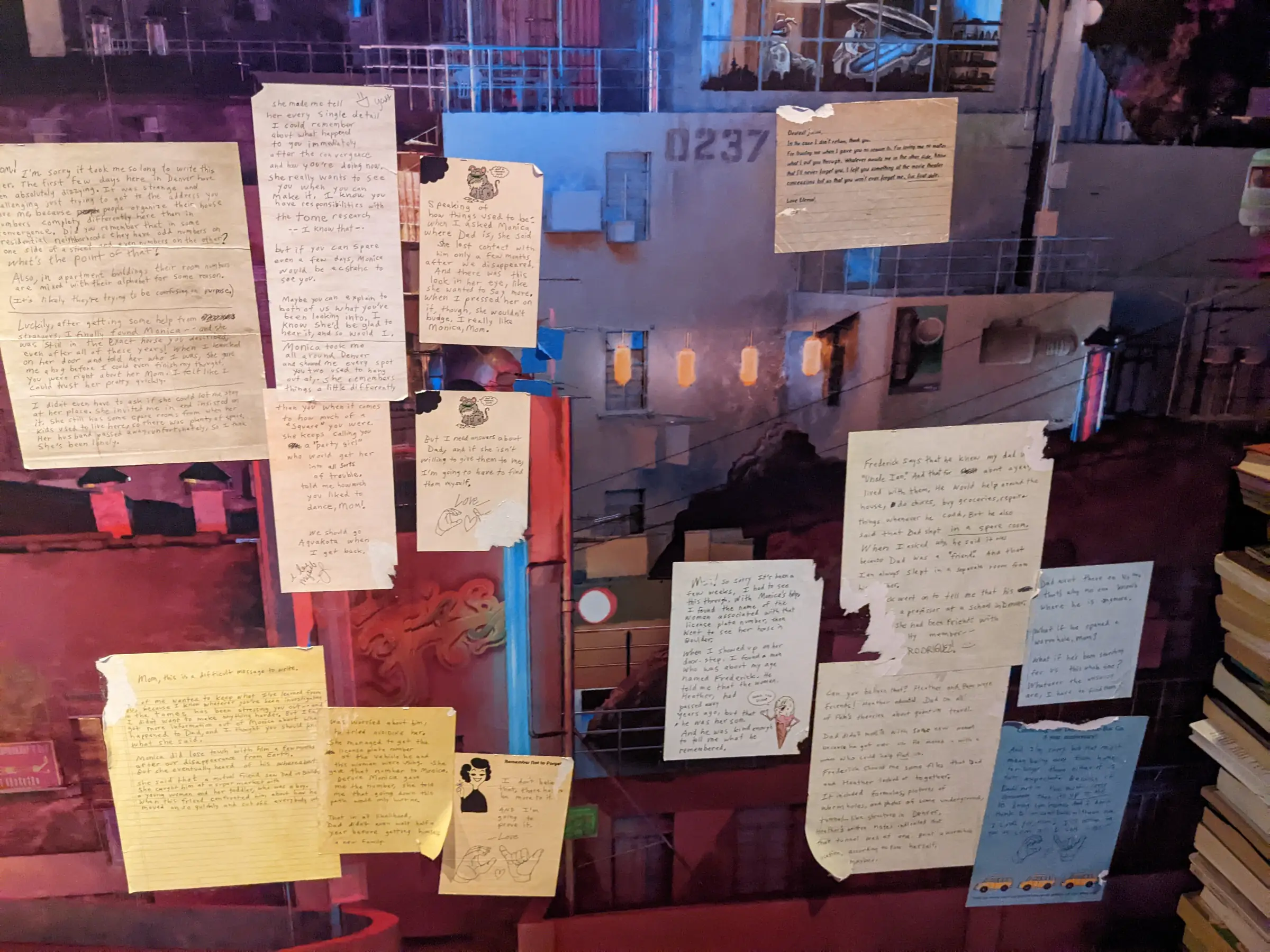
The company held our division meetup in Denver, Colorado this year, which included a trip to Meow Wolf:
I also rededicated myself to my journey toward financial independence and even started blogging about it. Over the previous two or three years, I had done “well enough” with personal finance, but also needed to do a major reset and refocus my efforts. I didn’t take long before I had my car paid off and became a first-time hundred thousandaire. Since then, I’ve built a healthy emergency fund while also paying for ear surgery on one of my cats without any worries.
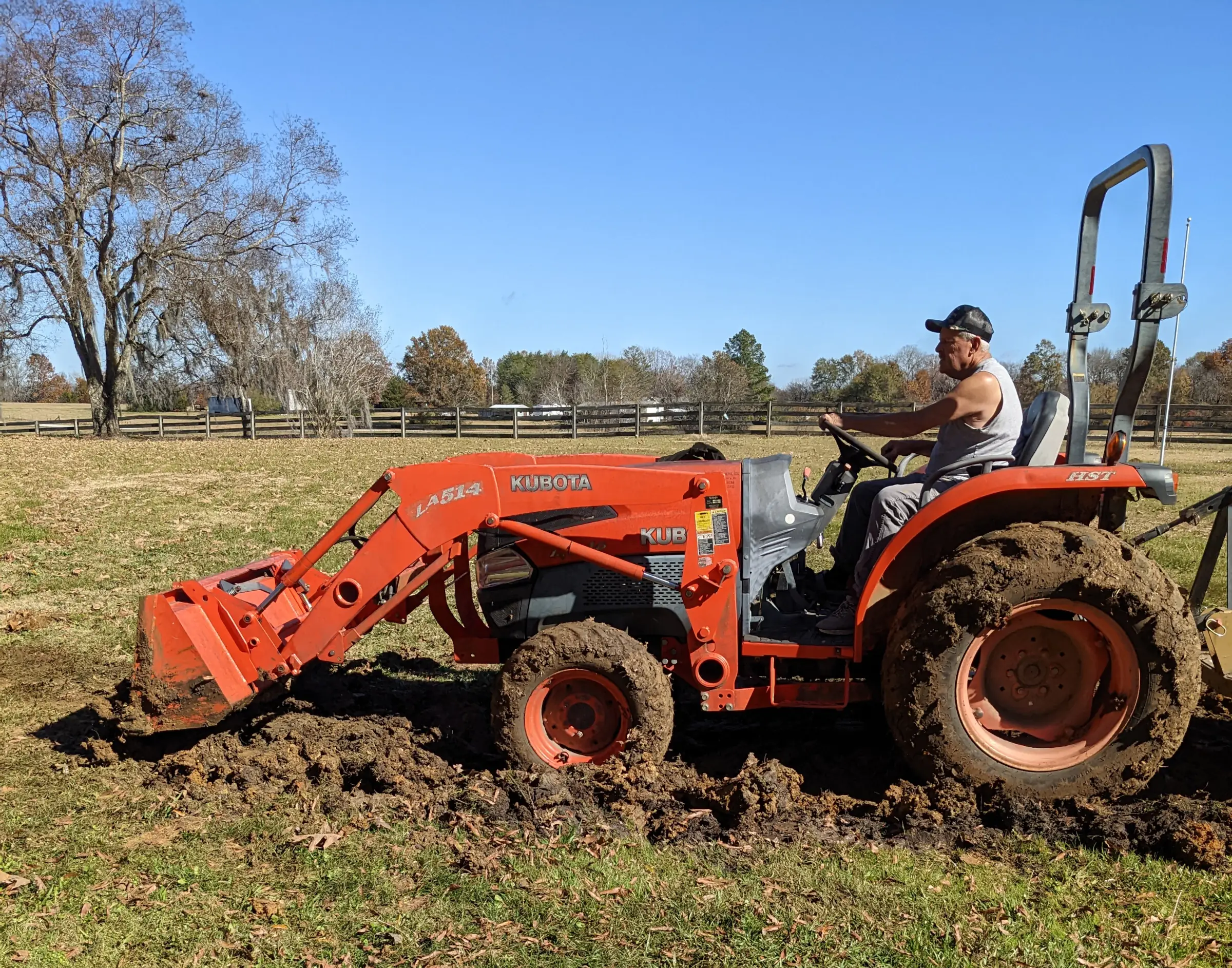
I also learned how to fix a leaky pipe in the yard over my Thanksgiving break. Fortunately, my dad brought over his tractor and did most of the digging:
Hitting/Missing 2022 Goals
As always, I try to give myself a few goals to hit for the year. 2022 was no different. I rarely manage to check each item off the list, and priorities often change throughout the year. But, I still enjoy the pursuit.
Gardening / Food Forest
I didn’t have much of a garden this year other than a few tomato plants, some peppers next to my driveway, and basil sitting in a pot next to the kitchen door. But, the veggie garden wasn’t a primary goal this year.
Instead, I wanted to continue focusing on the foundations of a food forest. I had three new items I wanted to add:
- 2 peach trees
- 4 plum trees
- Muscadine vines
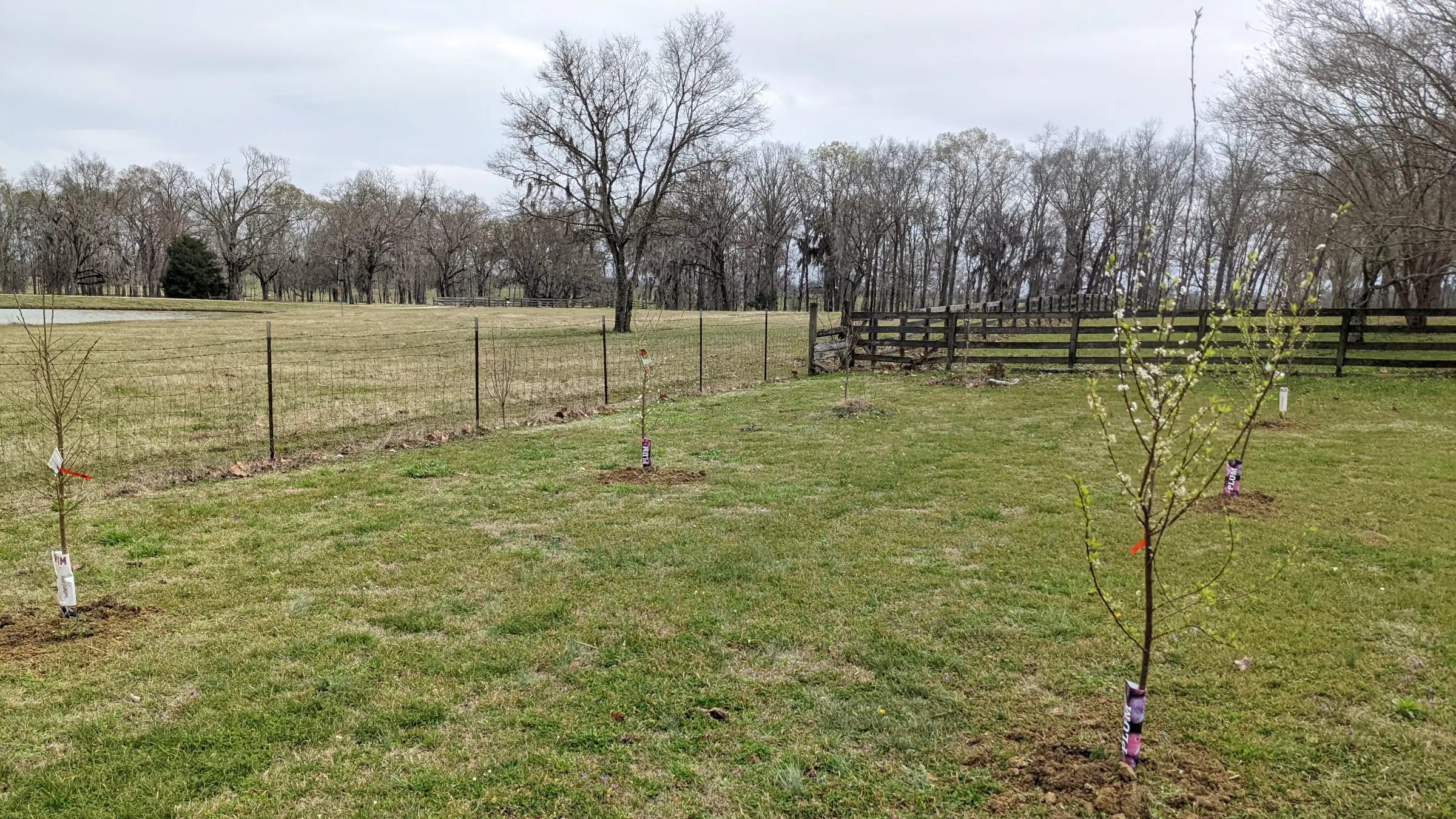
While I planted the trees, I didn’t get the muscadines in. In part, this was because I had tried planting some cuttings from my dad’s grapes instead. However, those did not make it.
I would still call this a win, though. I now have one pear, two fig, four peach, and four plum trees, which should make fruit for years to come. I also managed to snag a couple of pecan trees at a cheap price and get them established. I still have a long way to go, but the food forest is coming along.
Writing
My goal for 2022 was to finish a complete first draft of a novel manuscript. I didn’t quite get that far.
However, I did eek out 50,000 words for my third NaNoWriMo win. I also did that while on a work trip for one of the weeks in November.
While I technically failed when judging against the exact goal, I now have more writing experience under my belt. The pursuit is what matters. I know that I just need to keep plugging away at it and I’ll eventually have something that might be worthy of publishing.
Reading
On December 3, I hit my four-year reading anniversary. This is a lifelong challenge that I have given myself to read every day. I have not wavered a bit on this goal. It’s simply become a habit at this point.
However, I did fall short of reading 24 books on my Goodreads challenge this year. While I managed to read every day, my reading time was a bit more erratic than in the past. I need to carve out some dedicated time each day going forward.
]]>
The sea called to her. It was but a whisper, the waves receding before their next peak, a song that continued, rising and falling, rising and falling. Her people had danced to it since the dawn of time. They had only forgotten in recent memory. But it was still a part of her soul. She could feel the rhythm of her ancestors guiding her, forcing her feet to move with the steady beat of the waves and the melody of the rushing wind.
She and her ancestors continued this dance as she let her hand fall. She no longer needed the tunnel’s walls to find her way. She closed her eyes and stopped fighting the distant wind and waves. She just was. Mustering all of the strength of her people, she let the call of the sea guide her.
I am not going to lie and say this was the easiest National Novel Writing Month I’ve bested. I contemplated throwing in the towel multiple times this year. There were days when I felt like I had nothing left to give. There were moments when I questioned this project altogether and whether I truly had what it takes to be a novelist.
I suppose that there has never been a writer in history who didn’t struggle with those same thoughts. Self-doubt is a well-known personality trait of folks who decide to put pen to paper and tell stories.
November began in the third week of coddling Oreo, one of my cats who had surgery on his ear. He was—without any doubt whatsoever—the toughest pet I’ve ever had go through something similar. But, at least he got his stitches removed at the end of Week 1 of this year’s challenge.
I had a company meetup in Denver during the second week of the month. That event alone should have told me that it was not the best time to be writing a novel.
I came down with an irritating cold during the third week.
And, of course, Thanksgiving is always a challenge in the home stretch. But, the universe or the powers that be or whatever decided to have a little fun at my expense during what should have been a nice five-day staycation. They gifted me an underground water leak in the front yard. Fortunately, it only cost me a few dollars in material to fix, and my dad did most of the digging with his tractor. But, it was exhausting work.
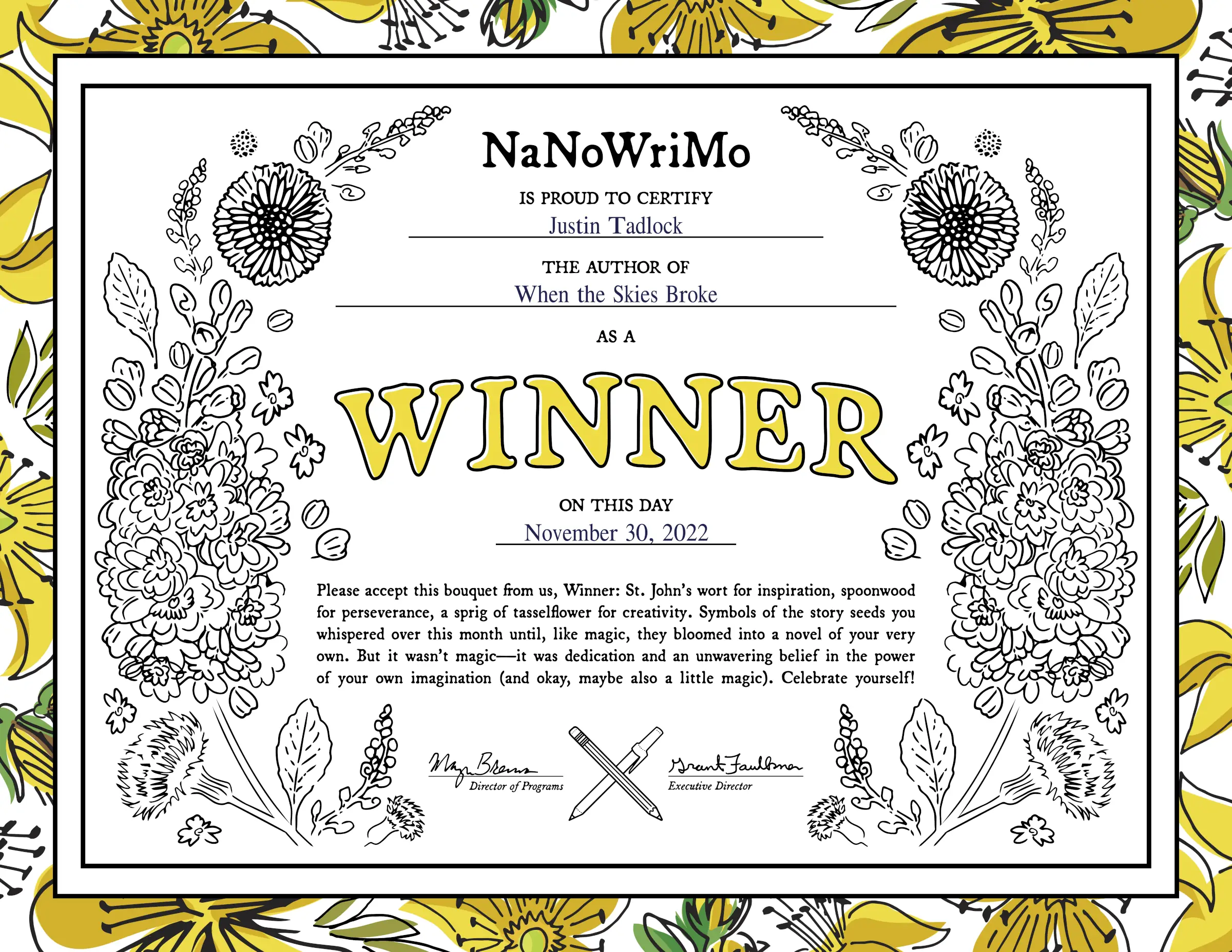
Through all of that, I still managed to write 50K words through the month of November and capture my third NaNoWriMo win.
It was a slow crawl over the finish line. My total for this year’s challenge was 50,023 words, which I hit just a couple of hours before the deadline.
I should feel a bit more triumphant about the win, but a small part of me is simply glad that it’s over. My heart has not really been in it over the last week. The water leak was the thing that finally broke me down both mentally and physically. I know that I should be super proud of the accomplishment, but it has been hard to muster as much as excitement as I’ve had for past wins.
Maybe I simply need a few days to rest and recharge.
As for the novel, I believe there is a story worth telling in there. I love how some of the characters have developed, particularly the young girl from the excerpt at the beginning of this post. I didn’t set out for her to be the primary character, but she has started becoming this strong young woman who has had to overcome impossible odds. I don’t know how her story ends, but I would like to find out. And, that’s half the fun of writing. I get to hear the story before anyone else does.
While I am not bouncing off the walls about “the win,” I am excited about the characters who have allowed me to come on this journey with them. There’s always a little something magical about hearing their stories for the first time. As long as I can still feel that magic, I guess I’ll just keep writing.
]]>
November 1, 2022. It is a day that I will always remember. My work paycheck cleared the bank. The mortgage and the first bills of the month wouldn’t be due for another day. I had finally cracked the $100K net worth mark.
At my age, it is not a particularly noteworthy number. I am far behind the point where I should be after faltering throughout most of my adult life.
However, it is an important number in the path to financial freedom. They always say the first $100K is the toughest.
The most surprising thing to me is more that I was able to achieve this goal in three years. I knew it was possible. I could see the numbers. I could do the math. But, the number seemed unattainable to someone who had never seen that much money throughout his entire life. Well, in reality, I have still never actually seen $100K. Of course, most of my assets are sitting in investment accounts and equity in my home, but I can still look at the numbers on the screen and take pride in my accomplishment.
As I wrote in Buying My Freedom in August, I half expected student loan cancellation to push me over the edge. However, that hasn’t happened yet—if it happens at all. I’m also happy to hit the goal on my own (I’ll still take that proposed $20K of debt forgiveness, though).
It only took getting serious about looking at my financial situation and sticking to a budget. I plan to continue writing about this journey and share the tips and tricks that I’ve learned. For the moment, I simply want to celebrate this small victory.
The next goal as I walk down this path is to have $1OOK invested into retirement. But, before then, I plan to continue beefing up savings.
Of course, on November 2, the mortgage came out, and the first-of-the-month bills began rolling out over the following days. I still hit the mark for that moment, and I’m sure I’ll be above it once again in a matter of days.
]]>