How To Register Custom Icons in WordPress 7.0

When my colleague, Ryan Welcher, told me that his work on the Icon block would be included in WordPress 7.0, I was ecstatic. We’d had many conversations about the direction of the block in the previous months. There was a lot of work that few people will ever realize to get it over the finish line and into a finished product, and even some other new developer features that resulted from that work.
The original code came from the Icon Block by Nick Diego, who was also formerly on our team. As Developer Advocates, our primary job is typically teaching others about WordPress features, not developing them. So this was a big win for our team.
Unfortunately, we were limited in what sub-features were allowed in WordPress 7.0. Namely, the ability to register custom icons. There’s a public registration API under development and is expected to ship with 7.1. It will likely be useful beyond just the Icon block.
I joked with Ryan a couple of months back that I’d figure out a way to register custom icons anyway. I didn’t think I’d seriously even attempt it. That is, until I had a need for it.
That’s what this tutorial is about. It will teach you how to register custom icons in WordPress 7.0 for use with the Icon block.
But I want to strongly urge you not to do this on production sites (Nick’s Icon Block plugin is still available for custom icons, or even the built-in HTML block). It’s more of a cool showcase of Reflection in PHP.
The Icon API
The Icons API is handled by the WP_Icons_Registry class in WordPress. If you look closely at the code, you’ll see that its register() method is currently protected, which means that it’s not a part of the public API, and is not normally accessible in PHP.
Let’s take a look at this method’s signature:
WP_Icons_Registry::register(string $icon_name, array $icon_properties): bool
There are two parameters that the method accepts:
-
$icon_name: The name/slug of the icon, which should be vendor-prefixed (e.g.,vendor-name/slug). -
$icon_properties: An array of properties:-
label: An internationalized, human-readable label for the icon. -
content: The SVG markup for the icon. -
filePath: A file path to the SVG markup for the icon.
-
Of course, either content or filePath must be defined to actually register the icon. I prefer the latter since I generally already ship icons as individual SVG files in my themes.
Again, this method is not a part of the public API, so you’re not supposed to be using it at all. This post is for educational purposes only, well…and because it’s fun to tinker.
Registering Custom Icons
To register custom icons, let’s walk through this one step at a time. It doesn’t require much code.
Bundling Icons in the Theme
First, you need to decide where to put your icons in your theme. For me, that’s in my theme’s public/media/svg folder, which is what the following code will use. Feel free to change that.
For A Boy in the Wild, a recent theme project, I needed to register a Sealed Key icon (and several other icons):
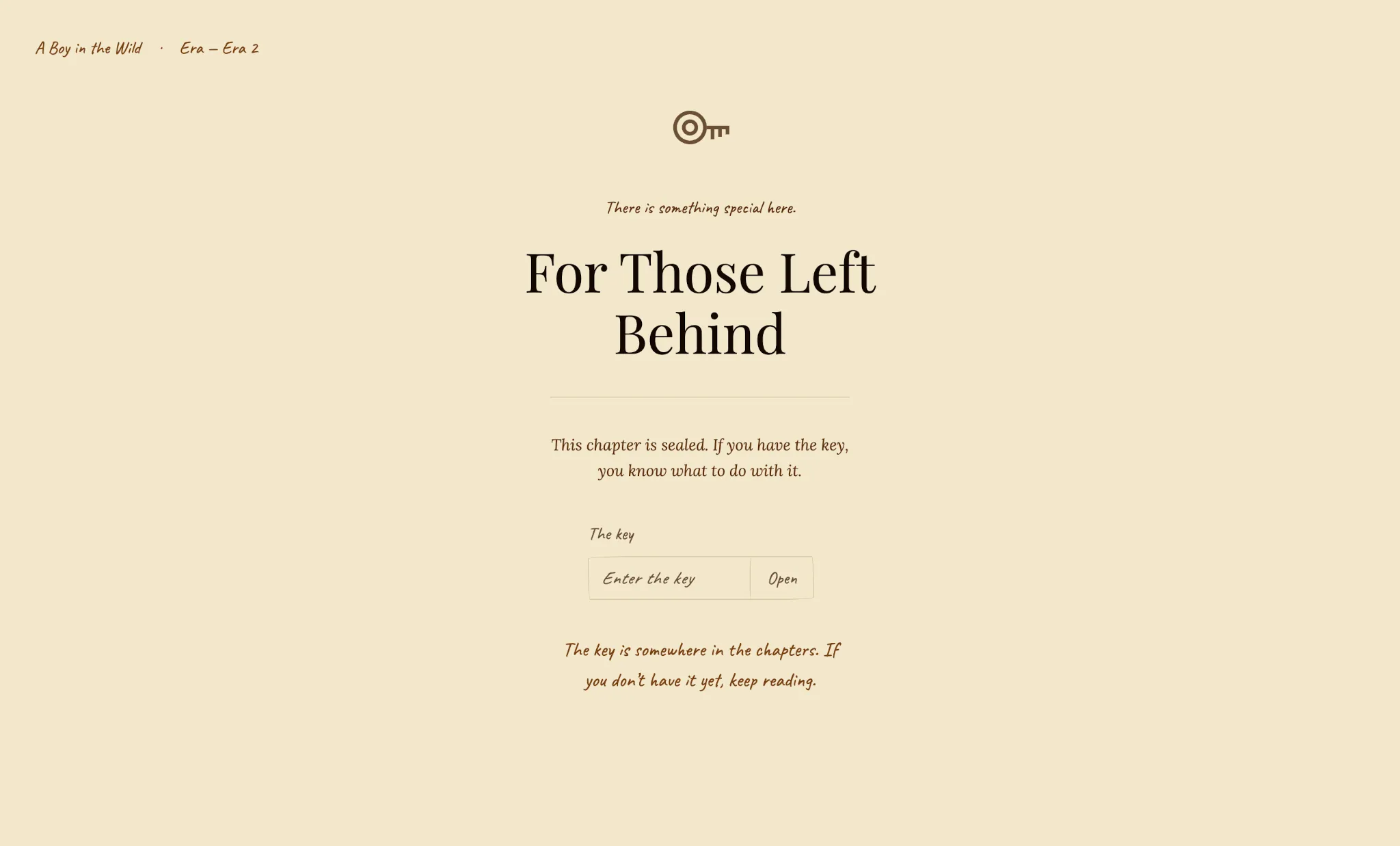
I saved it as public/media/svg/sealed-key.svg in my theme:
<svg xmlns="http://www.w3.org/2000/svg" viewBox="0 0 24 24" width="24" height="24" aria-hidden="true" focusable="false">
	<path fill="currentColor" fill-rule="evenodd" d="M 1.25,12 A 6.75,6.75 0 1,0 14.75,12 A 6.75,6.75 0 1,0 1.25,12 Z M 2.75,12 A 5.25,5.25 0 1,0 13.25,12 A 5.25,5.25 0 1,0 2.75,12 Z M 4.75,12 A 3.25,3.25 0 1,0 11.25,12 A 3.25,3.25 0 1,0 4.75,12 Z M 6.25,12 A 1.75,1.75 0 1,0 9.75,12 A 1.75,1.75 0 1,0 6.25,12 Z"/>
	<path fill="currentColor" d="M 14.75,11.25 L 23.75,11.25 L 23.75,12.75 L 14.75,12.75 Z M 16.25,11.25 L 17.75,11.25 L 17.75,16.75 L 16.25,16.75 Z M 19.25,11.25 L 20.75,11.25 L 20.75,15.75 L 19.25,15.75 Z M 22.25,11.25 L 23.75,11.25 L 23.75,14.75 L 22.25,14.75 Z"/>
</svg>
Of course, feel free to bundle as many icons as you’d like to use for your own project.
It’s worth noting that only the <svg>, <path>, and <polygon> tags are currently allowed by the icon sanitizer in WordPress 7.0. So things like <circle> will be stripped out. There is a ticket to expand allowed tags for future versions.
Icons Enum
For my project, it made sense to register a custom Icon enum (enumeration) to house my icons. This is because I’d need to reference their names/slugs throughout the theme, such as in patterns. And I didn’t want magic strings scattered throughout the codebase.
So let’s do the same here. Register your custom enum:
<?php

declare(strict_types=1);

namespace ThemeSlug\Icon;

/**
 * Enum of icons registered with and used throughout the theme.
 */
enum Icon: string
{
	/**
	 * Sealed Key case (add other cases as needed).
	 */
	case SEALED_KEY = 'theme-slug/sealed-key';

	/**
	 * Namespace prefix for all registered icon names.
	 */
	private const NAMESPACE = 'theme-slug';

	/**
	 * Path to the icons folder relative to the theme root.
	 */
	private const ICONS_PATH = 'public/media/svg';

	/**
	 * Returns the icon's translated label.
	 */
	public function label(): string
	{
		return match ($this) {
			self::SEALED_KEY => __('Sealed Key', 'theme-slug')
		};
	}

	/**
	 * Returns the icon's slug, derived from its value by stripping the
	 * namespace prefix.
	 */
	public function slug(): string
	{
		return substr($this->value, strlen(self::NAMESPACE . '/'));
	}

	/**
	 * Returns the absolute file path to the icon's SVG file.
	 */
	public function filePath(): string
	{
		return get_parent_theme_file_path(self::ICONS_PATH . '/' . $this->slug() . '.svg');
	}
}
This enum has a single case (SEALED_KEY) for our single icon. You can also see that it handles the internationalized label and file path if needed through custom methods.
Of course, if you’re just registering one or two custom icons, this may be overengineered. But if you build a larger collection, using the enum will make it much easier to manage in the long term.
Icon Registrar
Now let’s build a custom IconRegistrar class. This will take the cases from the Icon enum and register each:
<?php

declare(strict_types=1);

namespace ThemeSlug\Icon;

use ReflectionException;
use ReflectionMethod;
use WP_Icons_Registry;

final class IconRegistrar
{
	/**
	 * Bootstraps the class.
	 */
	public function boot(): void
	{
		add_action('init', $this->register(...));
	}

	/**
	 * Registers custom icons with the WordPress icon registry.
	 *
	 * @throws ReflectionException
	 */
	private function register(): void
	{
		$registry = WP_Icons_Registry::get_instance();

		try {
			$method = new ReflectionMethod($registry, 'register');
		} catch (ReflectionException) {
			return;
		}

		foreach (Icon::cases() as $icon) {
			$method->invoke($registry, $icon->value, [
				'label'    => $icon->label(),
				'filePath' => $icon->filePath()
			]);
		}
	}
}
This is where the PHP ReflectionMethod class comes in handy. Essentially, it lets you inspect and interact with a class method at runtime (even if it’s protected, as is the case with the WP_Icons_Registry::register() method). You can even get a copy of the class method and invoke it since reflection lets you bypass normal visibility rules, which is what this code is doing.
It also includes a try/catch just in case the protected API changes in the future (we wouldn’t want to break things).
You would call this in your theme via the boot() method. Feel free to hook this up to your system, whether it’s a DI container or something else. Or, just call directly in functions.php:
\ThemeSlug\Icon\IconRegistrar->boot();
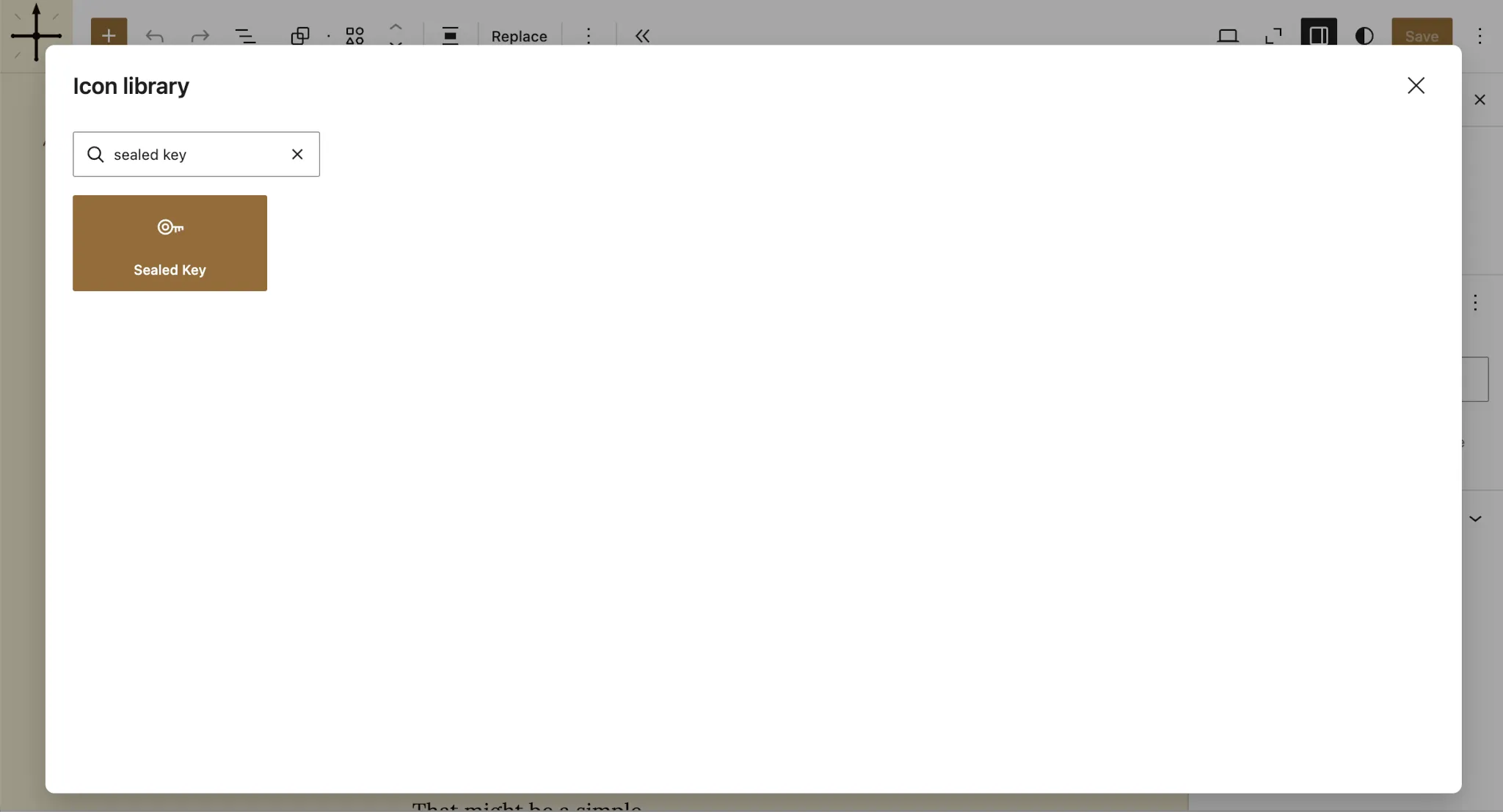
With this code in place, you should be able to insert an Icon block in your post and search for the Sealed Key icon:
You can also insert the icon in block patterns:
<?php
use ThemeSlug\Icon\Icon;
?>

<!-- wp:icon {"icon":"<?= Icon::SEALED_KEY->value; ?>"} /-->
Now have fun tinkering with custom icons in WordPress!
As I’ve said a few times already, I don’t recommend doing this in production. Use the Icon Block plugin for that instead. Reflection is just a neat little feature in PHP that I thought I’d share. Use this as a learning experience and wait for the public API to land in WordPress 7.1.🤞